

Mô tả
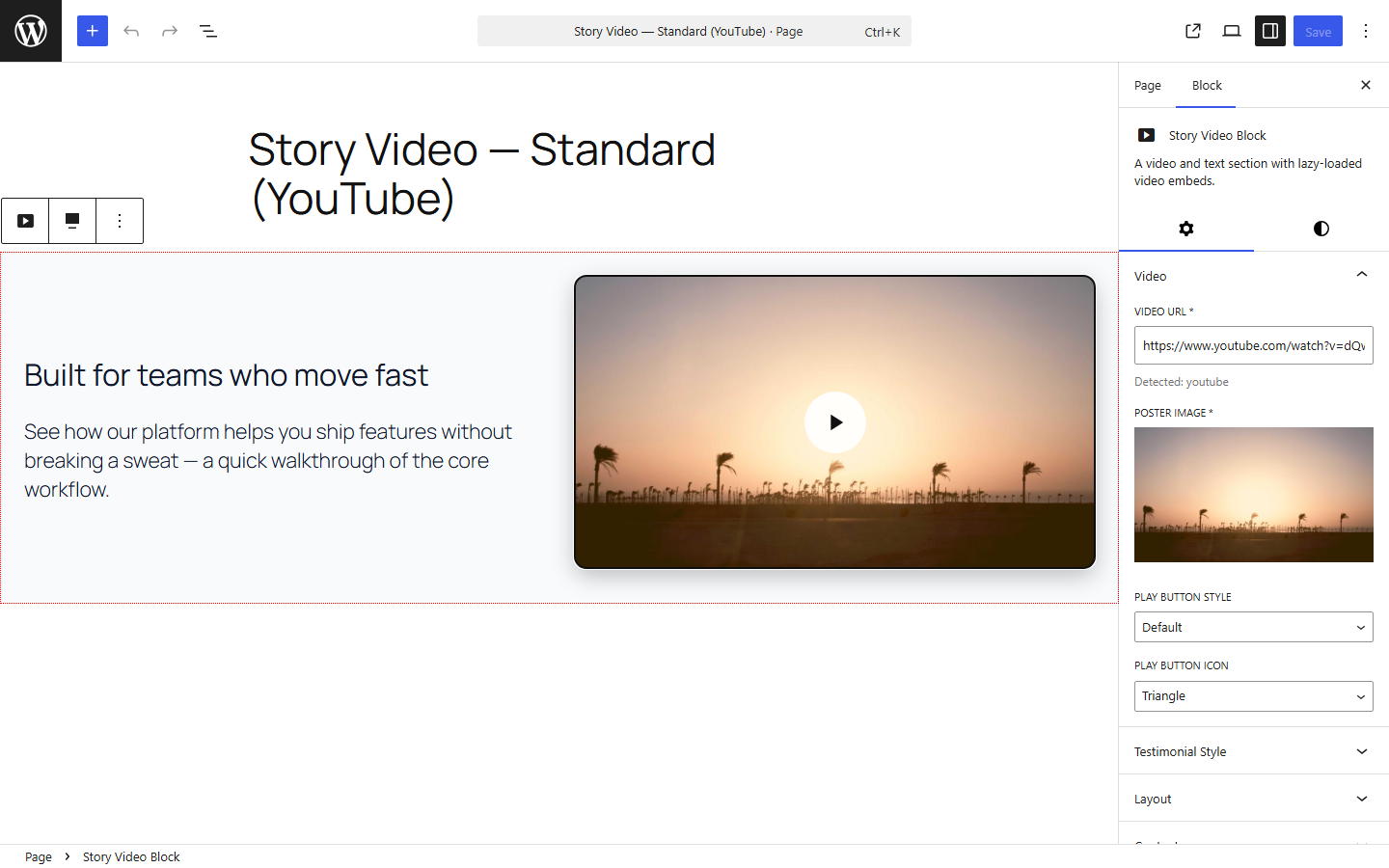
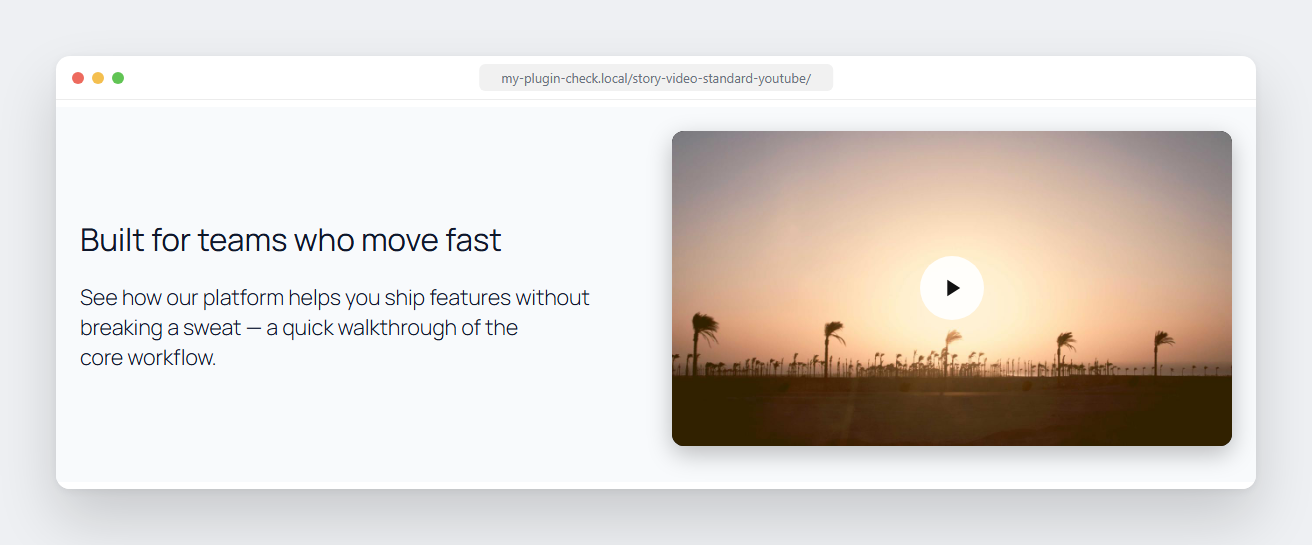
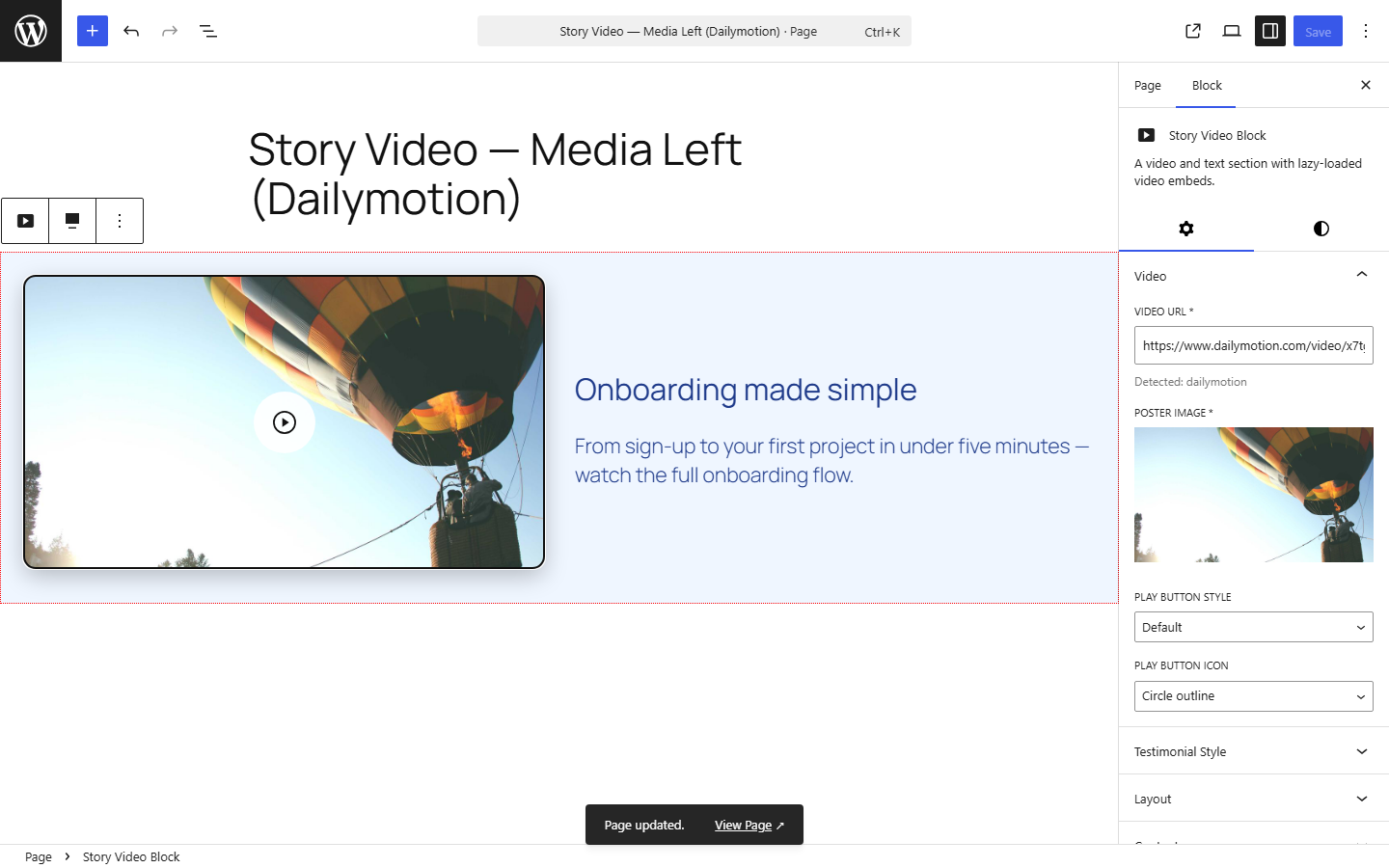
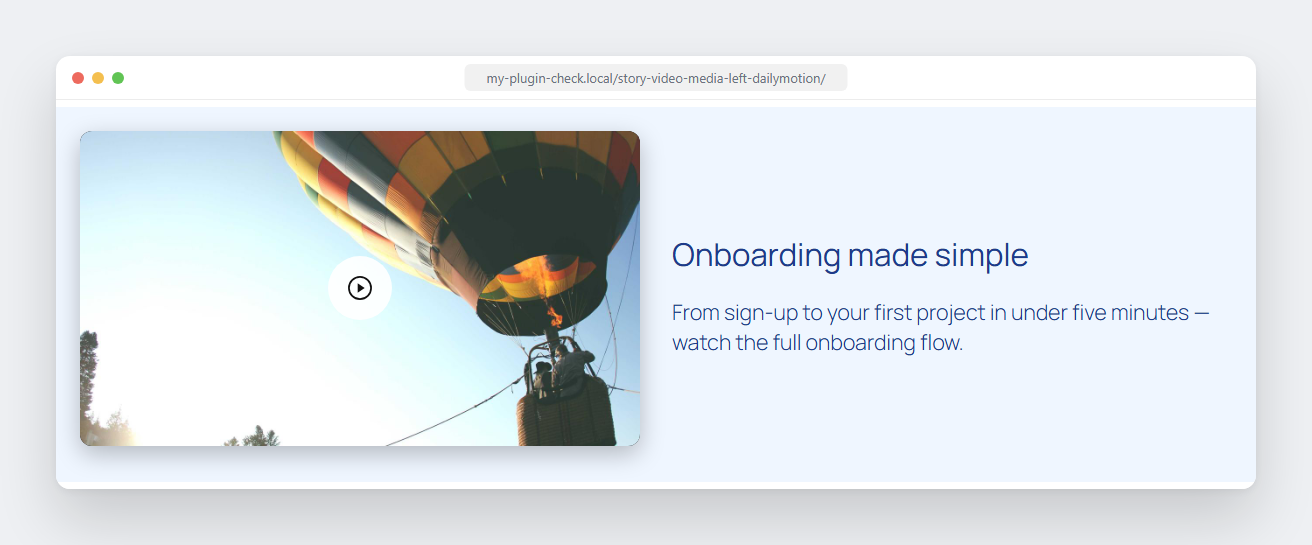
Story Video Block is a Gutenberg video block that pairs a video with a heading, description, and attribution — built for video testimonial and story-style page sections. Paste a YouTube, Vimeo, or other video URL, add a poster image, and the block handles a fast, click-to-play embed automatically.
Unlike most video blocks, nothing is shipped to visitors just to swap a poster image for a video player: the click-to-play interaction runs on WordPress’s native @wordpress/interactivity module — no React, no jQuery, no extra framework loaded on the front end.
Features
- One field, auto-detected — paste a URL from YouTube, Vimeo, Dailymotion, Facebook, Twitch, Wistia, Loom, TikTok, VideoPress, or a self-hosted
.mp4/.webm/.ogg/.movfile. The provider and video ID are detected automatically. - Poster image — auto-pulled from YouTube, Dailymotion, and Loom, or upload your own for any provider.
- Click-to-load playback — no video player loads until the visitor clicks play, keeping the page fast.
- No React, no jQuery on the front end — the click-to-play interaction runs on WordPress’s native
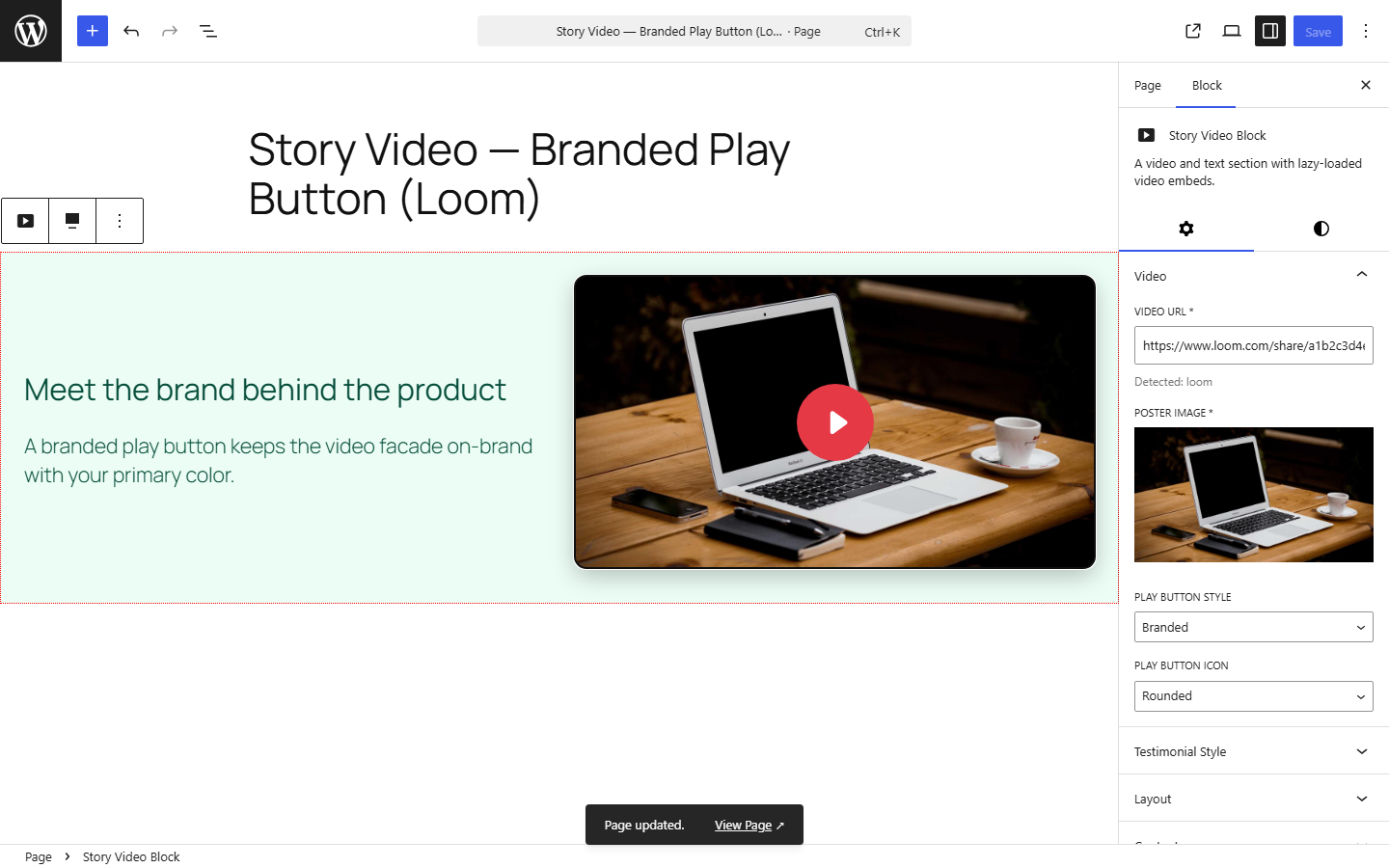
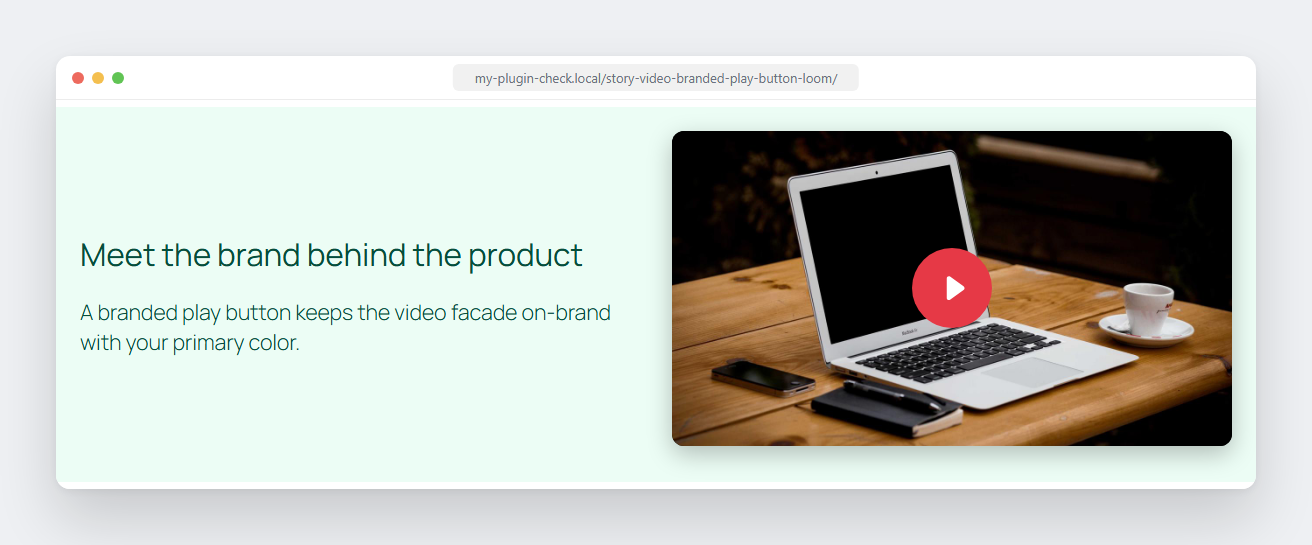
@wordpress/interactivitymodule (a script module, not a classic script), not a framework. Nothing is shipped to visitors just to swap a poster image for a video embed. - Configurable play button — 4 built-in icon shapes x 3 color styles, and extendable via WordPress filters if you want to bring your own icon library.
- Testimonial mode — swap the heading/description for a quote, author name, author title, and avatar.
- Media position — video on the left or right of the content.
- Card style — standard, or an “overlapping media” look where the video pokes out above/below the card.
- Background color control, plus CSS custom properties for everything else (padding, gap, radius, shadow, play-button colors, and more) so a theme can restyle the block without editing plugin files.
- Transcript upload — attach a PDF/Word/text file for accessibility; renders as a labeled download link.
- Developer filters —
story_video_block_css_varsandstory_video_block_contentlet a theme or must-use plugin adjust the block’s frontend CSS/markup fromfunctions.php. - Accessible by default — labeled controls,
aria-labels on interactive elements, decorative images marked as such, and visible “opens in a new tab” hints for screen readers.
Ảnh màn hình
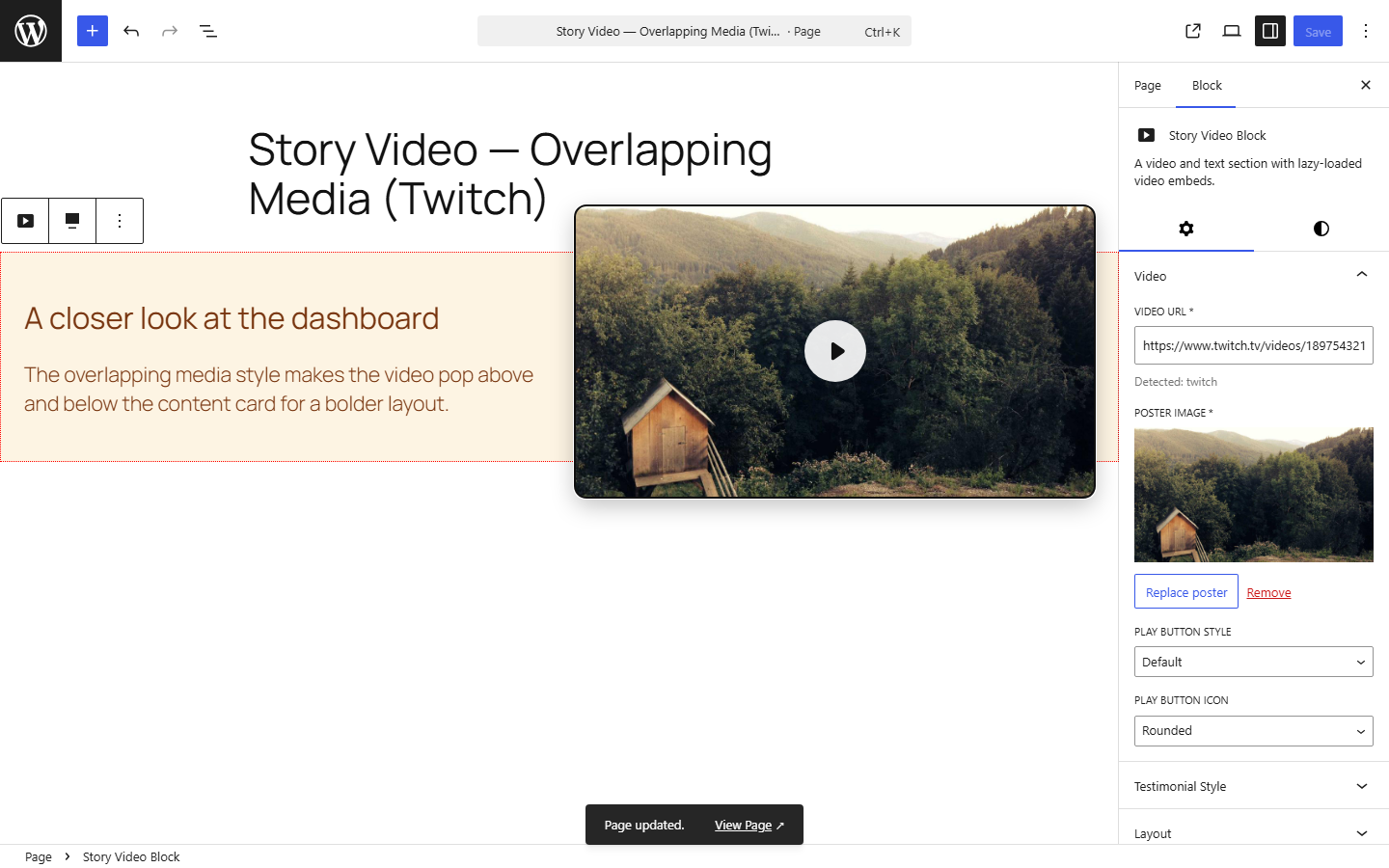
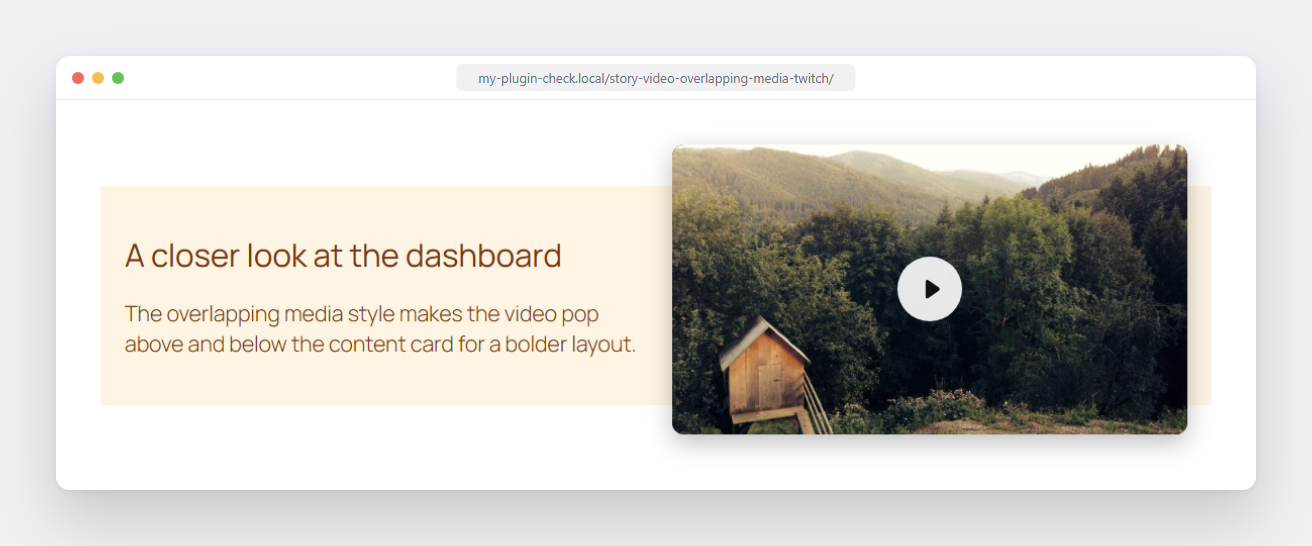
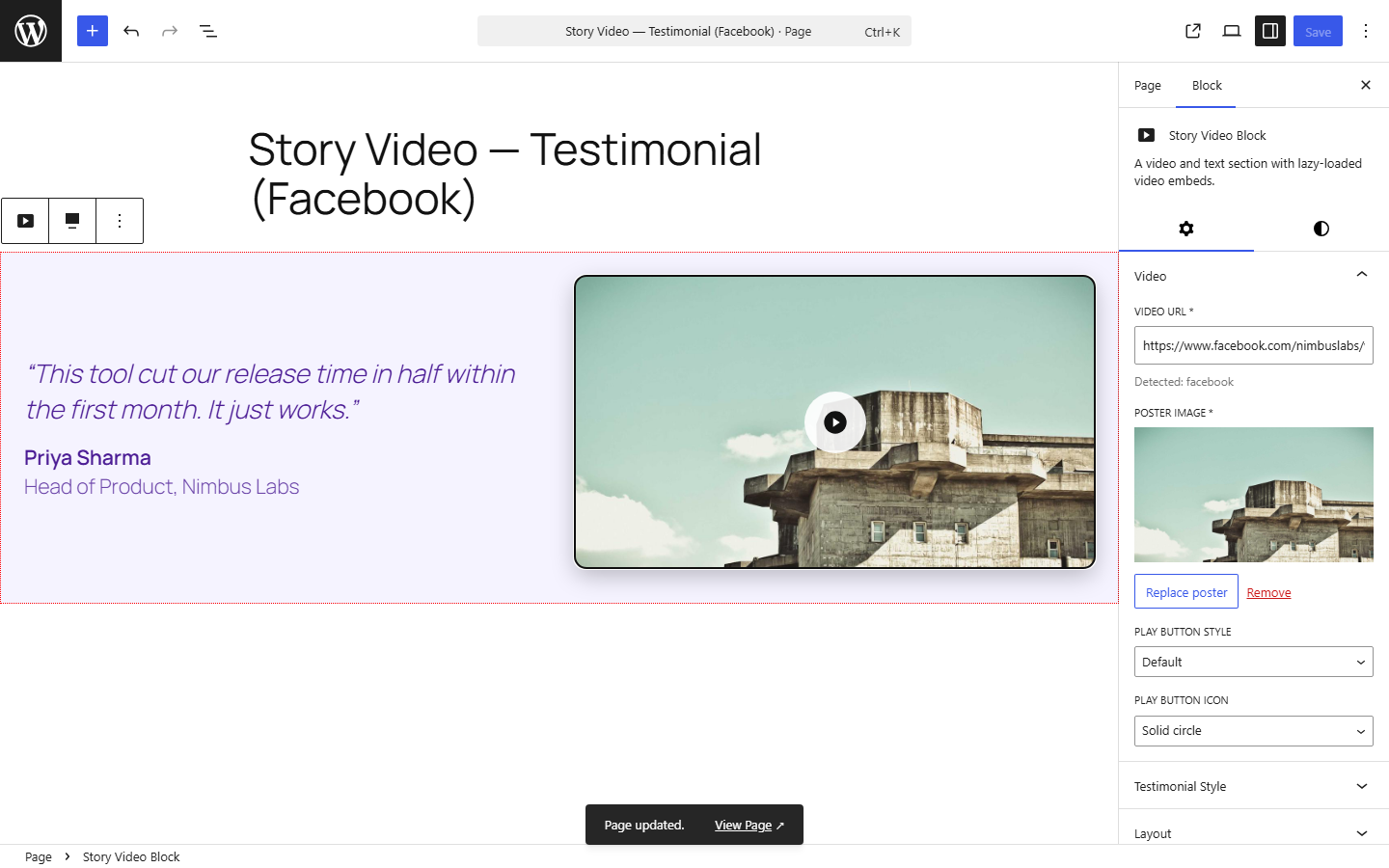
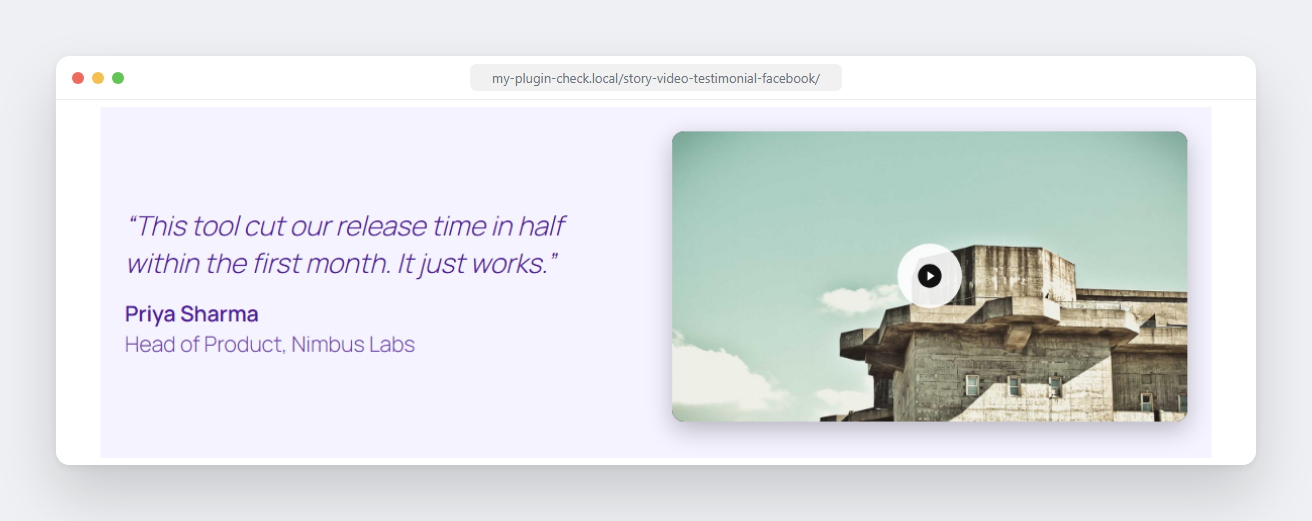
Khối
Plugin này cung cấp 1 khối.
- Story Video Block A video and text section with lazy-loaded video embeds.
Cài đặt
- Upload the plugin files to the
/wp-content/plugins/story-video-blockdirectory, or install the plugin through the WordPress plugins screen directly. - Activate the plugin through the ‘Plugins’ screen in WordPress.
- Add the “Story Video Block” block to any post or page and paste a video URL in the sidebar.
Hỏi đáp
-
Which video providers are supported?
-
YouTube, Vimeo, Dailymotion, Facebook, Twitch, Wistia, Loom, TikTok, VideoPress, and self-hosted video files (
.mp4,.webm,.ogg,.mov). -
Why does the block require a poster image?
-
The play button overlays a poster image so the real video embed isn’t loaded until a visitor actually presses play. For providers without an automatic thumbnail, you’ll need to upload one.
-
Can I change the block’s colors, fonts, or spacing without a child theme?
-
Yes. Every visual value is a CSS custom property. Add a filter in your theme’s
functions.php:add_filter( 'story_video_block_css_vars', function ( $vars ) { $vars['--story-video-block-bg'] = '#000'; $vars['--story-video-block-font-family'] = '"Poppins", sans-serif'; return $vars; }, 10, 3 );Every variable the block reads (with its default) — set any subset of these from the filter above:
Card
--story-video-block-bg(#21759b) — background color--story-video-block-color(#fff) — text color--story-video-block-font-family(inherit) — font--story-video-block-padding(24px) — card padding--story-video-block-gap(32px) — gap between media and content--story-video-block-media-overflow(80px) — how far media pokes out in the “overlapping media” card style--story-video-block-block-gap(40px) — extra spacing reserved above/below for that same overlap
Media (video/facade/poster)
--story-video-block-radius(12px) — corner rounding--story-video-block-shadow(0 8px 24px rgba(0,0,0,.25)) — drop shadow--story-video-block-media-margin-bottom(12px)--story-video-block-facade-bg(#000) — poster background before the image loads
Play button
--story-video-block-play-btn-size(64px),--story-video-block-play-btn-padding(18px),--story-video-block-play-btn-radius(50%),--story-video-block-play-btn-bg(rgba(255,255,255,.9)),--story-video-block-play-btn-color(#111) — default style--story-video-block-play-btn-minimal-size(56px),--story-video-block-play-btn-minimal-color(#fff),--story-video-block-play-btn-minimal-shadow— “minimal” style--story-video-block-play-btn-branded-size(80px),--story-video-block-play-btn-branded-padding(22px),--story-video-block-play-btn-branded-bg(#e63946),--story-video-block-play-btn-branded-color(#fff) — “branded” style
Testimonial quote & author
--story-video-block-quote-margin(0 0 16px),--story-video-block-quote-size(1.25em)--story-video-block-quote-mark-open(“),--story-video-block-quote-mark-close(”)--story-video-block-author-gap(12px),--story-video-block-avatar-size(48px)--story-video-block-author-name-weight(600),--story-video-block-author-title-opacity(0.8)
Anything not covered by a variable can still be styled with plain CSS targeting
.wp-block-create-block-story-video-blockfrom your theme, or via thestory_video_block_contentfilter for full markup control. -
Does this block track visitors or call any external service on page load?
-
No. Nothing loads until a visitor clicks play, at which point the browser requests the embed directly from the video provider (e.g. YouTube) the same way any embedded video would.
Đánh giá
Không có đánh giá nào cho plugin này.
Người đóng góp & Lập trình viên
“Story Video Block” là mã nguồn mở. Những người sau đã đóng góp vào plugin này.
Những người đóng góp
Dịch “Story Video Block” sang ngôn ngữ của bạn.
Muốn tham gia phát triển?
Duyệt code, check out SVN repository, hoặc theo dõi nhật ký phát triển qua RSS.
Nhật ký thay đổi
0.1.0
- Initial release.