
Mô tả
Welcome to the Simple Category Filter documentation.
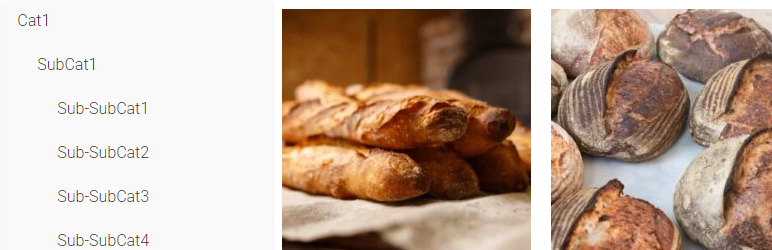
Simple Category Filter plugin can simply filter your woocommerce categories and products.
You can drag it to anywhere you want on Elementor editing page, it should be compatitble with any theme.
Tutorial
- On Elementro editing page, search “Simple Category Filter ” and drag it to anywhere you want.
- Go to wordpress admin panel -> Settings -> Simple Category Filter, you can configure the plugin.
Cài đặt
- Download the Simple Category Filter plugin ZIP file.
- Log in to your WordPress admin dashboard.
- Navigate to the “Plugins” menu on the left-hand side.
- Click on “Add New” at the top of the Plugins page.
- On the Add Plugins page, click the “Upload Plugin” button.
- Choose the downloaded ZIP file and click “Install Now.”
- Once the installation is complete, click “Activate Plugin.”
Đánh giá
Không có đánh giá nào cho plugin này.
Người đóng góp & Lập trình viên
“Simple Category Filter” là mã nguồn mở. Những người sau đã đóng góp vào plugin này.
Những người đóng góp
Dịch “Simple Category Filter” sang ngôn ngữ của bạn.
Muốn tham gia phát triển?
Duyệt code, check out SVN repository, hoặc theo dõi nhật ký phát triển qua RSS.