
Mô tả
Print the entire page or part of any web page with just a single click. Add a Print Button on any page with a simple Gutenberg block. Give easy access to print pages to your visitors.
This plugin is for you if you want to give the option to print a specific part of your website or the whole webpage. This plugin has been developed in such a way that anyone can easily configure and use it without technical knowledge.
Free Features
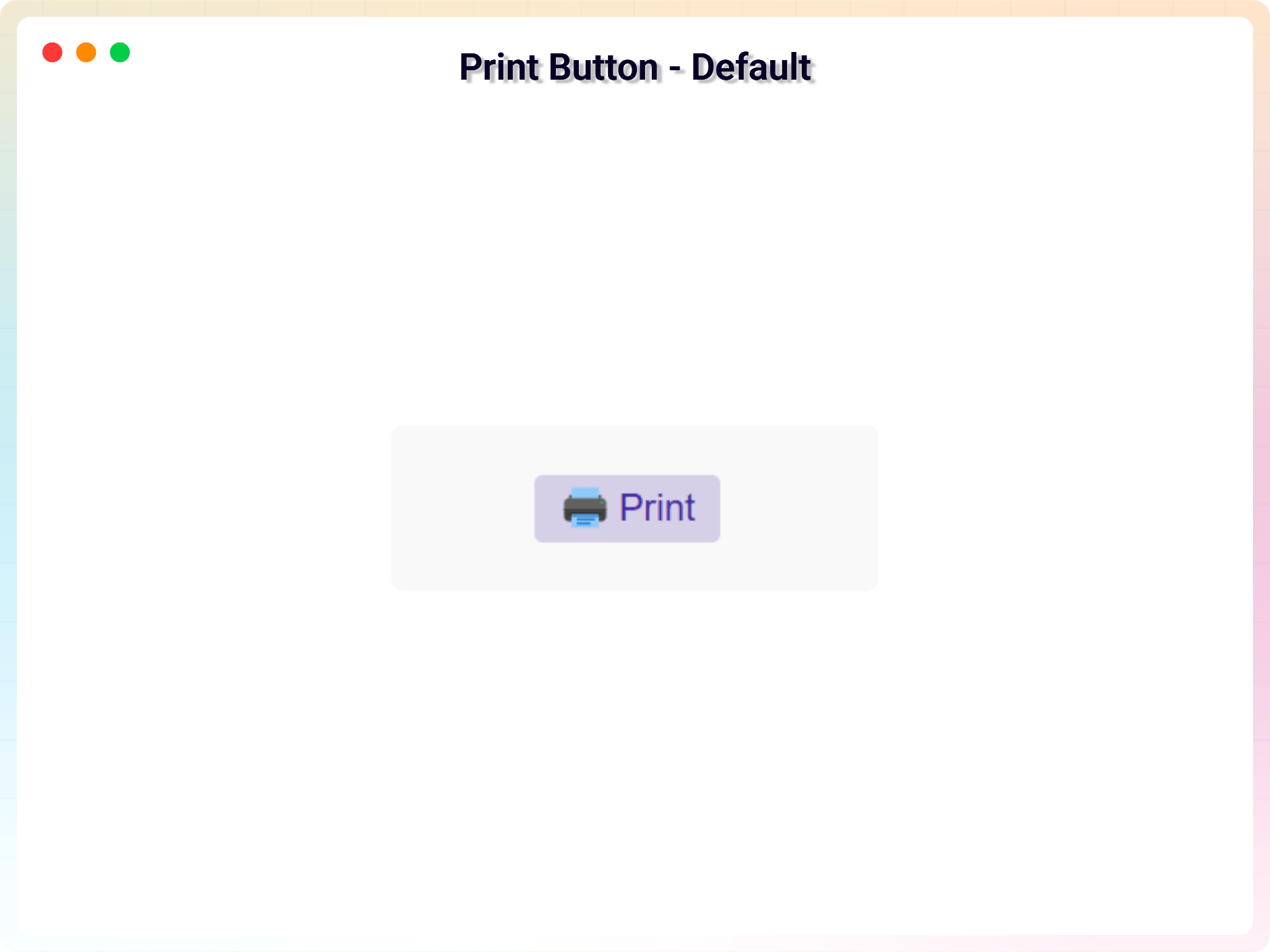
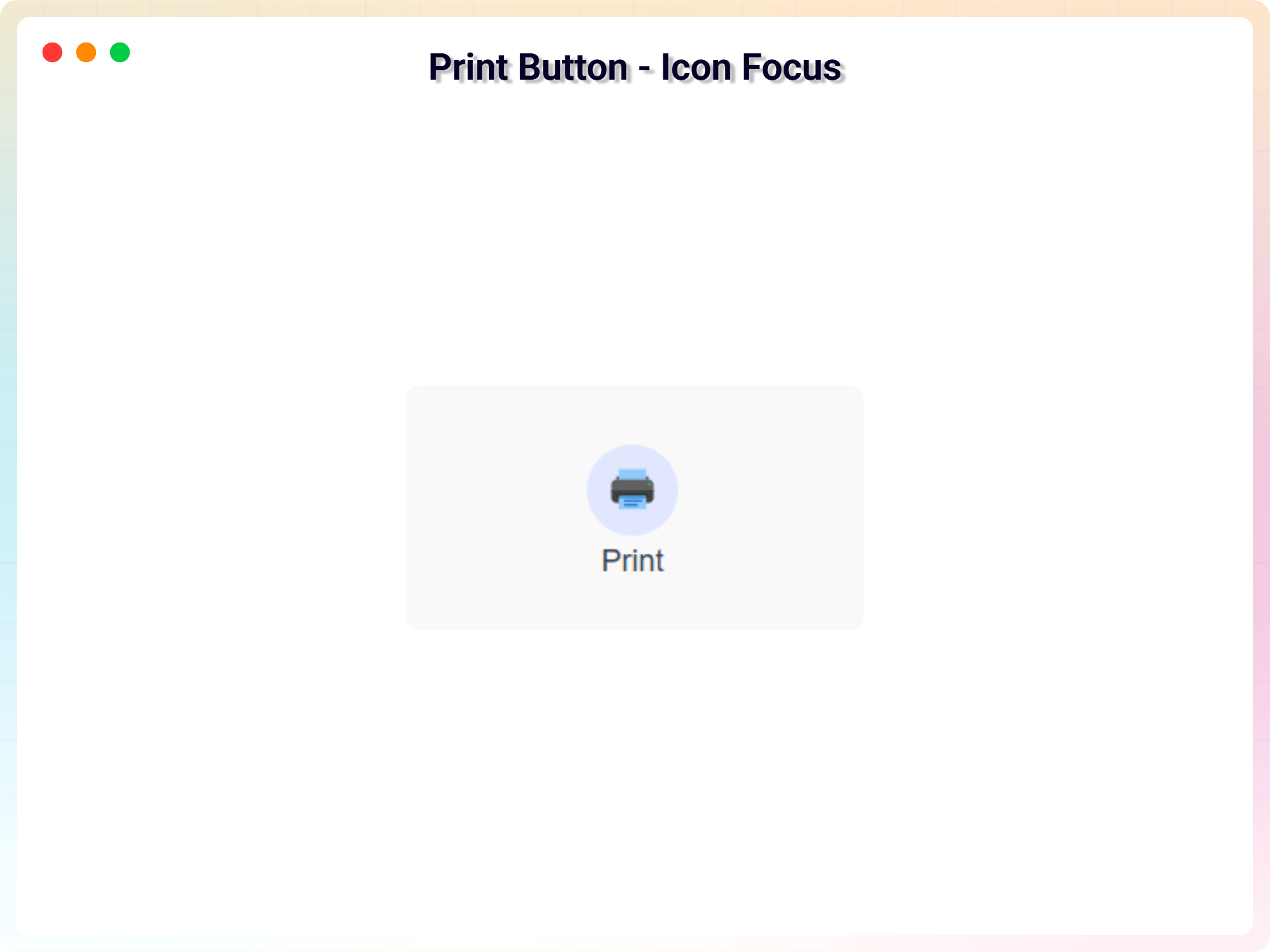
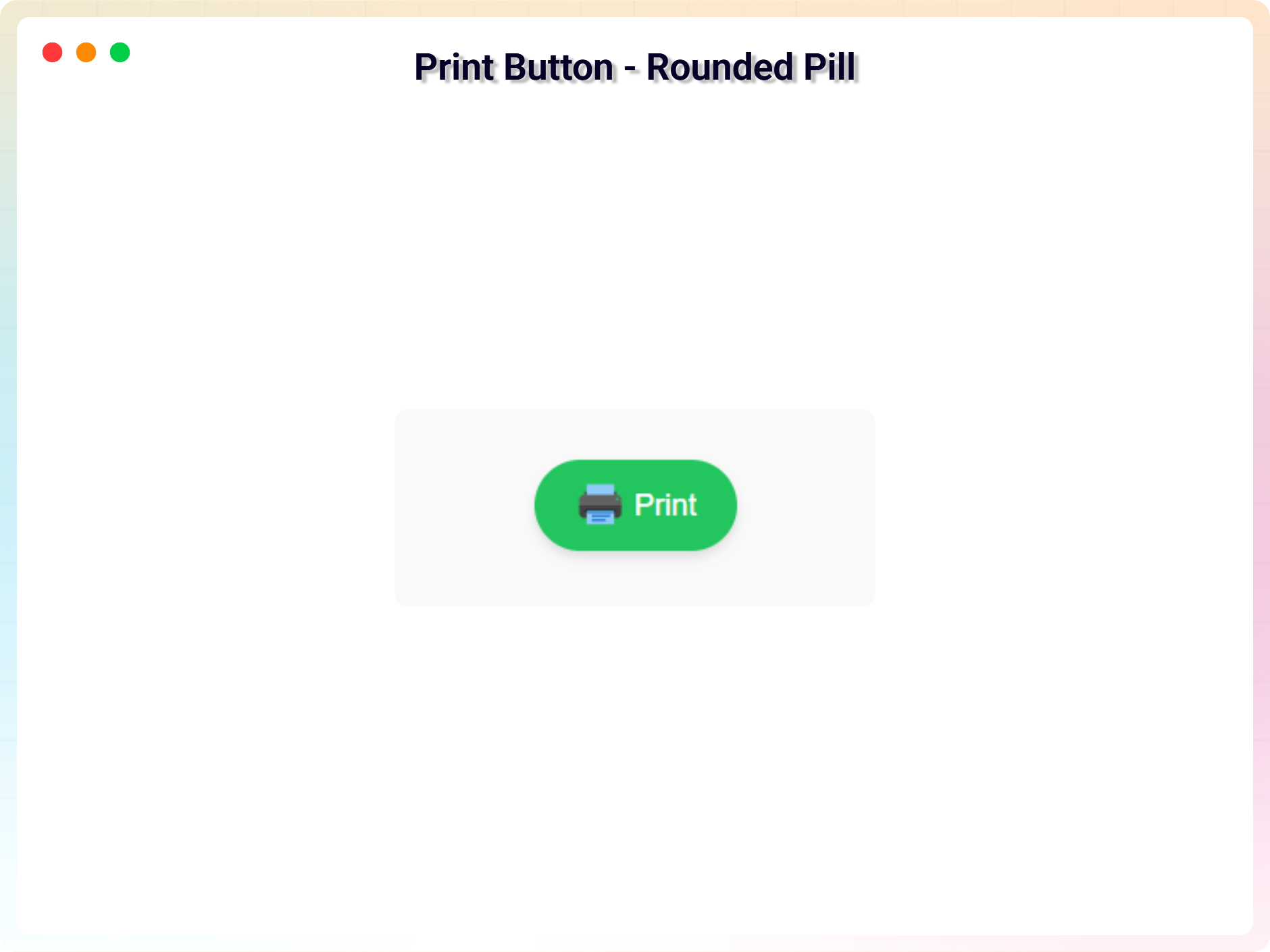
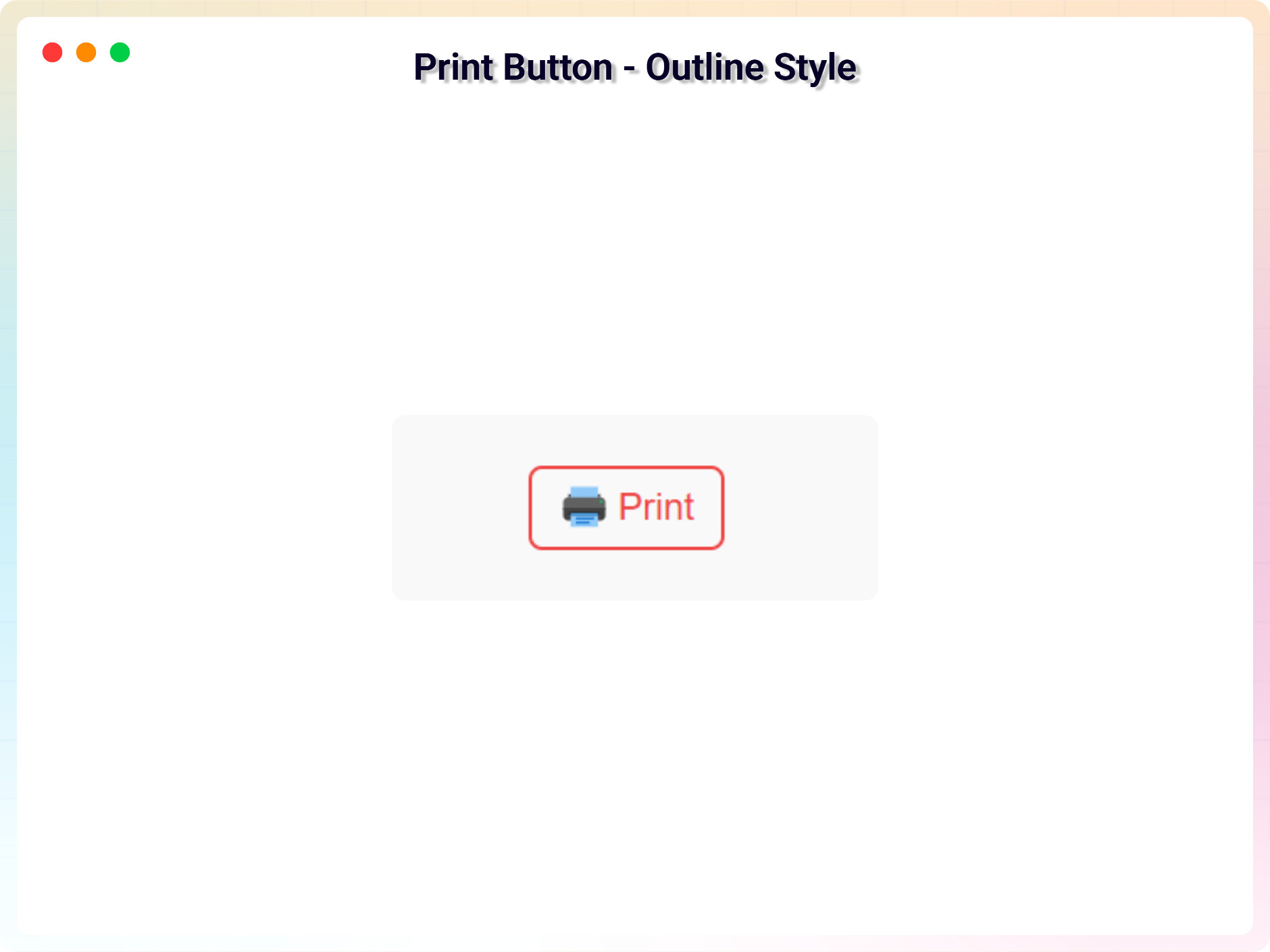
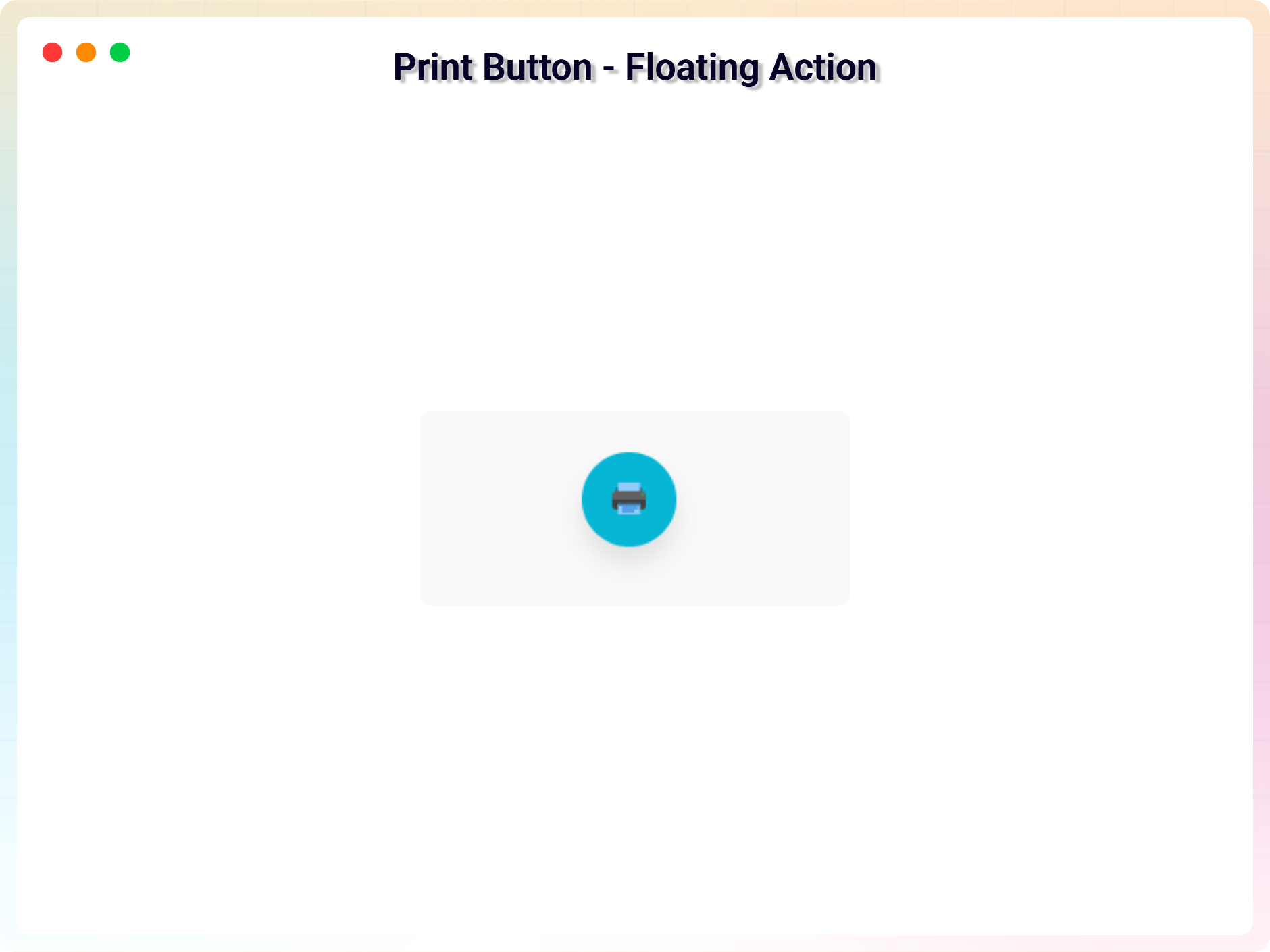
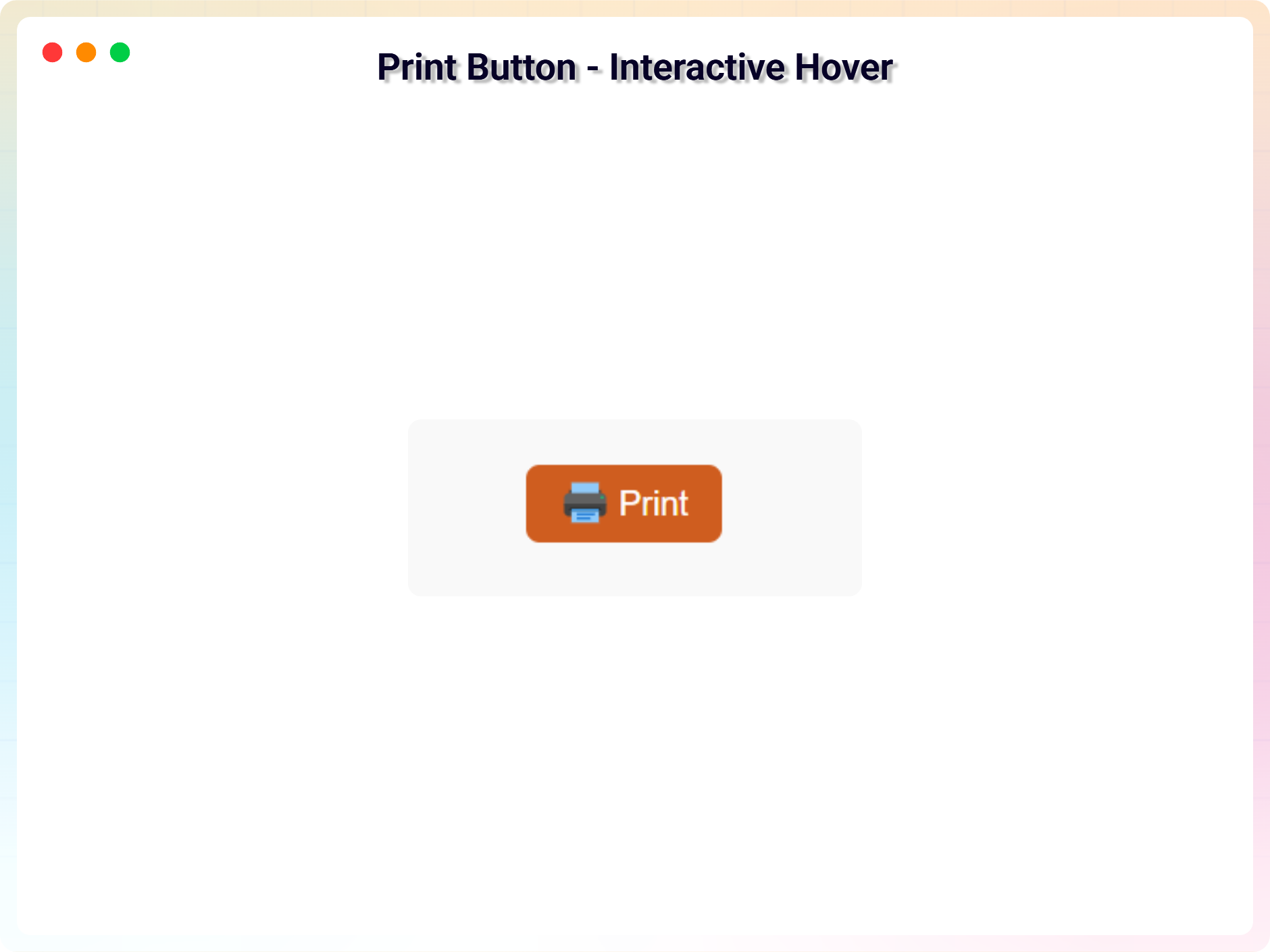
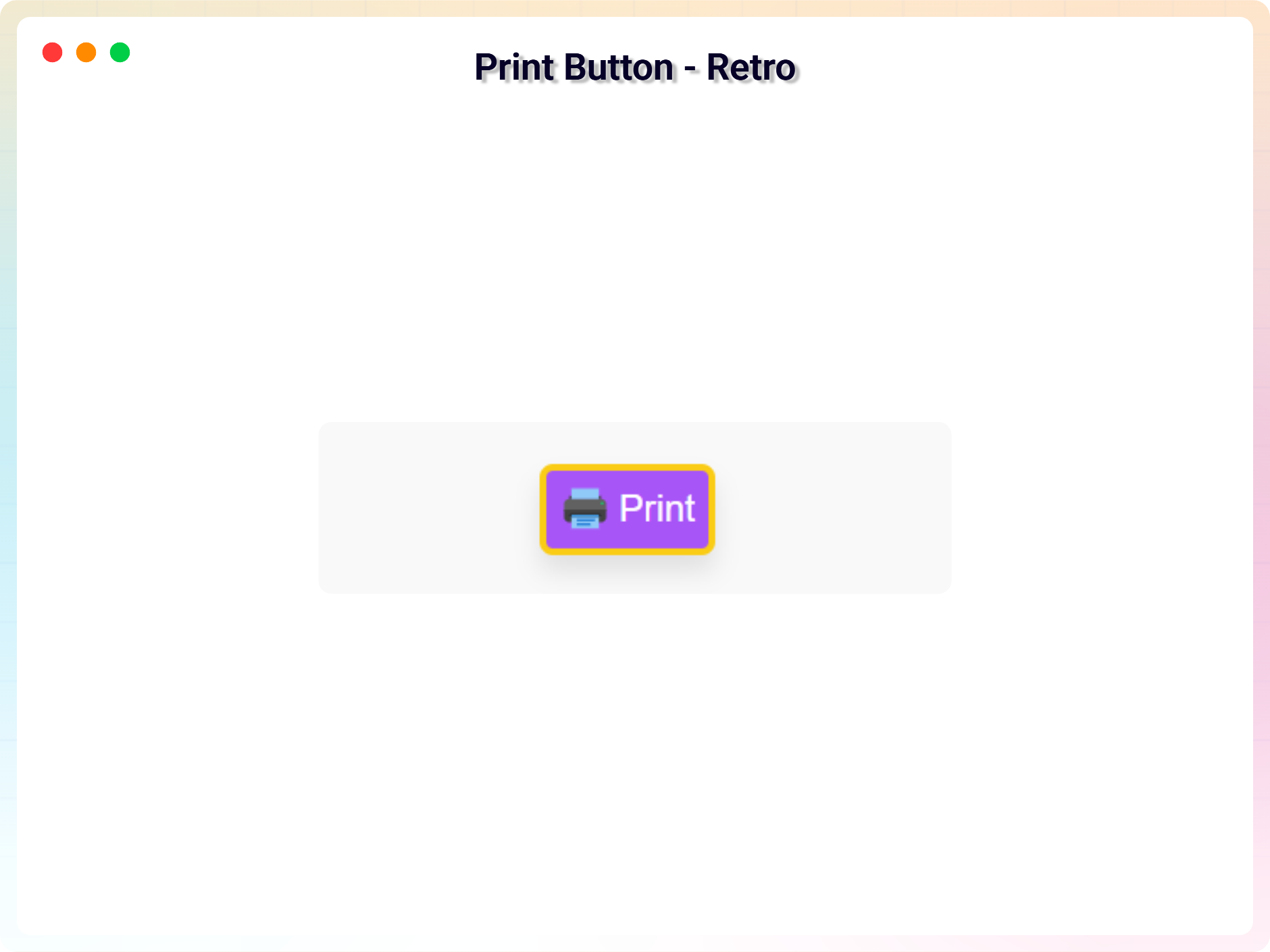
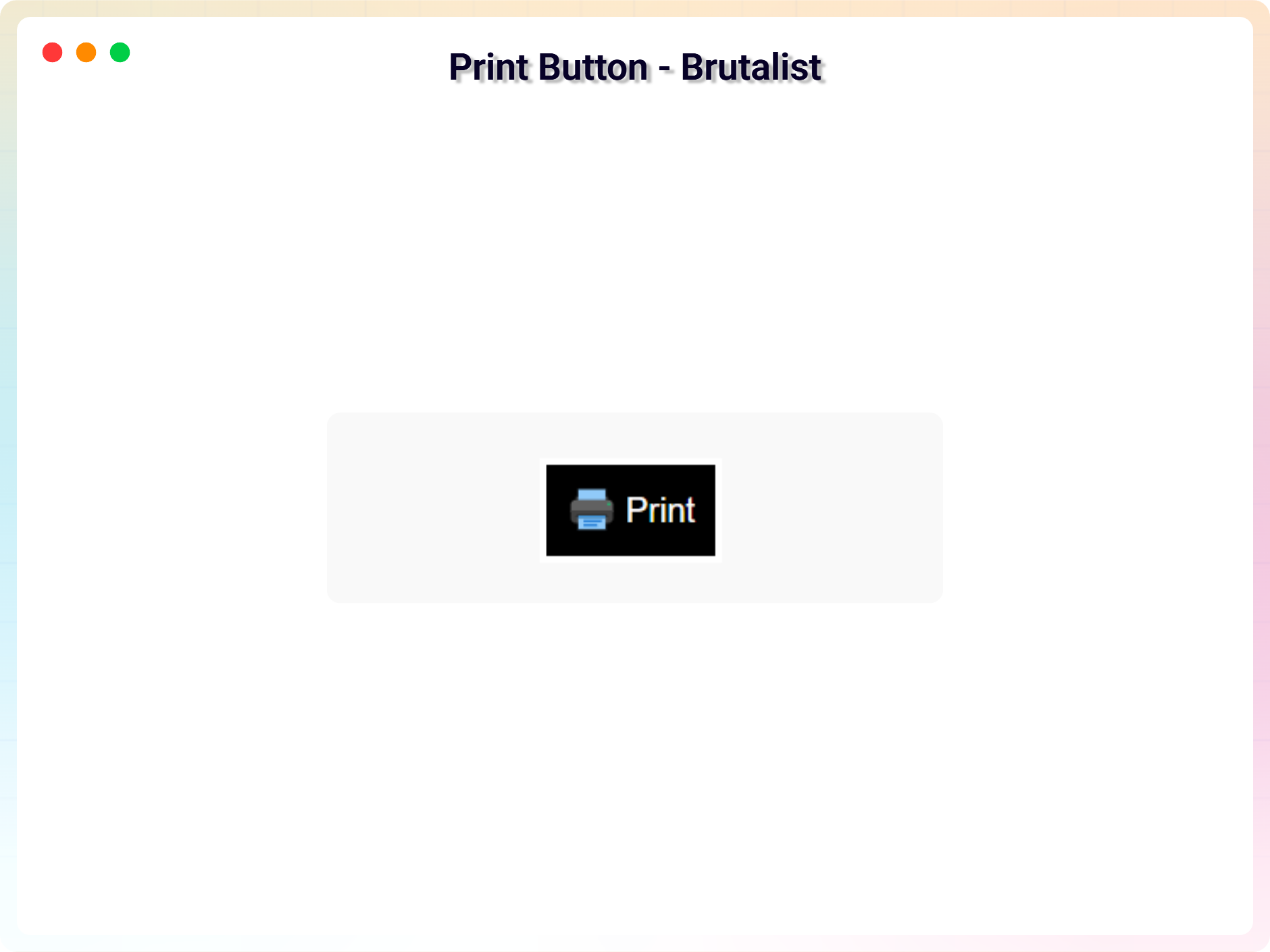
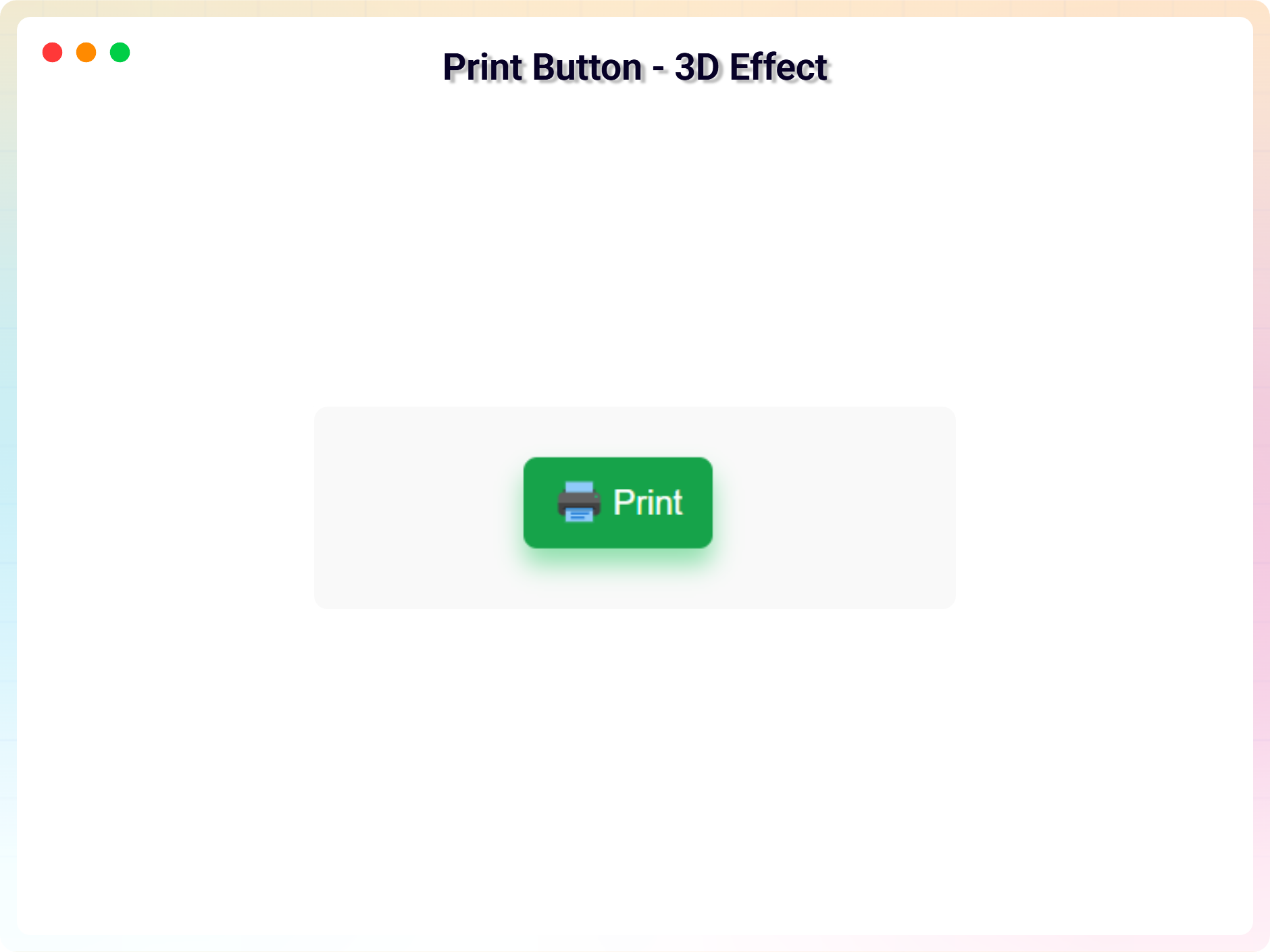
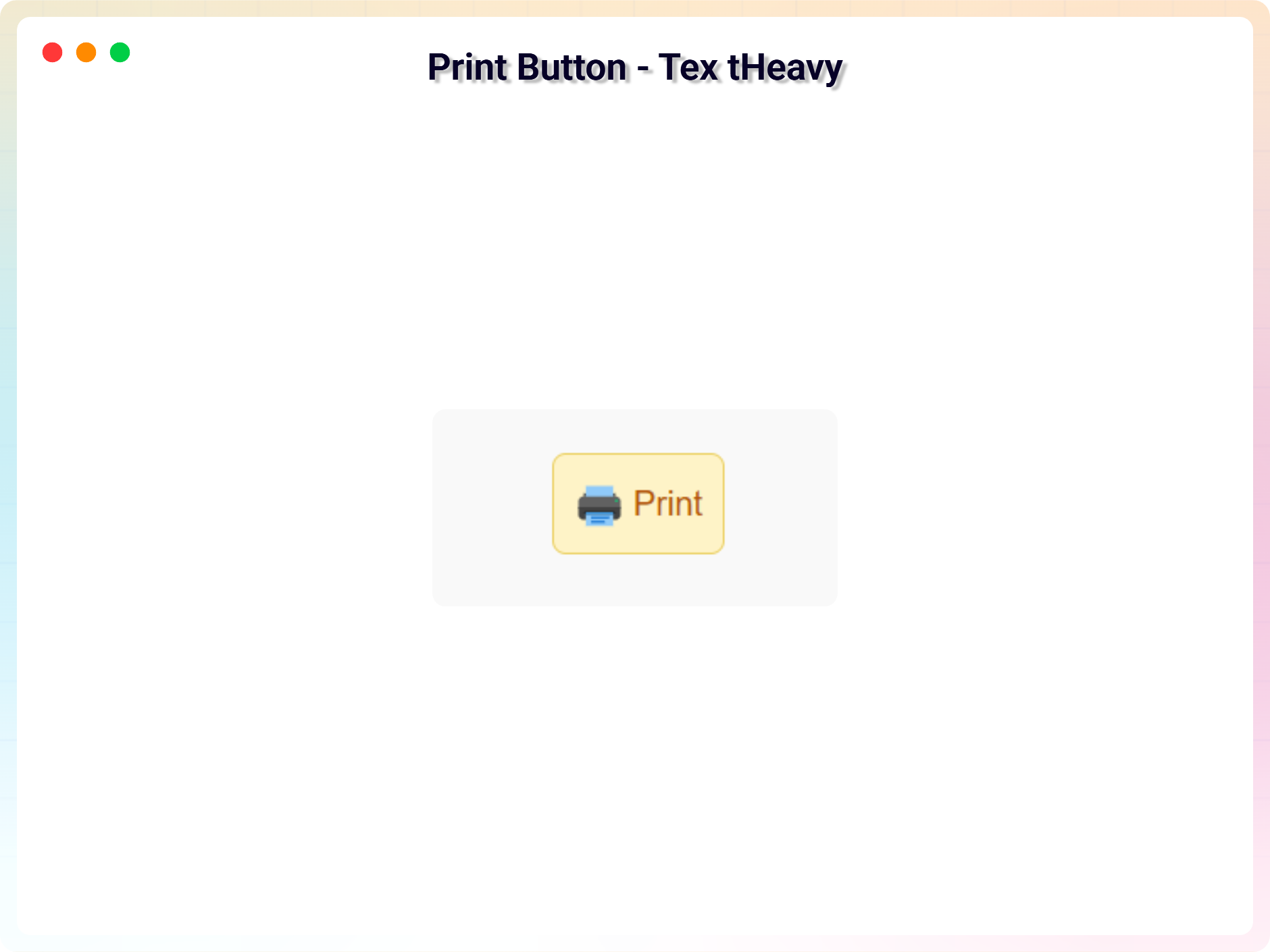
- Multiple Button Variants: Use beautifully designed default button styles.
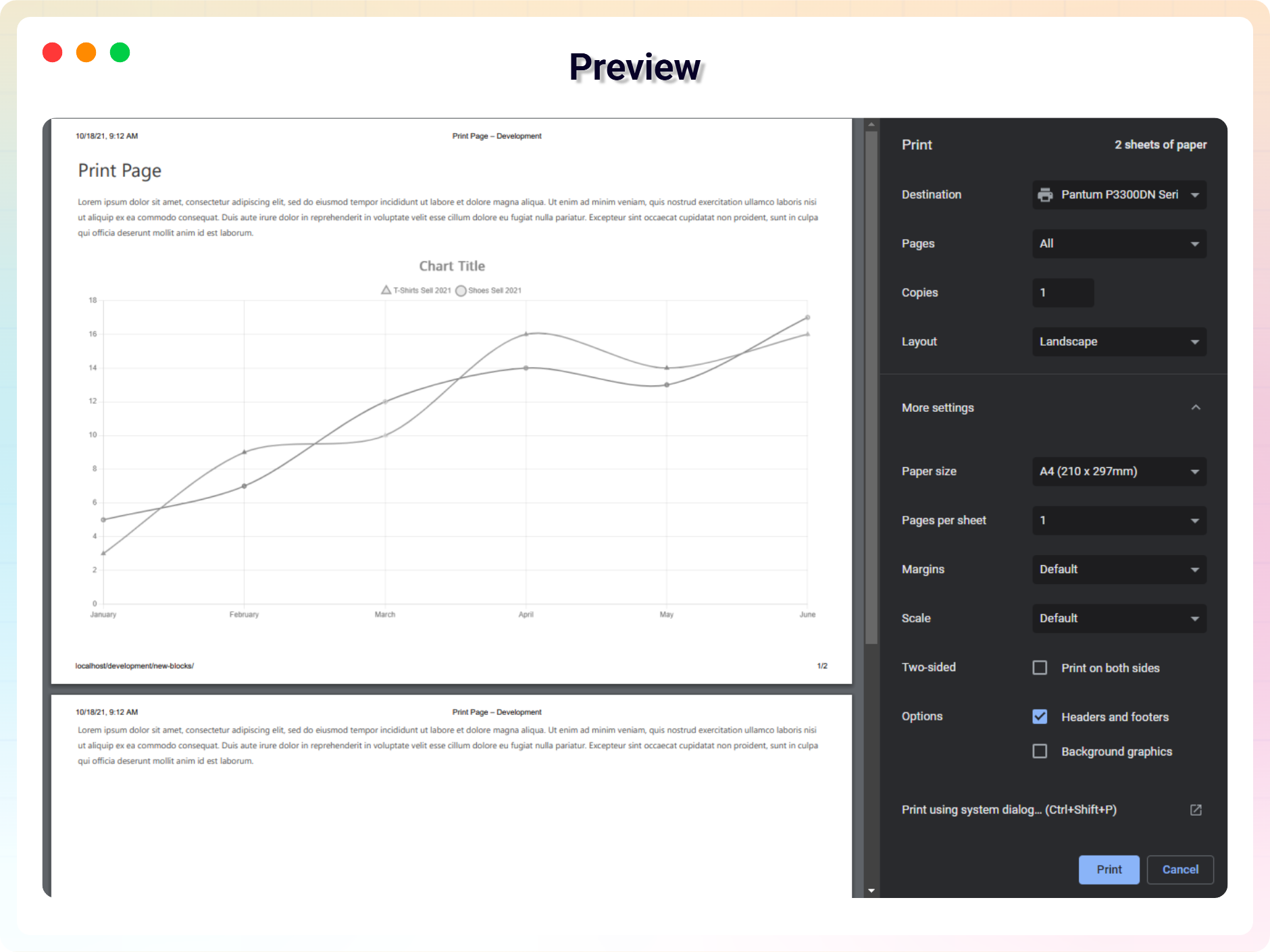
- Print Full Page: Instantly print the entire webpage with a single click.
- Print Specific Section: Choose a specific HTML section using a CSS selector (e.g. #content, .article) and print only that part.
- Icon Support: Display a print icon with your button using built-in icon sets.
- Basic Button Colors: Customize text and background colors.
- Hover Color Support: Change colors on hover for better interaction.
- Lightweight & Fast: JavaScript-based printing with minimal performance impact.
- Beginner Friendly UI: No technical knowledge required.
Pro Features
- Enhanced Print Controls: Unlock advanced print behaviors like modal print, page orientation, Header & Footer etc.
- Custom Icon Upload: Upload and use your own print icon.
- Show / Hide Button Text: Toggle button text visibility (except Floating Action variant).
- Advanced Typography Control: Customize your button text with Google Fonts, letter spacing, line height, and font weight for a perfect look.
- Responsive Padding & Spacing: Set different padding for desktop, tablet, and mobile views for total design control.
- Advanced Border Styles: Access dashed, dotted, and double border styles with custom radius per corner.
- Button Shadow & Hover Shadow Effects: Add modern soft shadows, neon glows, or layered hover shadows to enhance button depth.
How to use
- First, install the Print Page plugin
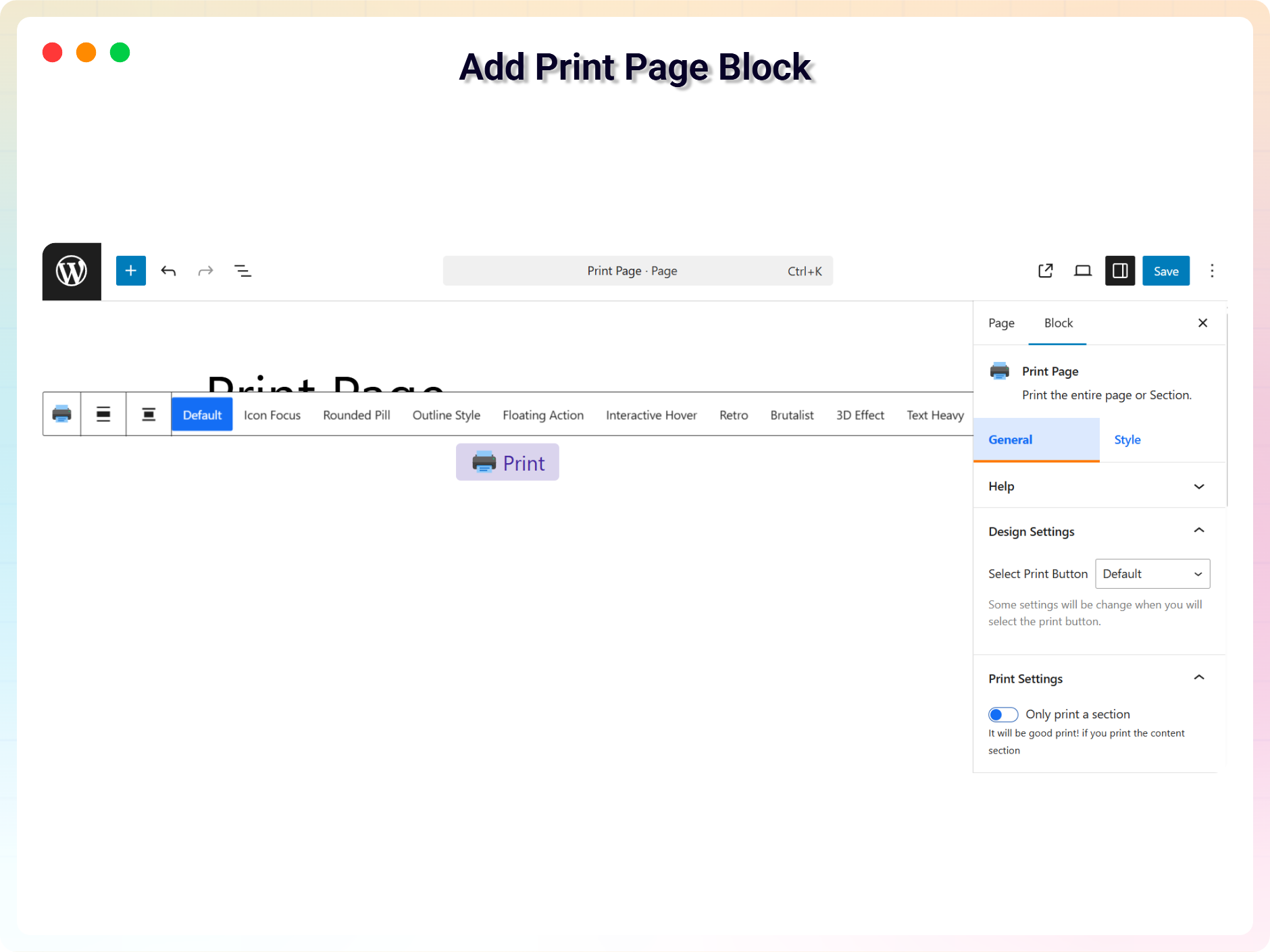
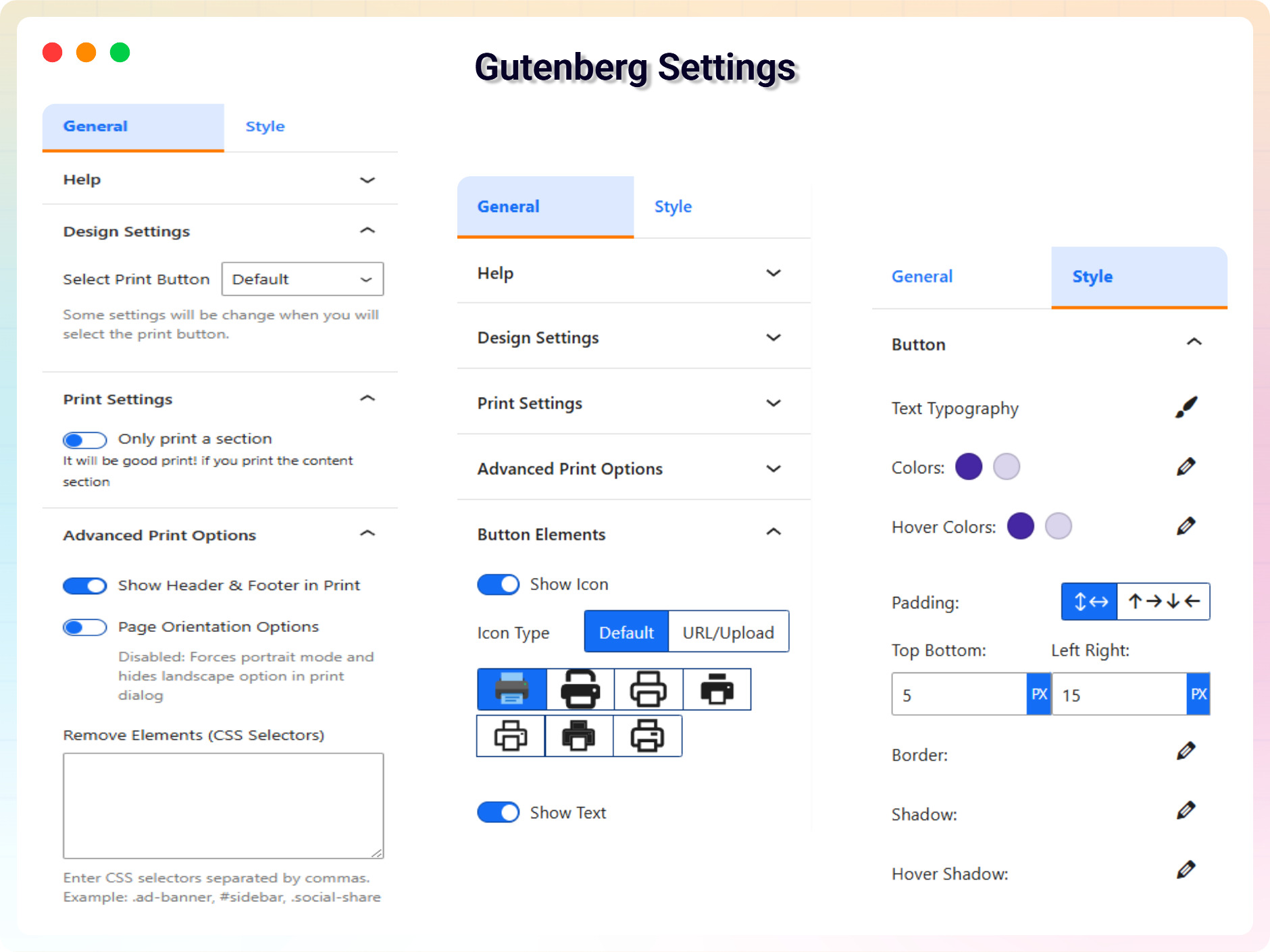
- Add the Print Page block from the block category called “Widgets” in the Gutenberg editor.
- You can change block settings from the right-side settings sidebar.
-
Enjoy!
-
For installation help click on Installation Tab
Source Code
You can find the source code, report bugs, and contribute to the development of this plugin on our GitHub repository:
Print Page on GitHub
bpl-tools
- Source / GitHub: https://github.com/bPlugins/bpl-tools
- License: GPL-2.0-or-later – https://www.gnu.org/licenses/gpl-2.0.html
- Purpose: Shared utility library providing admin dashboard components and common Gutenberg editor controls.
- External Services: The library may connect to bPlugins, WordPress.org, and Freemius services for product data and checkout functionality. See full details: https://github.com/bPlugins/bpl-tools#external-requests–why-they-are-made
Feedback
- Did you like this plugin? Dislike it? Do you have a feature request? Please share your feedback with us
Check out the Parent Plugin of this plugin-
B Blocks – A blocks collection and page building tool for Gutenberg.
Check out our other WordPress Plugins-
Html5 Video Player – Display videos as single and playlist in multiple skins.
PDF Poster – Display/Embed PDF files with different styles.
Html5 Audio Player – Listen audios with awesome visuals.
Panorama Viewer – 360 Virtual Tour, Panoramic image viewer and More.
3D Viewer – Embed 3D models and 3D products with interaction.
Advanced Post Block – Show posts and custom posts in different layouts.
Ảnh màn hình
Khối
Plugin này cung cấp 1 khối.
- Print Page Print the entire page or Section.
Cài đặt
From Gutenberg Editor:
- Go to the WordPress Block/Gutenberg Editor
- Search For Print Page
- Click on the Print Page block to add the block
Download & Upload:
- Download the Print Page plugin (.zip file)
- In your admin area, go to the Plugins menu and click on Add New
- Click on Upload Plugin and choose the
print-page.zipfile and click on Install Now - Activate the plugin and Enjoy!
Manually:
- Download and upload the Print Page plugin to the
/wp-content/plugins/directory - Activate the plugin through the Plugins menu in WordPress
Hỏi đáp
-
Is Print Page free?
-
Yes, Print Page is a free Gutenberg block plugin.
-
Does it work with any WordPress theme?
-
Yes, it will work with any standard WordPress theme.
-
Can I change block settings?
-
Yes, you can change block settings from the Gutenberg block editor’s right sidebar.
-
How many times can I reuse a block?
-
You can use unlimited times as you want.
-
Where can I get support?
-
You can post your questions on the support forum here
Đánh giá


Người đóng góp & Lập trình viên
“Print Page Block – Print Full Page or Specific Section” là mã nguồn mở. Những người sau đã đóng góp vào plugin này.
Những người đóng góp


Dịch “Print Page Block – Print Full Page or Specific Section” sang ngôn ngữ của bạn.
Muốn tham gia phát triển?
Duyệt code, check out SVN repository, hoặc theo dõi nhật ký phát triển qua RSS.
Nhật ký thay đổi
1.3.2 – 13 Jul, 2026
- Added: Elementor getting started instructions.
1.3.1 – 14 Jun, 2026
- Updated: Modernized the admin settings dashboard layout.
1.3.0 – 02 Jun, 2026
- Added: Added uninstall data clean-up option in the admin settings dashboard to wipe plugin configurations on deletion.
- Added: Added uninstall.php script to securely remove all custom post types and options if the cleanup setting is enabled.
- Added: Added Gulp task configurations (gulpfile.js and package.json) to automate cross-platform release packaging.
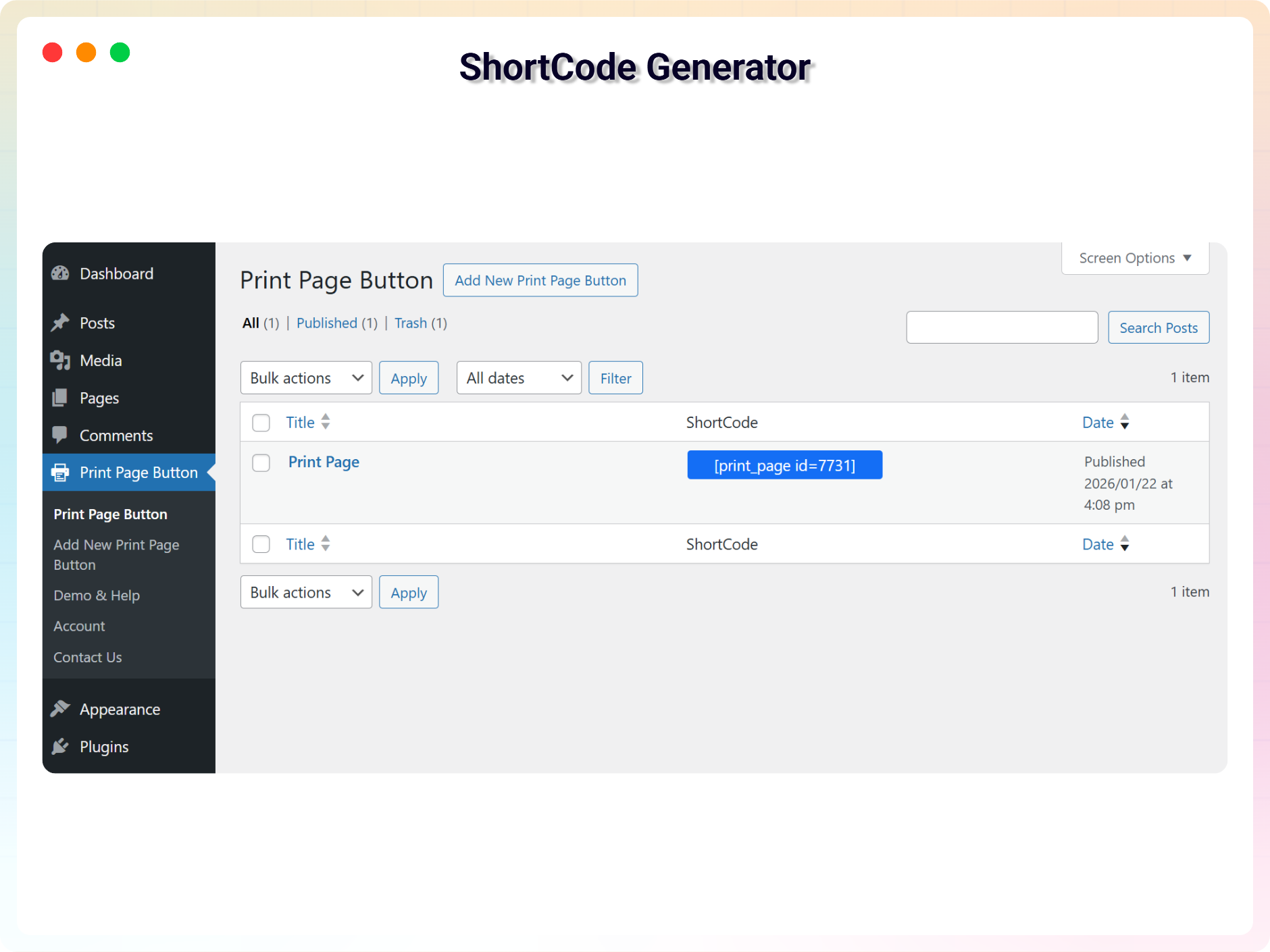
- Updated: Redesigned the shortcode copy-to-clipboard UI column in the print CPT admin table for a better user experience.
- Updated: Migrated PHP class controllers directly under the includes/ directory and refactored code to use namespace PrintPage to comply with standard coding guidelines.
- Improved: Unlocked previously locked pro fields in the Gutenberg editor and introduced a clean, non-intrusive notices UI to display premium feature requirements.
- Fixed: Fixed multiple security issues flagged by WordPress Plugin Check (PCP), including direct access checks (ABSPATH), wp_unslash sanitization for AJAX, and translation string escaping for wp_die.
1.2.8 – 03 May, 2026
- Fixed: Fixed shortcode rendering & print button disappearing issue.
1.2.7 – 09 April, 2026
- Fixed: Class naming conflict and namespace resolution issue in LicenseActivation.
1.2.6 – 26 Mar 26
- Improved print layout and margins for modal and section printing
1.2.5 – 26 Feb 26
- Update: Added brand new dashboard with license activation support
1.2.4 – 08 Feb 26
- Updated: Updated “Show browser header/footer option in print dialog” label and help text.
1.2.3 – 23 Jan 26
- Fix: Print styles now clean up properly after the print dialog closes (prevents removed elements from sometimes staying hidden).
- Improvement: Updated “Header & Footer” label and help text for clearer guidance (site header/footer vs browser print headers/footers).
1.2.2 – 04 Nov 25
- Updated SDK
1.2.1 – 31 October 25
- Updated label for the Print Page block post type.
1.2.0 – 29 October 25
- added more advanced print controls, 10 variants of print button.
1.1.2 – 8 Aug 24
- Fix not reloading issue after print.
1.1.1 – 4 Aug 24
- Fix section print issue.
1.1.0 – 5 Jun 24
- Added several default icons, including the upload options.
1.0.9 – 7 Mar 24
- Fix security issue
- Reduce JS dependency
1.0.8
- Add support for modal
1.0.7
- Add translate feature
1.0.6
- Fix HTML Render
1.0.5
- Reduce PHP Code
- Performance Improvement
1.0.4
- Reduce PHP Code
1.0.3
- Performance upgrade
1.0.2
- Performance upgrade
1.0.1
- Update theme and Colors
1.0.0
- Initial Release.