
Mô tả
LogixFast Auth (LogixFastAuth) replaces default WordPress, WooCommerce, Tutor LMS, and Elementor login forms with a fast, mobile-friendly React interface.
Features
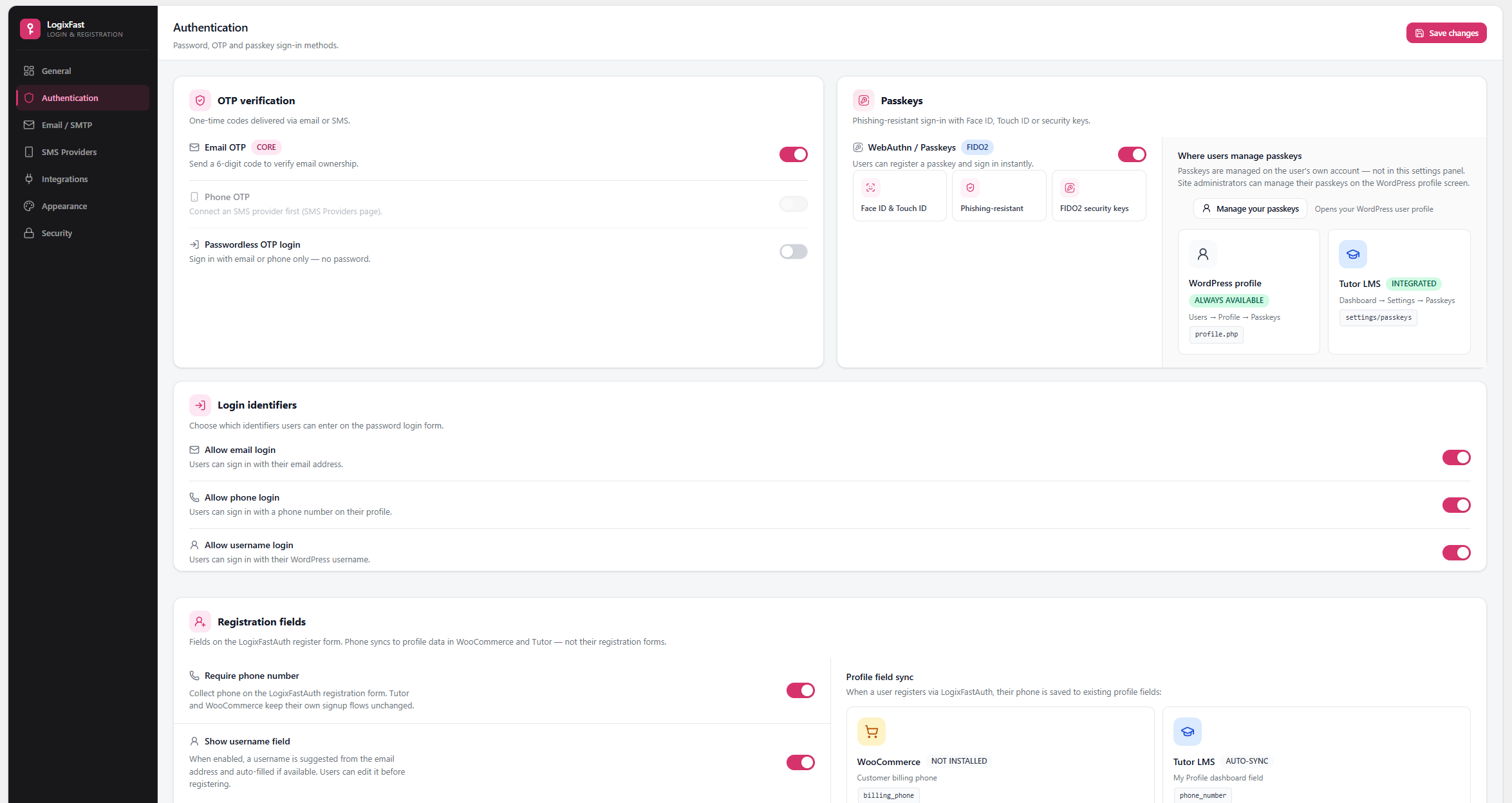
- Email, phone, and username login
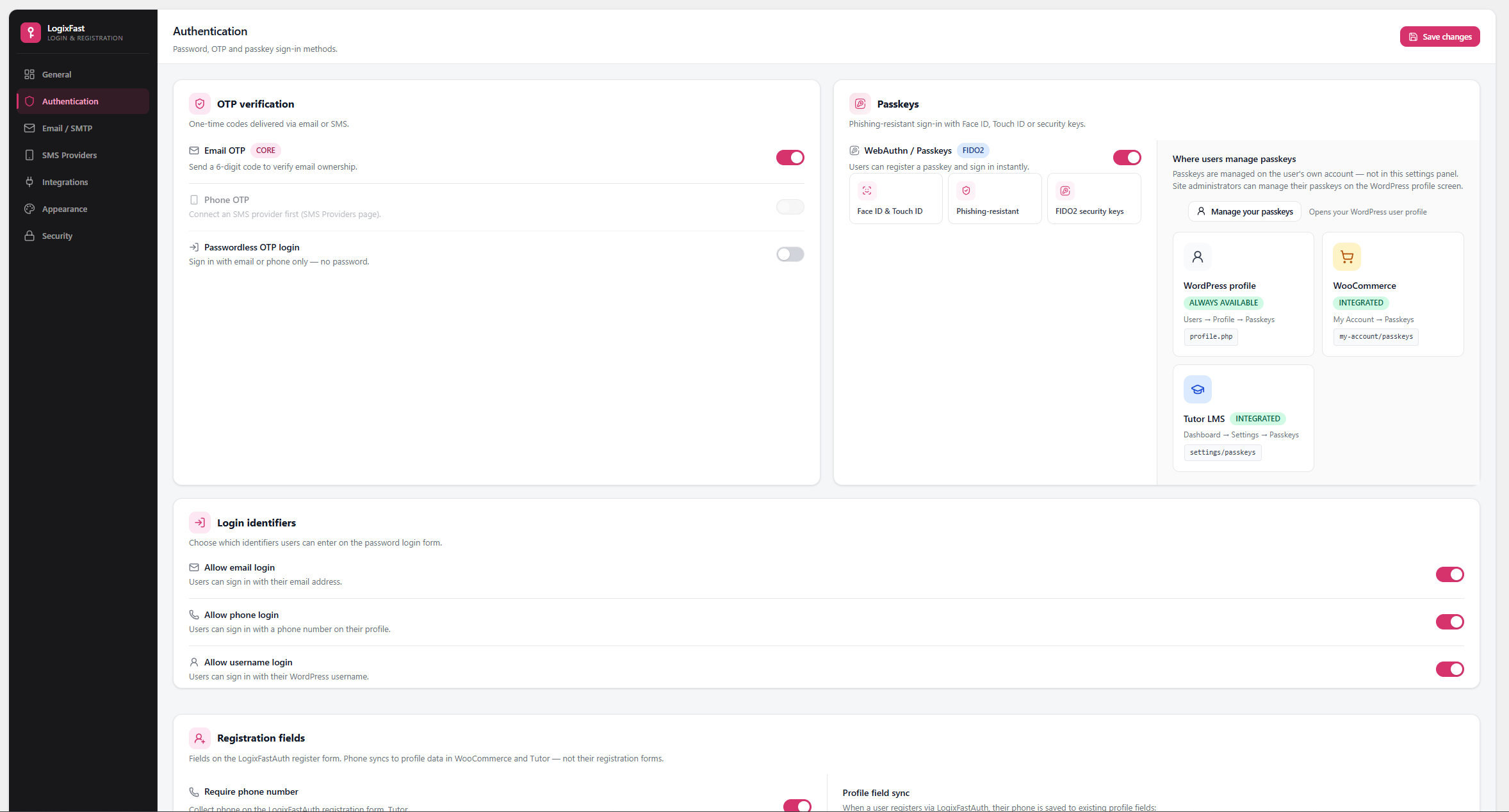
- OTP verification (email and SMS)
- Passkeys (WebAuthn)
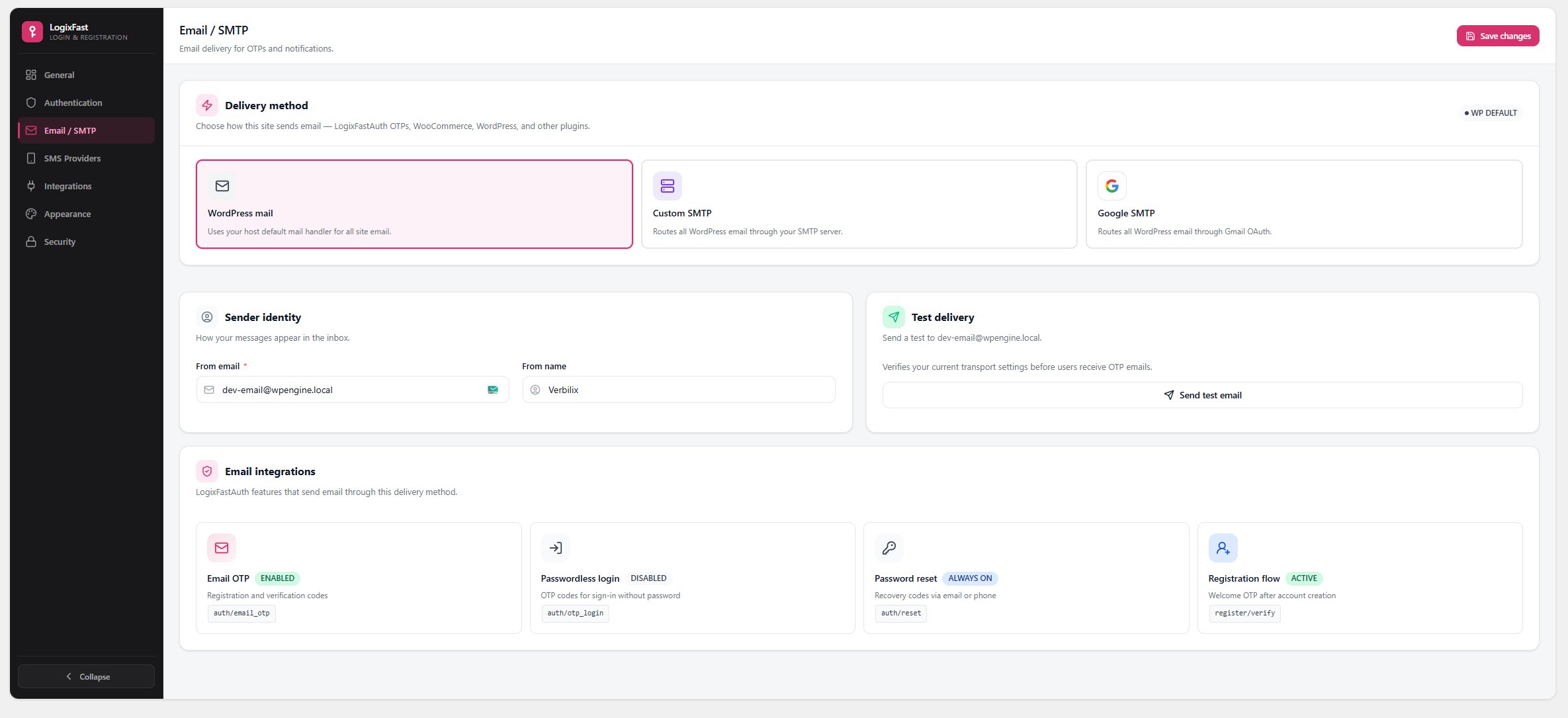
- Gmail SMTP via Google OAuth (admin mail settings)
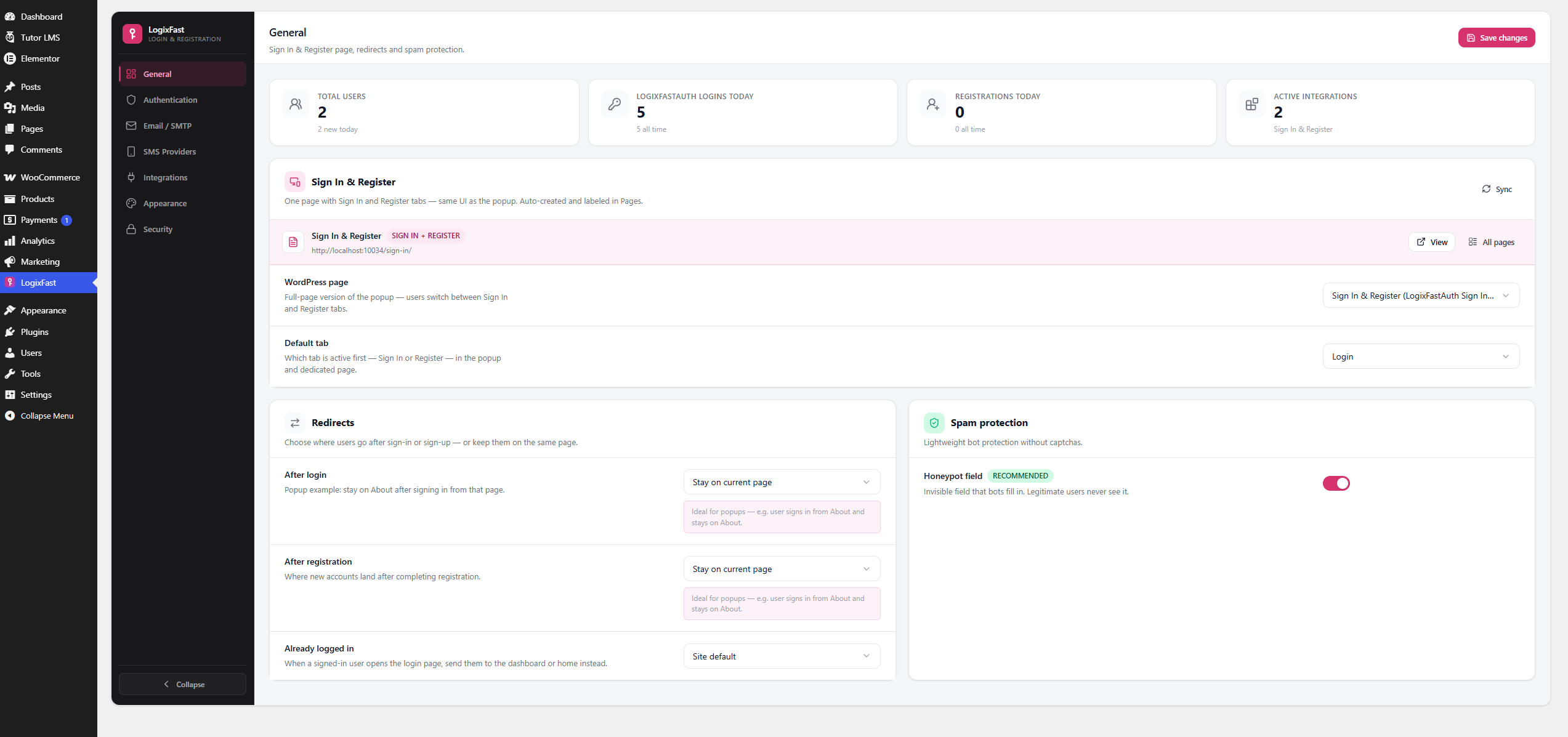
- Popup and dedicated login page modes
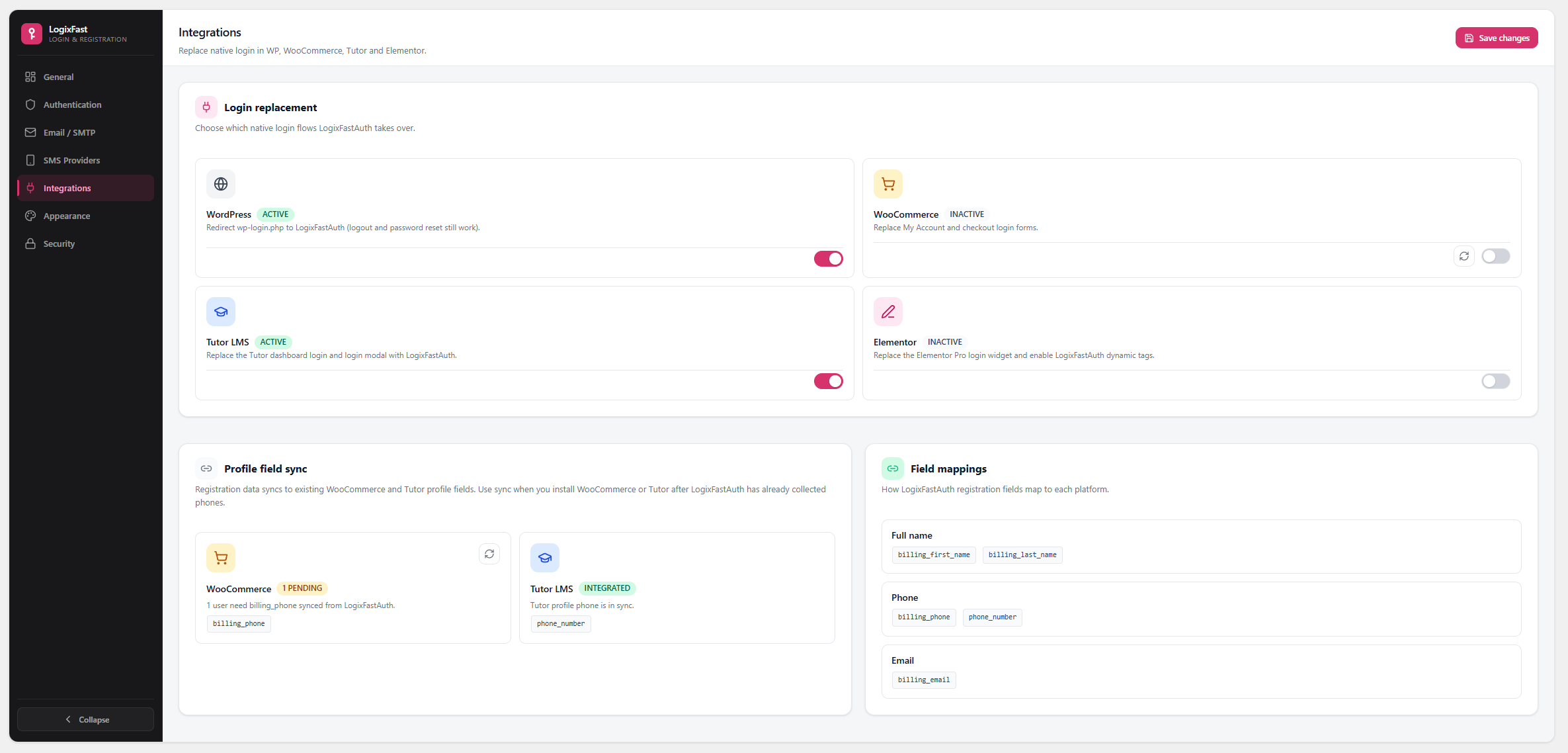
- WooCommerce checkout and My Account login replacement
- Tutor LMS dashboard passkey management
- Elementor dynamic tags and popup triggers
- Rate limiting, spam protection, and security controls
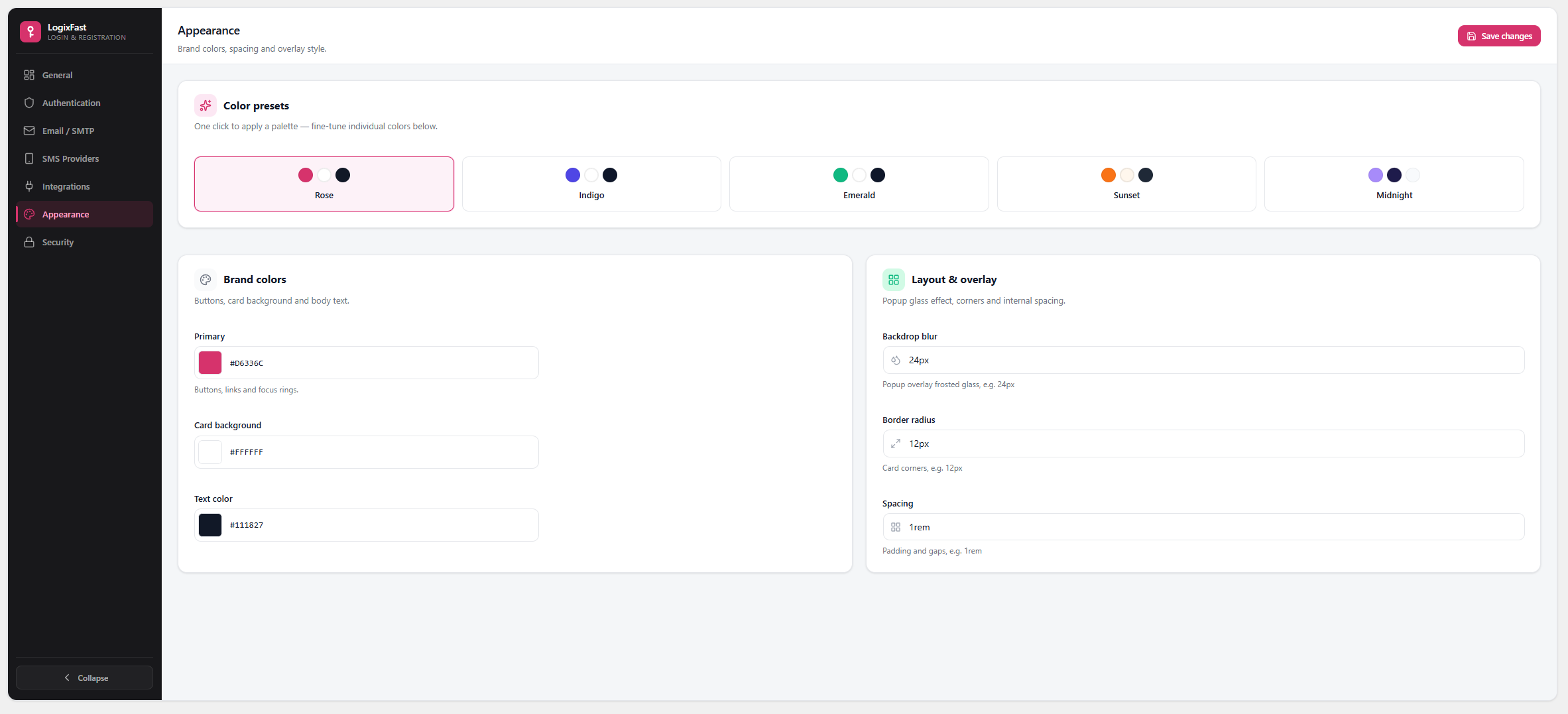
- Admin settings UI with integrations toggles
How it works
PHP handles WordPress integration, REST API, and security. The frontend UI is built with React and loaded from assets/dist/.
External services
This plugin contacts external services only when a site administrator enables and configures them:
- Google (Gmail SMTP) — If you choose Google mail transport and connect a Google account in LogixFastAuth settings, the plugin sends OAuth requests to Google and may send email through Gmail. Data sent includes OAuth tokens and message content you choose to send. See Google’s Privacy Policy.
- SMS providers — If you register an SMS provider with the
logixfast_auth_sms_providersfilter, OTP codes are sent to that provider using API credentials you supply. What data is sent depends on the provider you configure.
LogixFastAuth does not send site usage data to the plugin author. Login and registration counters are stored locally in your WordPress database.
Ảnh màn hình
Cài đặt
- Upload the plugin folder to
/wp-content/plugins/logixfast-auth/ - Activate the plugin through the Plugins menu in WordPress
- Open LogixFastAuth in the admin sidebar
- Configure general settings and choose a dedicated login page (optional)
- Enable integrations (WooCommerce, Tutor LMS, Elementor) as needed
Requirements
- WordPress 6.8 or later
- PHP 8.1 or later
- HTTPS recommended for passkeys and OAuth
Hỏi đáp
-
Does this work without WooCommerce or Tutor LMS?
-
Yes. Core login, registration, OTP, and passkeys work on any WordPress site. WooCommerce and Tutor features activate only when those plugins are installed and enabled in LogixFastAuth settings.
-
Do I need Node.js on my server?
-
No. The plugin ships with pre-built assets in
assets/dist/. Node.js is only needed if you want to rebuild the frontend from source. -
Where is the source code?
-
The public development repository (React/TypeScript source in
src/, build config, and full history):https://github.com/KaziSadibReza/LogixFastAuth/tree/development
-
How do I rebuild the frontend?
-
Clone the development branch, then:
npm installnpm run build
This updates
assets/dist/andassets/dist/manifest.json. -
What data does this plugin send externally?
-
Nothing by default. External requests happen only when you configure Gmail SMTP or register an SMS provider. See the External services section above.
Đánh giá
Không có đánh giá nào cho plugin này.
Người đóng góp & Lập trình viên
“LogixFast Auth” là mã nguồn mở. Những người sau đã đóng góp vào plugin này.
Những người đóng góp
Dịch “LogixFast Auth” sang ngôn ngữ của bạn.
Muốn tham gia phát triển?
Duyệt code, check out SVN repository, hoặc theo dõi nhật ký phát triển qua RSS.
Nhật ký thay đổi
1.0.3
- Login identifiers (email, phone, username) and optional username registration
- Custom auth placeholders and email OTP default-on
- Tutor LMS 4 passkeys settings tab compatibility
- WooCommerce and Tutor compat helpers for passkey surfaces
- Release workflow: development branch for dev, production git branch and WordPress.org SVN for releases
1.0.2
- Prepared release metadata for WordPress.org re-review
- Bundled country flag assets locally and removed stale external asset references
- Updated package metadata and translation template version
1.0.1
- Plugin Check and WordPress.org packaging improvements
- Security hardening for redirects and integrations
- Admin menu icon and styling fixes
- Readme privacy and external services documentation
1.0.0
- Initial release