

Mô tả
Gradia POS turns your WooCommerce store into a fully-featured Point of Sale terminal — accessible directly from a browser, no dedicated hardware needed.
Key Features:
- 🛒 Fast product search by name, SKU, or barcode scan
- 💳 Payment gateways pulled directly from WooCommerce (local or remote store)
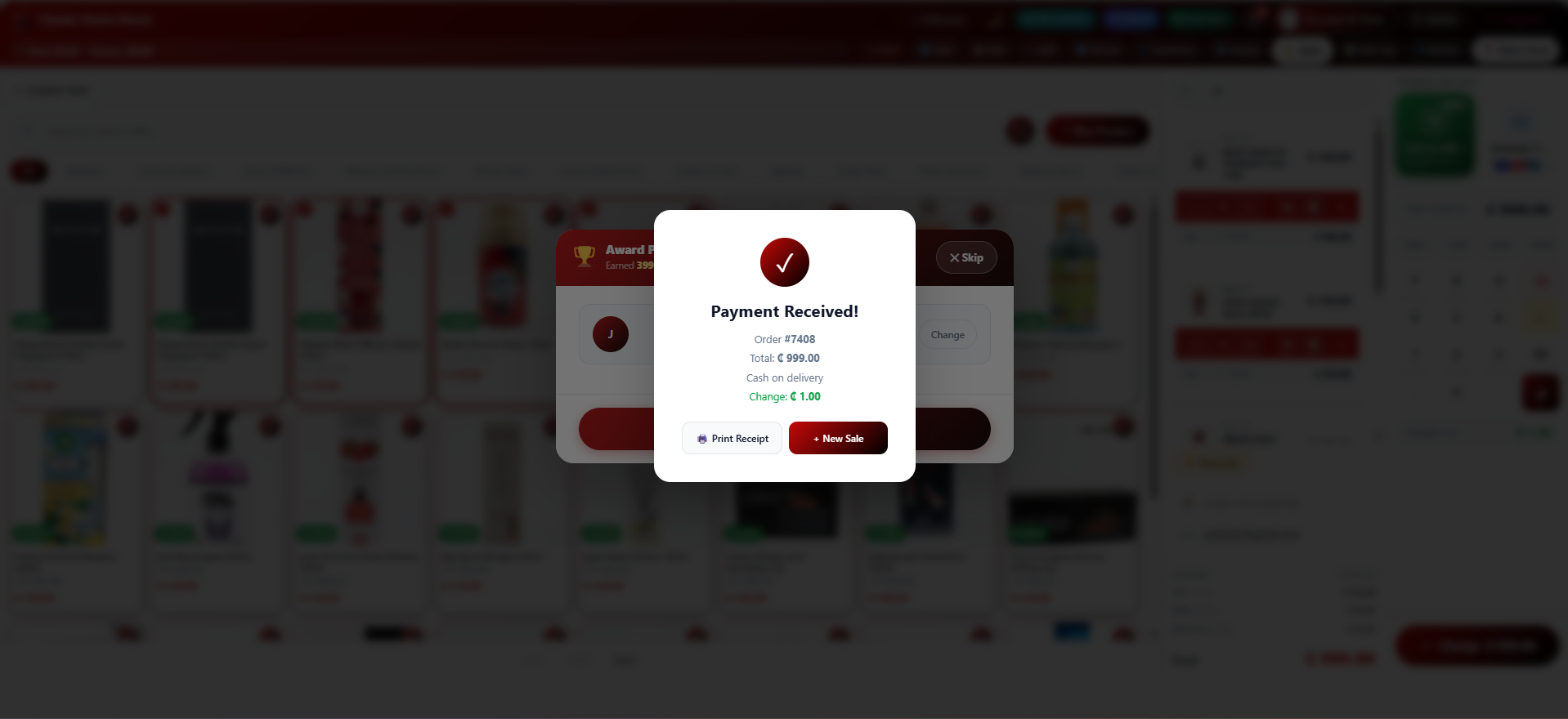
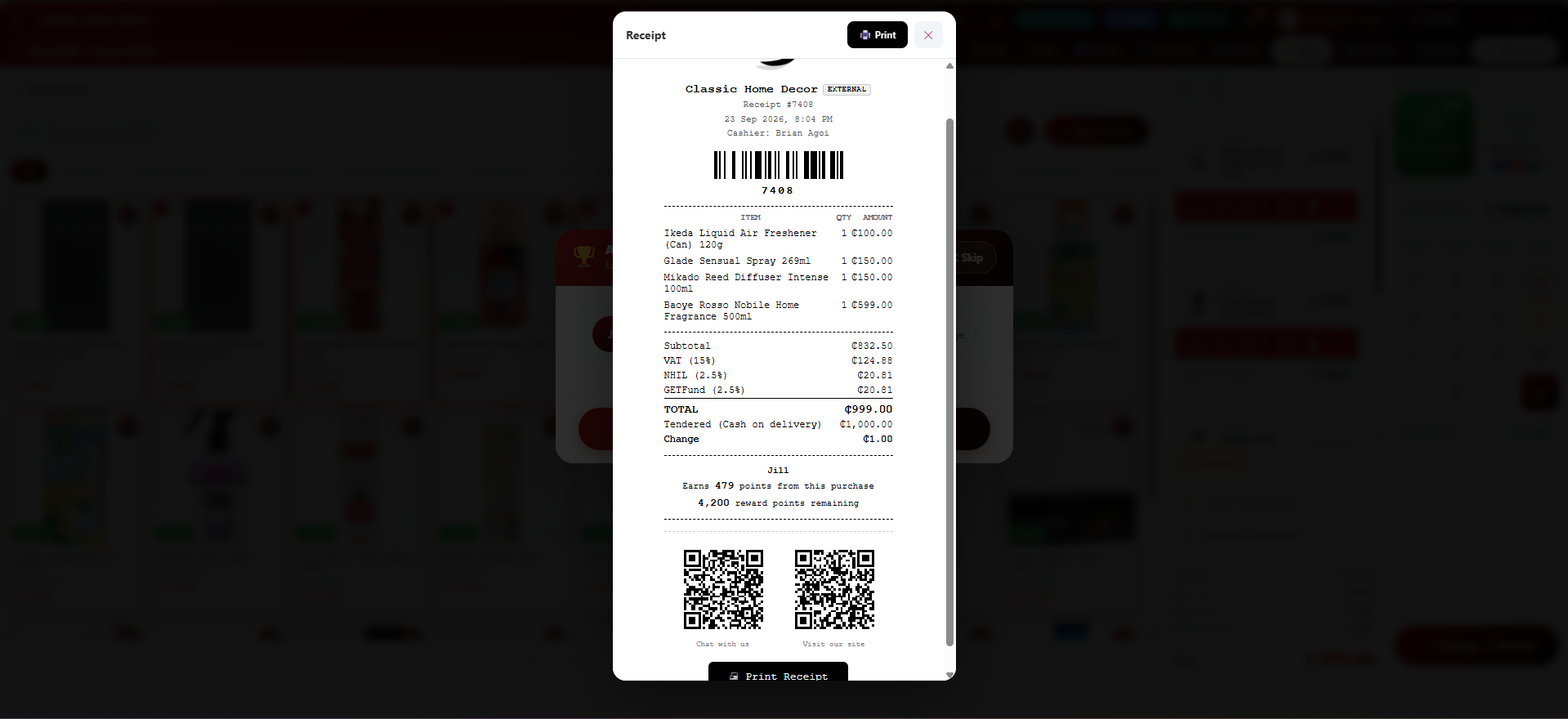
- 🖨 Receipt printing for both local and external WooCommerce orders
- 🌐 Remote WooCommerce store bridge via REST API (Consumer Key / Secret)
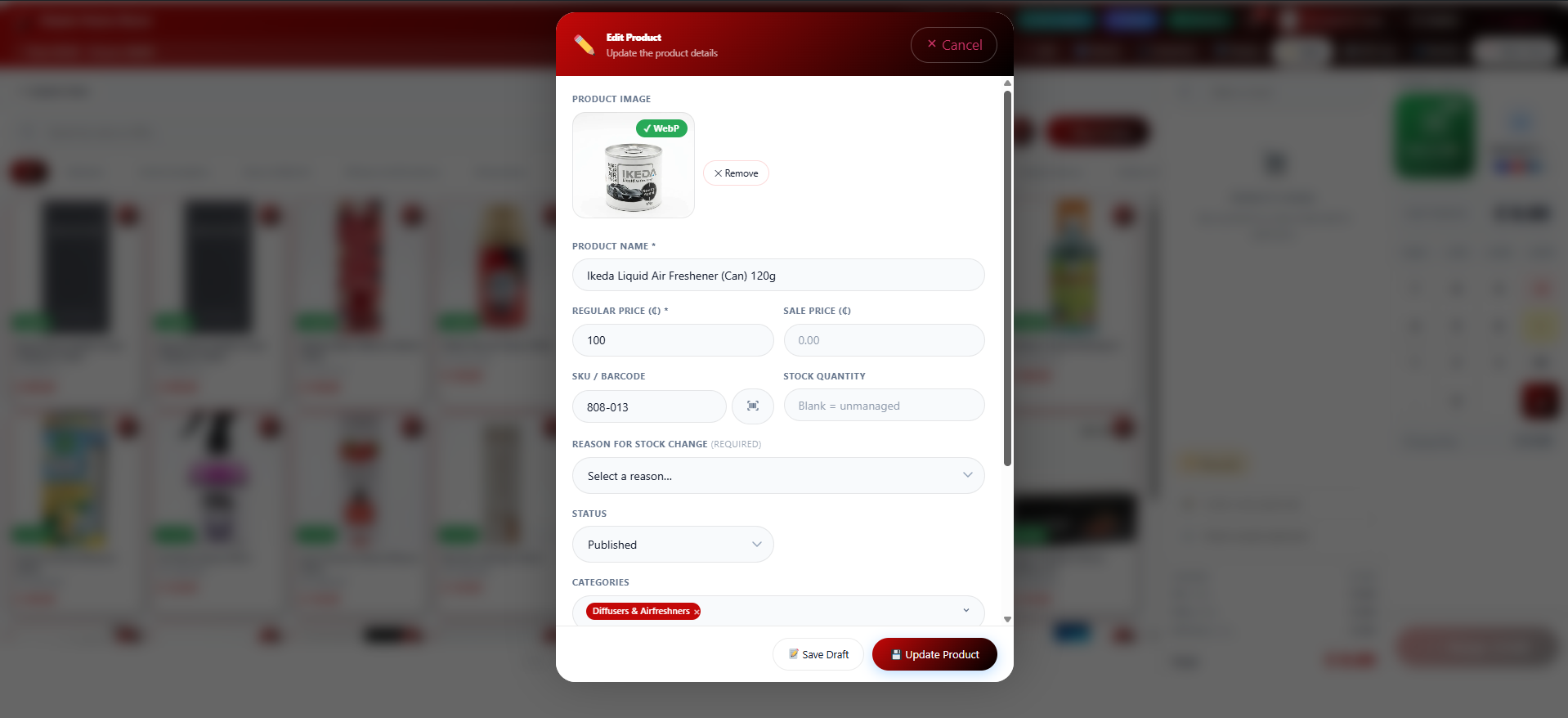
- 📦 Add and edit products from within the POS terminal
- 📷 WP Media Library image picker in product forms (with URL fallback)
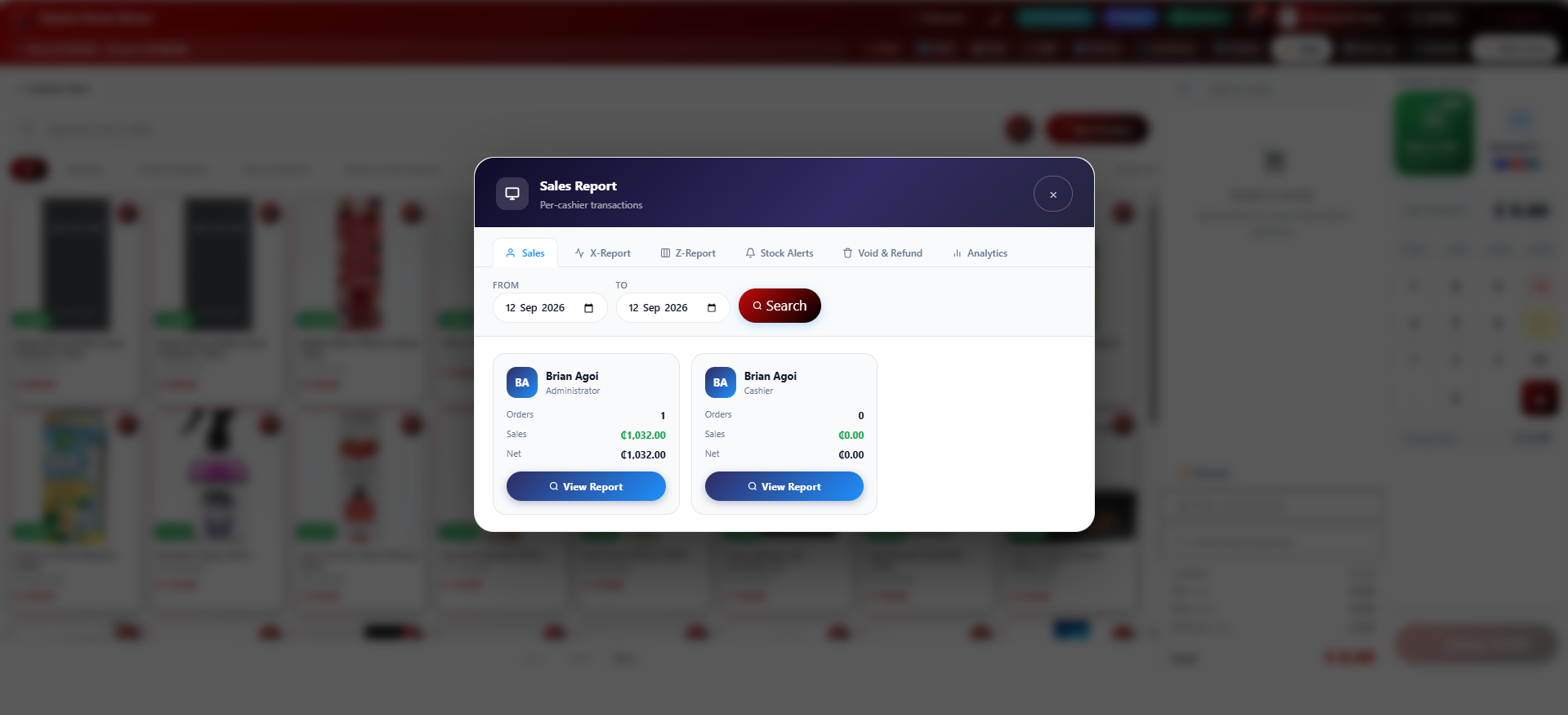
- 👥 Role-based access: Administrator, Shop Manager, Supervisor, Cashier
- 📶 Offline support with IndexedDB order queue and auto-sync
- ⭐ Built-in customer rewards and loyalty points
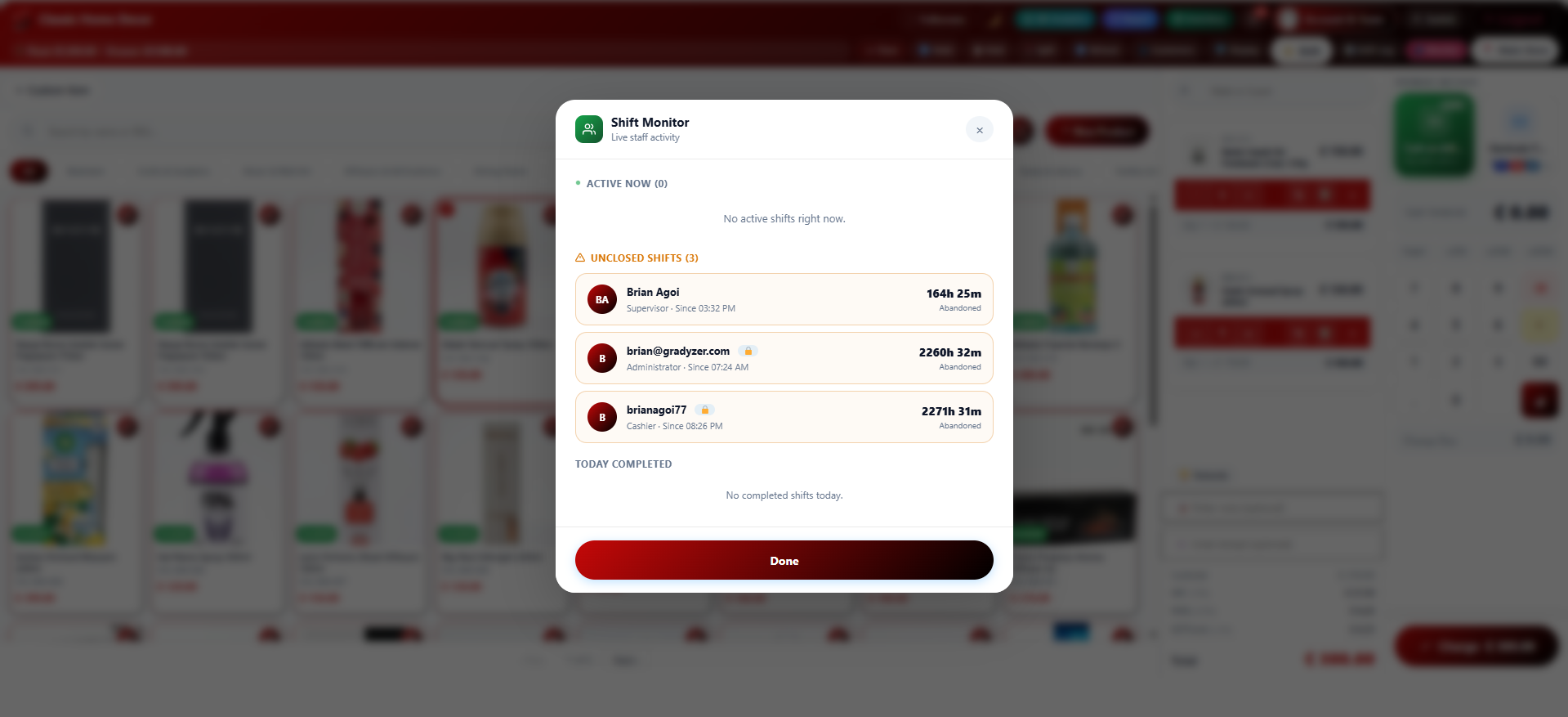
- ⏰ Shift tracking with clock-in/clock-out, shift log, and live monitor
- 🎁 Tips and gift cards at checkout
- ✉️ Optional digital receipt by email, alongside printing
- 🎨 Glassmorphic UI with customisable accent colour and dark mode
- 🔒 All API credentials encrypted at rest (AES-256-CBC)
External services
This plugin connects to the following third party services. Each one is used only for a specific, optional feature, and none of them run unless the relevant setting or feature is used.
Gravatar (Automattic)
Used to show a staff member’s profile picture in the account panel of the POS terminal and the admin settings screen. Whenever a user’s avatar is displayed, their email address is converted to an anonymized hash and sent to Gravatar to retrieve the matching image; if no Gravatar image exists for that address, a generated placeholder is shown instead. This is WordPress core’s own avatar mechanism (“get_avatar”), not something specific to this plugin.
Terms of Use available at https://en.gravatar.com/site/terms-of-service
Privacy Policy available at https://automattic.com/privacy/
Stripe
Used to process card payments, either through Stripe Elements at the register or through a connected Stripe Terminal card reader, when the store owner selects Stripe as a payment provider in Settings. Card details are sent directly to Stripe by Stripe’s own SDK, never to this plugin; the plugin sends the order amount and currency to Stripe’s API to create, capture, or cancel a payment when a Stripe transaction is started, completed, or cancelled at checkout.
Terms of Service available at https://stripe.com/legal/ssa
Privacy Policy available at https://stripe.com/privacy
Square
Used to process payments through a connected Square Terminal card reader, when the store owner selects Square as the terminal provider in Settings. The order amount and currency are sent to Square’s API to create a checkout when a Square Terminal payment is started, and to poll or cancel it while it is in progress.
Terms of Service available at https://squareup.com/us/en/legal/general/developers
Privacy Policy available at https://squareup.com/us/en/legal/general/privacy
Paystack
Used to process card payments at the register when the store owner selects Paystack as a payment provider in Settings. Card details are sent directly to Paystack by Paystack’s own SDK, never to this plugin; the plugin sends the order amount and currency to Paystack when a payment is started.
Terms of Use available at https://paystack.com/terms
Privacy Policy available at https://paystack.com/privacy/merchant
Flutterwave
Used to process card payments at the register when the store owner selects Flutterwave as a payment provider in Settings. Card details are sent directly to Flutterwave by Flutterwave’s own SDK, never to this plugin; the plugin sends the order amount and currency to Flutterwave when a payment is started.
Terms of Service available at https://flutterwave.com/us/terms
Privacy Policy available at https://flutterwave.com/us/privacy-policy/
PrintNode
Used for cloud receipt printing, when the store owner configures a PrintNode API key in Settings and chooses PrintNode as the print method. The receipt content and the selected printer ID are sent to PrintNode each time a receipt is printed through it.
Terms and Conditions available at https://www.printnode.com/en/terms-conditions
Privacy Policy available at https://www.printnode.com/en/privacy-policy
Ảnh màn hình
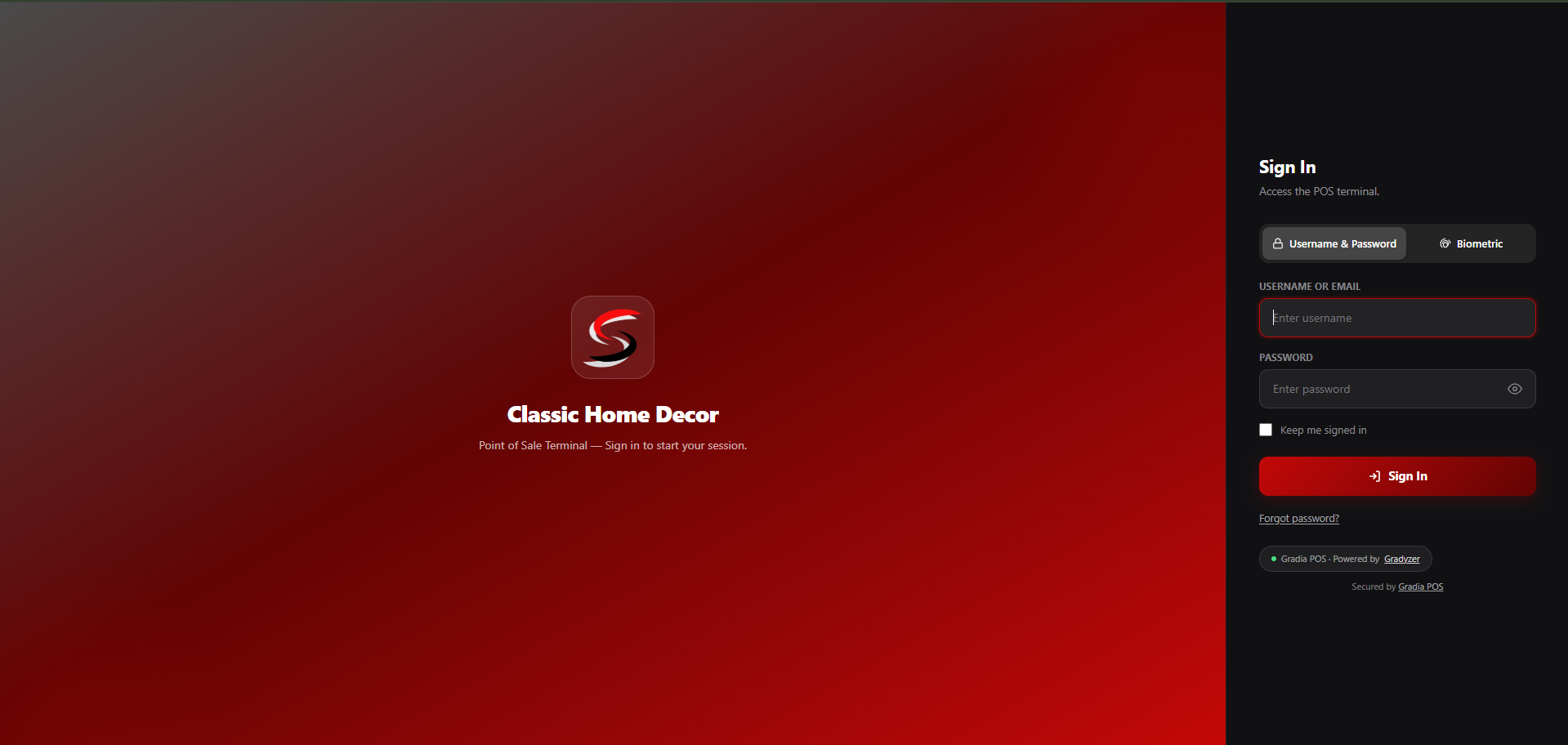

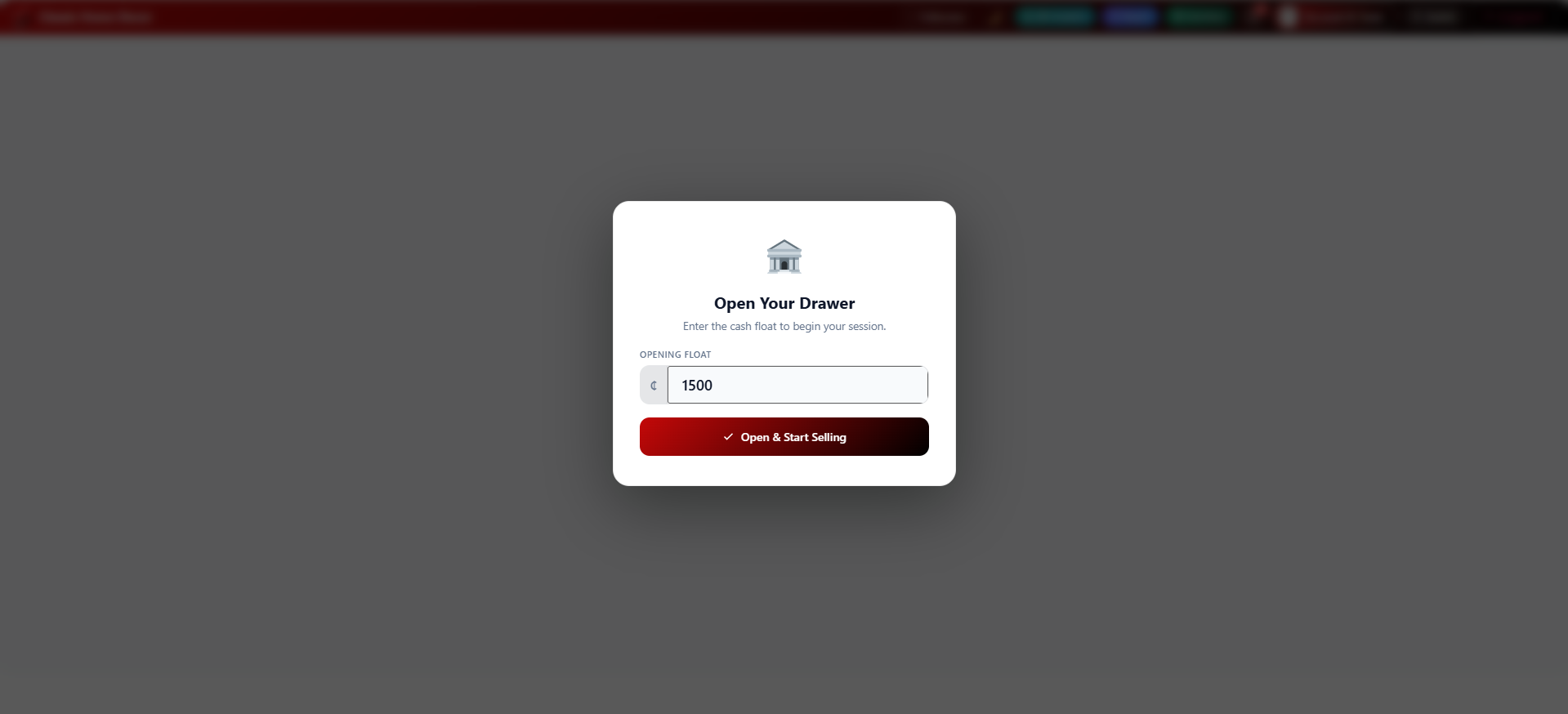
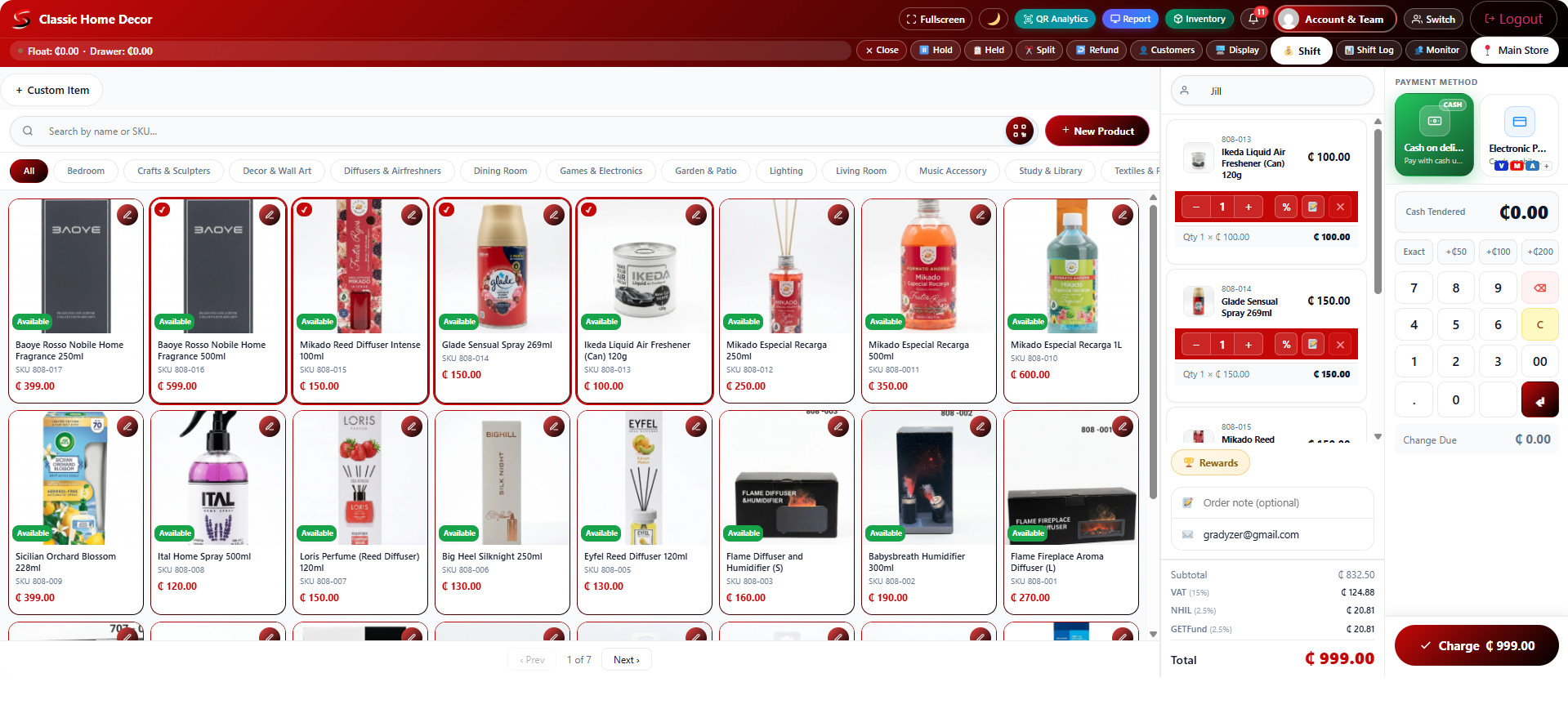
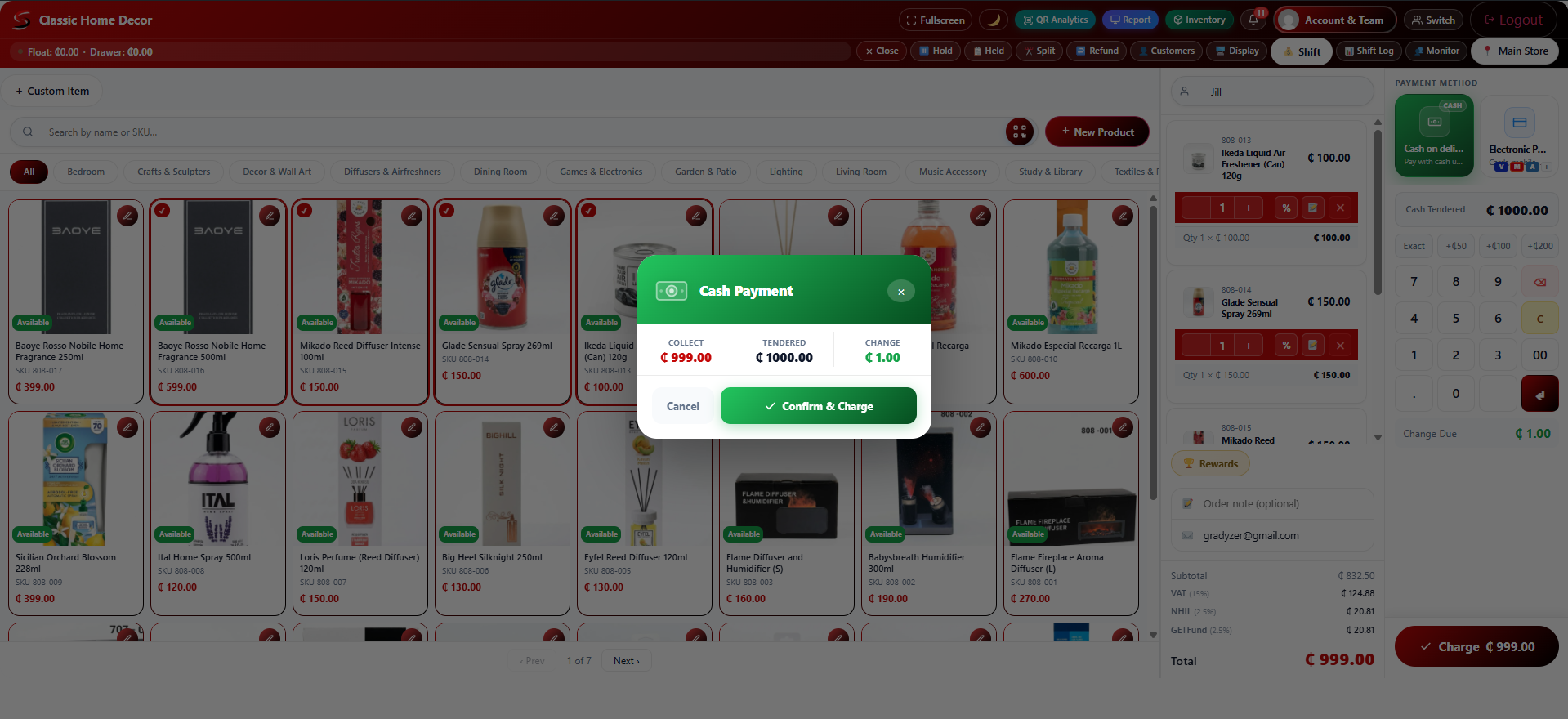
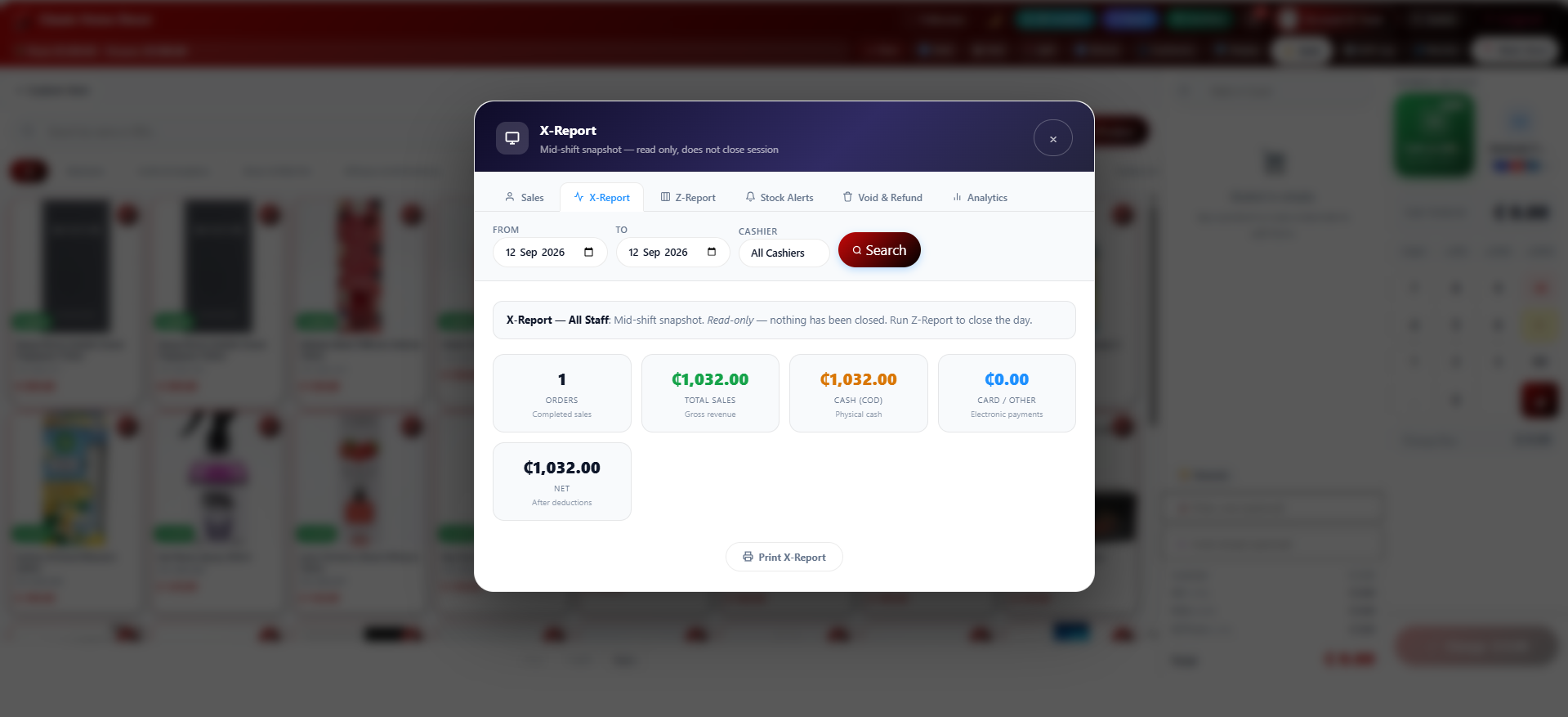
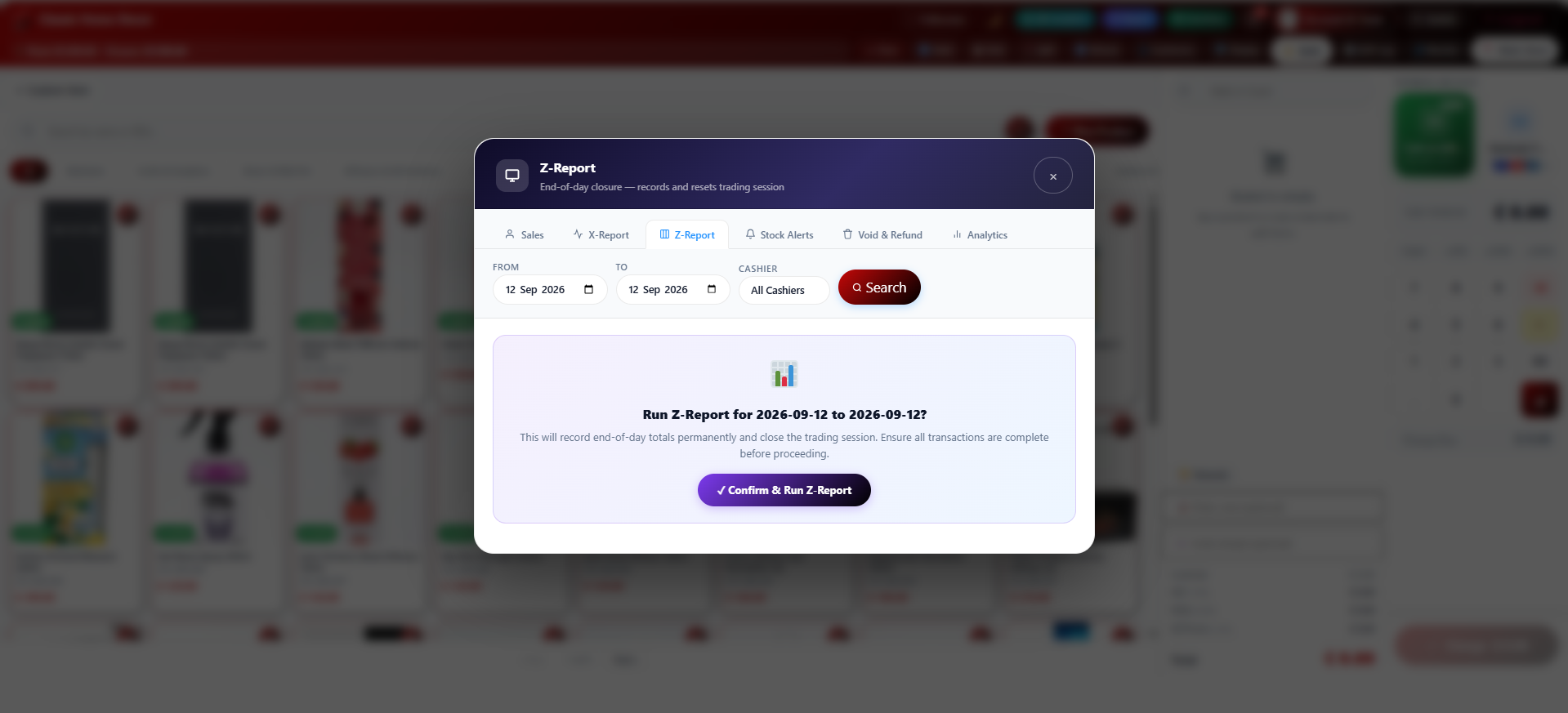
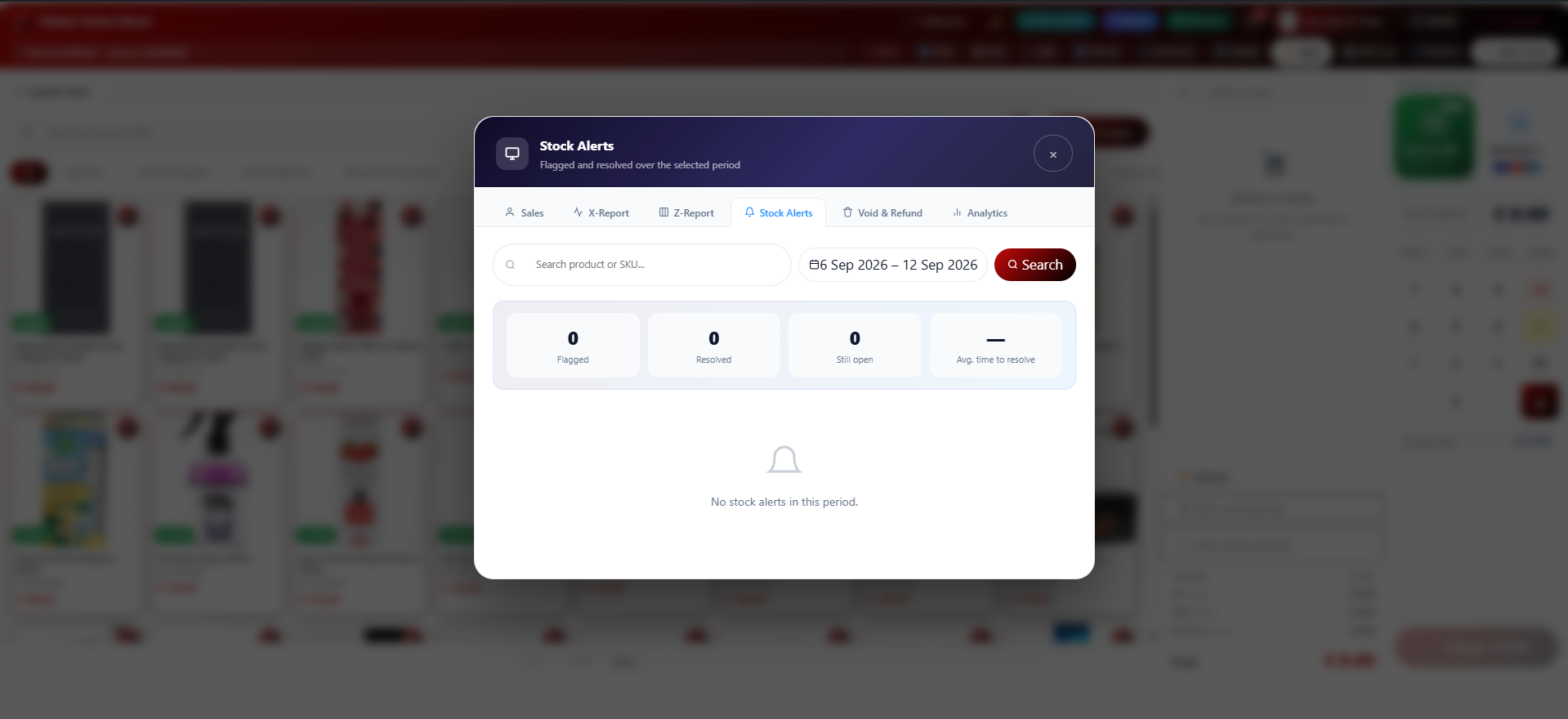
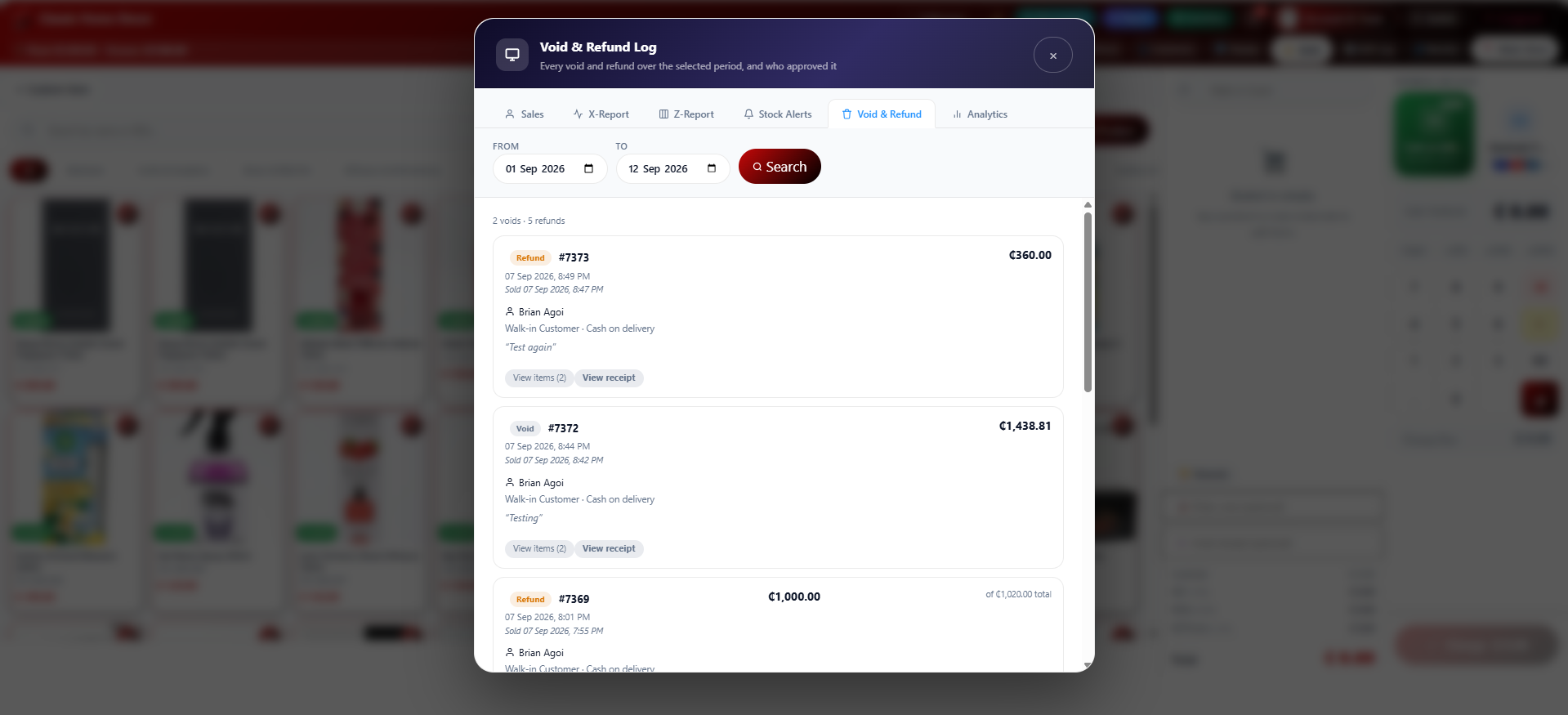
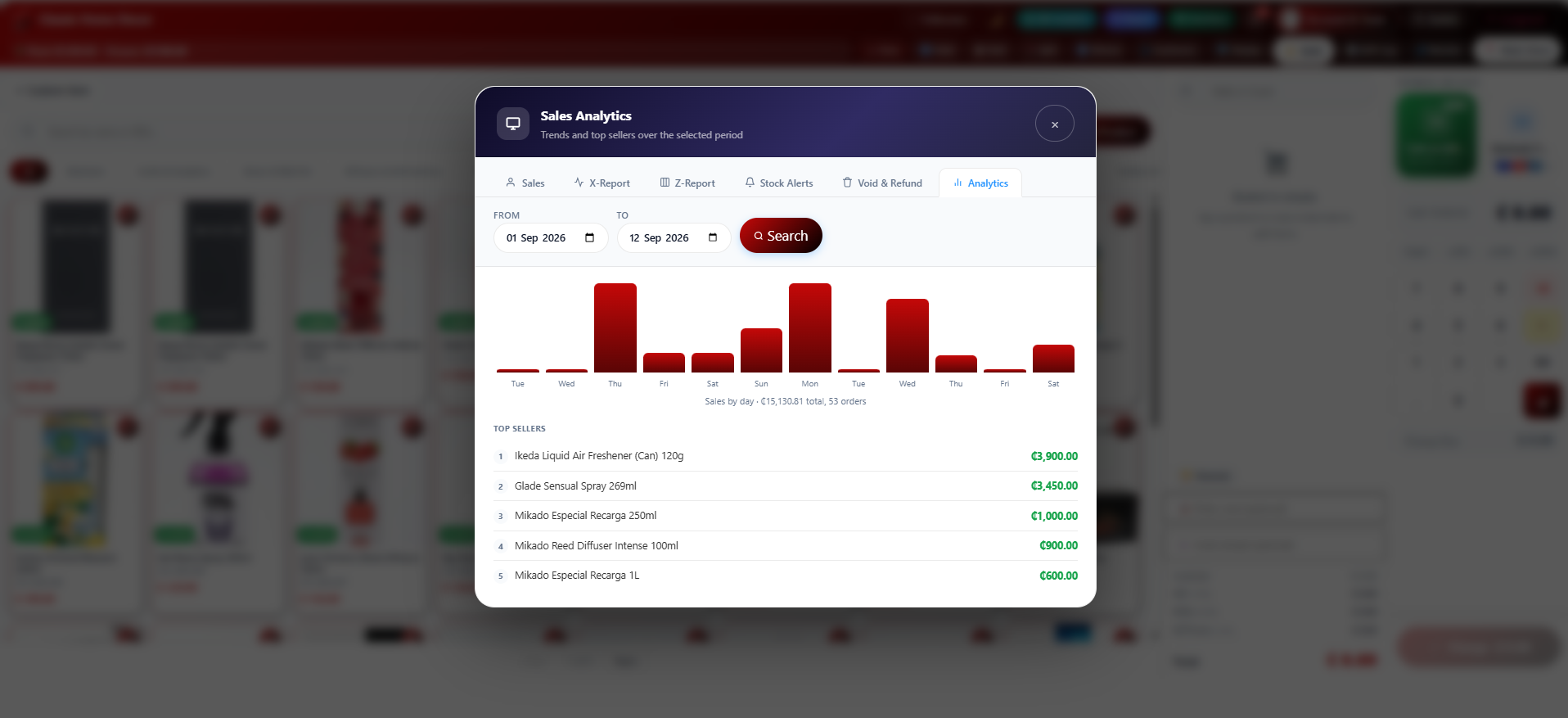
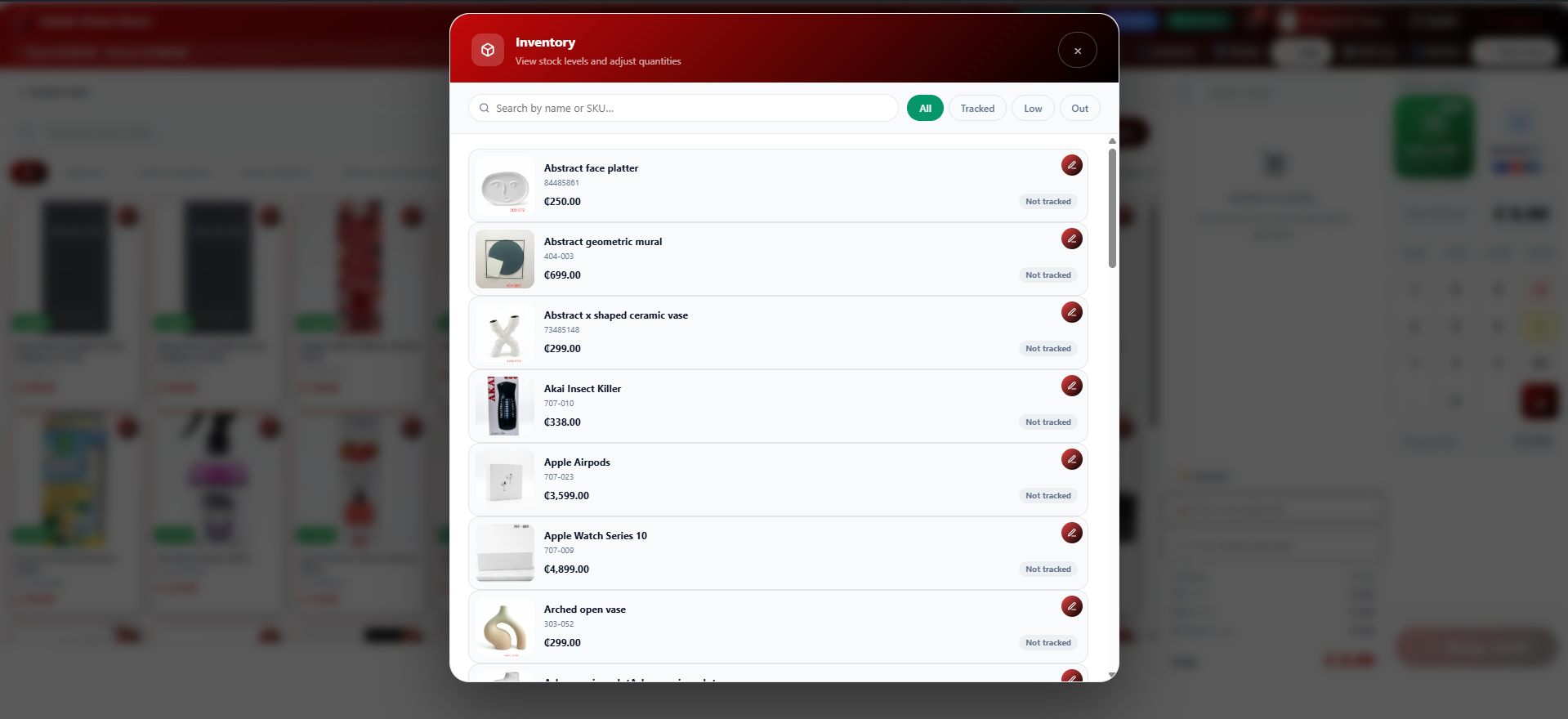
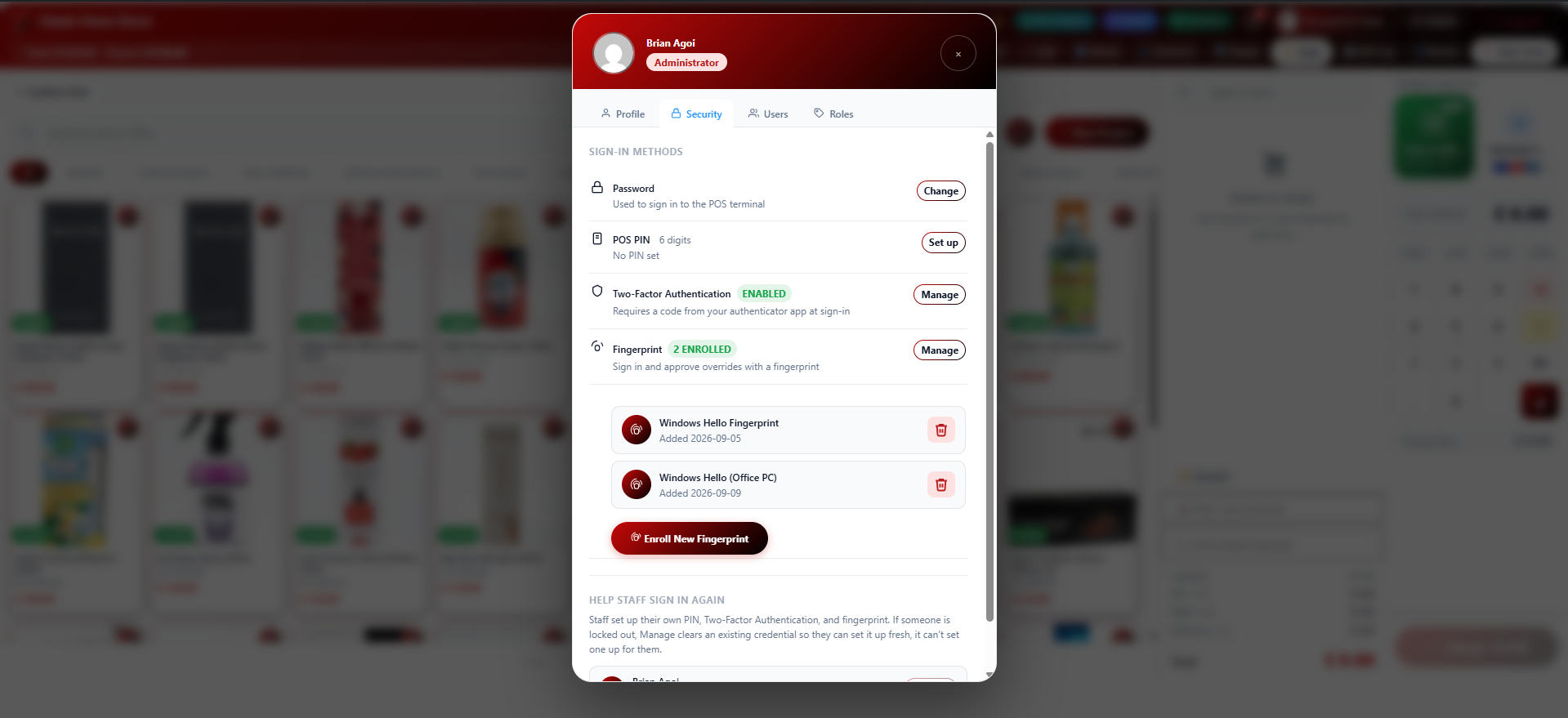
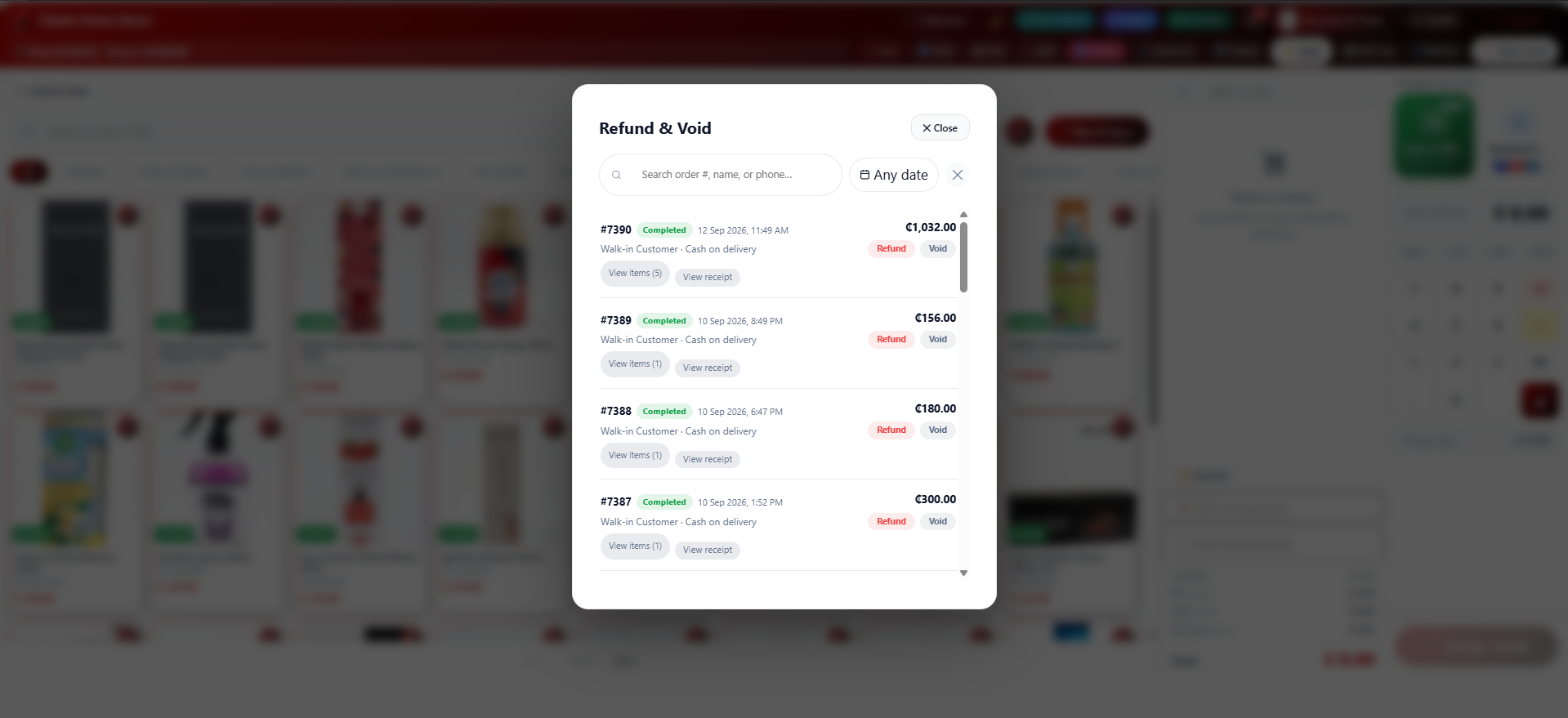
Cài đặt
- Upload the
gradia-posfolder to/wp-content/plugins/ - Activate the plugin through the Plugins menu in WordPress
- Navigate to WP Admin Gradia POS to configure your store settings
- Assign users the Cashier role via WP Admin Gradia POS Cashier Users
- Cashiers are automatically redirected to the POS Terminal on login
Hỏi đáp
-
How do I connect an external WooCommerce store?
-
Go to WP Admin Gradia POS Settings and enable Remote Mode. Enter the external store URL and a WooCommerce Consumer Key / Secret with read/write permissions.
-
What roles can access the POS?
-
Administrator, Shop Manager, and Cashier. Administrators control which Cashiers can add or edit products via WP Admin Gradia POS Cashier Users.
-
Can Cashiers edit products?
-
Yes — if explicitly enabled by the Administrator in POS Settings. Shop Managers and Administrators can always add and edit products.
-
Does it work offline?
-
Yes. Products are cached in IndexedDB. Cash orders placed offline are queued and synced automatically when the connection is restored.
-
Can I print receipts for external store orders?
-
Yes. A local receipt is generated for every order (local or remote) and includes the correct change calculation.
Đánh giá
Không có đánh giá nào cho plugin này.
Người đóng góp & Lập trình viên
“Gradia POS – Modern Point of Sale for WooCommerce” là mã nguồn mở. Những người sau đã đóng góp vào plugin này.
Những người đóng góp
Dịch “Gradia POS – Modern Point of Sale for WooCommerce” sang ngôn ngữ của bạn.
Muốn tham gia phát triển?
Duyệt code, check out SVN repository, hoặc theo dõi nhật ký phát triển qua RSS.
Nhật ký thay đổi
10.03.05
- Renamed the plugin to “Gradia POS – Modern Point of Sale for WooCommerce” (plugin header and readme both updated to match)
- The cash drawer no longer pops open automatically for card/electronic payments — it now only fires the drawer-kick command (QZ Tray and PrintNode both) when the payment method was actually cash. A new machine-readable paymentMethod field was added alongside the existing display-label field everywhere receipt data gets built (local orders, remote orders, split payments — which check whether any of the combined payment parts was cash) so this can be checked reliably rather than guessed from tendered/change values, which have edge cases (an exact-cash payment shows change=0, same as a card payment would).
10.03.04
- Found and fixed the actual root cause of remote-mode charges failing whenever a customer was selected: “Customer ID is invalid.” A customer picked on the POS is always a local WordPress user (that’s where reward-points meta lives), but in remote mode the order gets created on a completely separate WooCommerce install with its own separate customer table — the local ID meant nothing there, and WooCommerce’s own REST API correctly rejected it.
- Fixed by resolving the local customer to a real remote customer by email at the point of order submission — looking them up on the remote store, creating one there if none exists yet, and caching the mapping so repeat customers only need this resolved once. Falls back to guest checkout on the remote order (rather than blocking the sale) if the local user has no email or the remote store can’t be reached.
10.03.03
- Checkout hardening on top of 10.03.02’s fix: the order-creation response now goes through the plugin’s own resilient JSON parser (already used elsewhere in this file) as an extra defensive layer against any future stray PHP output corrupting the response, on top of the actual root-cause fix already shipped. Phase 2 finalisation stays fire-and-forget (deliberately not awaited — blocking every sale on it would mean an error there looks identical to a failed charge, when the charge already succeeded, risking a duplicate), but now shows a toast if it fails instead of staying silent, and is skipped entirely for remote orders, which never use it.
10.03.02
- Found the actual cause of remote-mode charges silently failing to produce a receipt (was diagnosed and fixed on the Pro side after live testing there, this plugin had the identical bug and is fixed the same way): two variables ($sub_pre, $subtotal_raw) in the remote order-creation code were only defined inside a conditional block or later in the function, but used unconditionally/earlier elsewhere. A sale with a rewards redemption but no separate POS discount hit the first one directly; the second was always latent regardless of discount, silently zeroing out every tax line (VAT/NHIL/GETFund) on the receipt. On a site with PHP warnings set to display, either one gets echoed into the AJAX response ahead of the JSON, breaking it client-side. Both now compute unconditionally before their first use.
10.03.01
- Fixed the previous fix: syncing a rewards-selected customer to the basket’s customer field was also firing the same event used for selecting a customer before adding items, which independently triggers price-level re-pricing. With the payment modal already open and totals already fixed, that re-pricing happened silently mid-checkout, so the charge the server received no longer matched the modal’s numbers, and Confirm & Charge just failed silently instead of producing a receipt. The sync no longer fires that event, only the two fields it actually needs to set.
- Versioning correction (again — this one’s on me): 10.02.21 should have wrapped to 10.03.01
10.02.21
- Fixed a real bug: selecting a customer inside the Rewards redemption modal never updated the basket’s own customer field, so the order was still created against Walk-in Guest even though the points redemption correctly happened against the right customer. Now syncs automatically, without overriding a customer the cashier deliberately selected separately.
- Removed the customer name/reward-points receipt feature added in 10.02.20 — that’s a Pro-only feature and shouldn’t have shipped here.
10.02.20
- Receipts now show the reward points a purchase will earn (when a customer is selected), alongside the points-remaining balance already shown. Clearly separate from the confirmed balance, since the cashier still confirms the actual award in a later step after the receipt prints — this is the same estimate that confirmation screen itself computes.
10.02.19
- Added the missing Text Domain header (gradia-pos) — WordPress can derive it from the slug without one, but every translation call in the codebase already uses this literal string, so declaring it removes any ambiguity
- Trimmed this changelog, which was well over WordPress.org’s 5,000 character limit and being silently truncated
10.02.18
- Widened the option-migration fix to also catch options defined as class constants, not just literal strings; re-versioned the migration guard to run again for anyone who got the earlier, incomplete pass
- Extended role migration to also catch custom staff roles created before the prefix rename, not just Cashier/Supervisor
10.02.17
- Fixed data appearing to vanish after updating (empty products, blank categories) — added a one-time migration for options and role assignments left behind by the grdpos_ gradia_pos_ prefix rename
10.02.16
- Fixed a fatal error on every front-end page load when neither local WooCommerce nor a remote store was fully configured yet
10.02.15
- Properly fixed the receipt print window’s asset loading (enqueue + wp_print_styles/scripts instead of raw tags) and remaining email-escaping findings
10.02.14
- Removed dead 2FA and biometric sign-in code from the login page (inert markup and unreachable JS, no server-side path ever triggers either)
10.02.13
- Renamed every grdpos_ identifier to gradia_pos_ (functions, options, roles, AJAX actions, JS globals/events, CSS classes) to avoid a real collision with Portal Cloud 9 Pro
- Fixed a dead nonce field, a dead self-referential code block, and a real drawer-open AJAX action name mismatch found while verifying the rename
10.02.12
- Removed a leftover AJAX action registration pointing at an undefined callback, a latent fatal-error risk
10.02.11
- WordPress.org review remediation: receipt print window assets moved to external files, discount-label/email escaping fixed, several phpcs:ignore suppressions replaced with proper wp_kses() calls, esc_attr() added to CSS-generating functions, esc_url_raw() corrected to esc_url()
- Renamed the p9PosData JS global to grdposData
10.01.31
- Fixed the SKU/Barcode scan button showing the theme’s pink accent instead of the intended style, and swapped its icon for an actual barcode icon
Earlier versions
See the plugin’s page at https://gradyzer.com/gradia-pos/ for the complete version history.