
Mô tả
CoBlocks is the most innovative collection of page building WordPress blocks for the new Gutenberg WordPress block editor.
With additional blocks and true row and column building, CoBlocks gives you a true page builder experience for Gutenberg.
CoBlocks is powerful but lightweight: it adds functionality to the WordPress editor without bloat. This is the plugin you’ve been waiting for, and it will make you rethink what WordPress is capable of.
Make Beautiful Web Pages With Gutenberg & CoBlocks
CoBlocks is the last page builder you’ll ever need: you get a winning mix of additional WordPress blocks, and page builder functionality. With CoBlocks you have everything you need to make beautiful web pages with the new block editor:
- Accordion Block
- Alert Block
- Author Profile Block
- Carousel Gallery Block
- Click to Tweet Block
- Collage Gallery Block
- Counter Block (New!)
- Dynamic Separator Block
- Events Block
- FAQ Block
- Features Block
- Food & Drinks Block
- Form Block
- Gif Block
- GitHub Gist Block
- Hero Block
- Highlight Block
- Icon Block
- Logos & Badges Block
- Map Block
- Masonry Gallery Block
- Media Card Block
- Offset Gallery Block
- OpenTable Reservations Block
- Post Carousel Block
- Posts Block
- Pricing Table Block
- Resizable Row/Columns Blocks
- Services Block
- Shape Divider Block
- Social Profiles Block
- Social Sharing Block
- Stacked Gallery Block
Breakthrough Page Builder System
CoBlocks features an innovative block system that allows you to create stunning web pages, and even entire websites, with the new WordPress editor.
You get the extra blocks you need and the layout and design functionality for a true page builder experience.
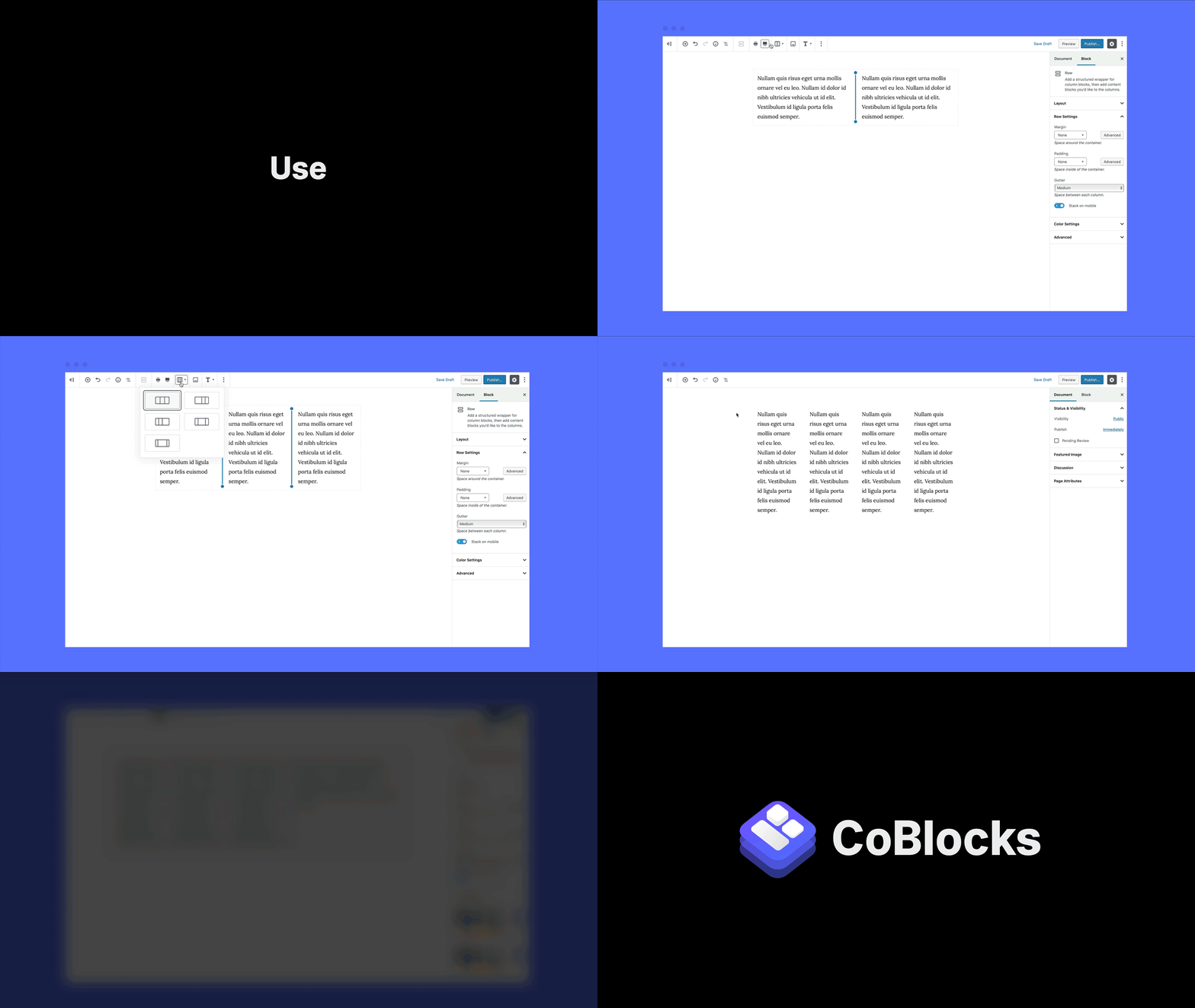
Use the exceptional Row and Columns blocks to add dynamically generated content areas with specific responsive margin and padding settings that only CoBlocks provides.
Style these with innovative new blocks such as the Shape Divider, which lets you split up your content with beautiful dividers.
Each of the WordPress blocks within CoBlocks have been precisely fined tuned to offer a familiar, yet powerful, customization experience. Tailor each block to your taste using our custom controls and settings. Change fonts, set margin and padding, pick colors and more.
Custom Typography Controls
The breakthrough Typography Control Panel within CoBlocks lets you design web pages with alluring typographic elements. Set fonts, sizes, weights, transformations and more, in our CoBlocks blocks, and in core WordPress blocks.
Free Companion Theme
CoBlocks is built to show off the best of Gutenberg, but it requires a Gutenberg-first theme to unlock its full potential. We also created the free Go theme in the WordPress theme repository as the perfect companion for CoBlocks.
Going Beyond Gutenberg Blocks
The vision for CoBlocks is to create a suite of Gutenberg blocks to help folks make beautiful websites easily. These newest releases of CoBlocks is the ultimate expression of that vision.
Built With Developers in Mind
Extensible, adaptable, and open source — CoBlocks is created with theme and plugin developers in mind. If you’re interested to jump in the project, there are opportunities for developers at all levels to get involved. Contribute to CoBlocks on GitHub and join the party. 🎉
Register Custom Block Patterns
Create your own Block Pattern (Appearance > Block Patterns). Seelect the top-most block, Block Toolbar Options, Add Design Pattern to register your Block Pattern and specify which category to assign it to.
Ảnh màn hình



Khối
Plugin này cung cấp 55 khối.
- Social Profiles Tăng lượng độc giả của bạn bằng các liên kết đến hồ sơ mạng xã hội.
- Nội dung có thể thu gọn Sắp xếp nội dung bên trong các item nội dung có thể thu gọn.
- Gist Embed a GitHub Gist.
- Hàng Thêm một trình bao bọc có cấu trúc cho các khối của cột, sau đó thêm khối nội dung bạn muốn cho các cột.
- Shape Divider Add a shape divider to visually distinguish page sections.
- Bản đồ Thêm một địa điểm hoặc địa chỉ để thả ghim trên bản đồ Google.
- Ảnh trượt xoay vòng Hiển thị nhiều ảnh trong một album ảnh trượt xoay vòng cuốn hút.
- Cảnh báo
- Buttons (Deprecated) This block is replaced by core Buttons block.
- Pricing Table Thêm các bảng giá để giúp khách truy cập so sánh các sản phẩm và các gói.
- Sự kiện Thêm một danh sách các sự kiện hay hiển thị các sự kiện từ lịch chung.
- Nhấp chuột vào để đăng Thêm một câu trích dẫn để độc giả đăng qua Twitter.
- Logos Thêm logo, huy hiệu hoặc chứng nhận để gây dựng lòng tin.
- FAQ Add a list of questions and answers.
- Biểu tượng Thêm một biểu tượng đồ họa cách điệu để truyền tải nhiều ý nghĩa hơn.
- Các tính năng Thêm đến ba cột ghi chú nhỏ cho sản phẩm hoặc dịch vụ của bạn.
- Lệch Display images in an offset brick pattern gallery.
- Mẫu Add a contact form to your page.
- Bài đăng Hiển thị bài viết hoặc một nguồn cấp RSS theo các thẻ xếp chồng hoặc nằm ngang.
- OpenTable Embed an OpenTable Reservations Widget.
- Post Carousel (CoBlocks) Hiển thị bài viết hoặc một nguồn cấp tin blog bên ngoài theo dạng ảnh trượt xoay vòng.
- Tác giả
- Nội dung chính Một đoạn giới thiệu của trang kèm theo một đoạn văn bản nhỏ và kêu gọi thao tác.
- Food & Drink Hiển thị một menu hay bảng giá.
- Dynamic Separator Thêm một ký tự cách có thể thay đổi kích cỡ ở giữa các khối khác.
- Các dịch vụ Thêm hơn bốn cột dịch vụ để hiển thị.
- Ảnh Gif Hãy chọn một ảnh GIF, bất kỳ ảnh nào.
- Masonry Gallery Display multiple images in a masonry style gallery.
- Media Card Thêm một ảnh hoặc video song song với thẻ.
- Counter Utilize the CoBlocks Counter block to highlight your company statistics and milestones.
- Tô màu Thu hút sự chú ý và nhấn mạnh vào nội dung quan trọng.
- Testimonials Utilize the CoBlocks Testimonials block to display customer feedbacks.
- Chia sẻ Thêm các liên kết chia sẻ mạng xã hội để giúp bạn được thích và chia sẻ.
- Xếp chồng Hiển thị nhiều ảnh trong album ảnh xếp chồng một cột.
- Collage Assemble images into a beautiful collage gallery.
- Item nội dung có thể thu gọn Thêm các item nội dung có thể thu gọn vào hiệu ứng nội dung có thể thu gọn.
- Cột Một hàng phụ tức thì của dòng.
- Pricing Table Item Một bảng giá để giúp khách truy cập so sánh các sản phẩm và các gói.
- Item sự kiện Một sự kiện trong khối nhiều sự kiện.
- FAQ Item A question/answer within the FAQ block.
- Tính năng Thêm một cột con trong khối tính năng chính.
- Tên Một trường văn bản để thu thập tên và họ.
- Điện thoại A text field for collecting a phone number.
- Hộp kiểm Một trường checkbox có thể chọn nhiều tùy chọn cùng một lúc.
- Trang web Một trường văn bản để thu thập một URL.
- Bị ẩn Một trường văn bản bị ẩn để thu thập dữ liệu bổ sung.
- Ngày Một trường để nhập ngày với một bộ chọn ngày.
- Gửi đi A button for submitting form data.
- Email Một trường để thu thập địa chỉ email đã được xác thực.
- Văn bản A text box for custom responses.
- Nút Radio Một trường với nhiều tùy chọn nhưng chỉ được chọn một cái duy nhất.
- Vùng văn bản Một ô văn bản cho những phản hồi dài hơn.
- Chọn Một trường có nhiều tùy chọn nhưng chỉ được chọn một.
- Food Item Một item thức ăn và đồ uống trong khối Thức ăn và Nước uống.
- Dịch vụ Một item dịch vụ trong một khối các dịch vụ.
Cài đặt
- Upload the
coblocksfolder to your/wp-content/plugins/directory or alternatively upload the coblocks.zip file via the plugin page of WordPress by clicking ‘Add New’ and selecting the zip from your computer. - Install and activate the Gutenberg WordPress plugin.
- Activate the CoBlocks WordPress plugin through the ‘Plugins’ menu in WordPress.
- Use CoBlocks blocks on your next page or post.
Hỏi đáp
-
Is CoBlocks free?
-
Yes! CoBlocks is 100% free and always will be.
-
How do I start using Gutenberg?
-
To get the full experience of the next-generation WordPress block editor, it helps to have a properly Gutenberg-optizied WordPress theme, like this one and install WordPress 5.0 or higher.
-
How do I use my first CoBlocks Gutenberg blocks?
-
CoBlocks adds its Gutenberg blocks to the new WordPress editor, so you can use them exactly how you would any other WordPress blocks. Once the plugin is installed, create or edit a WordPress page or post, add a new block using the plus icon, and you’ll find all of CoBlocks’ WordPress blocks available.
-
How do I create a custom Block Pattern?
-
CoBlocks enables you to create your own Block Patterns.
1. Select all blocks that belong together for your pattern
2. Under the kebab (3 dots) menu, select Add Design Pattern
3. Name your block and select a category
4. Save Pattern -
What WordPress themes work with CoBlocks?
-
Any properly developed WordPress theme will work with CoBlocks, though if you’re looking for an exceptional free theme, check out Go.
Developers can also apply minor style touch-ups to their themes if necessary. If you’re a developer and you need help, don’t hesitate to reach out.
-
What version of WordPress does CoBlocks work on?
-
CoBlocks is designed to support the last two major versions of WordPress that are currently released. If you’re using one of these versions, you’re all set to enjoy everything CoBlocks has to offer!
Đánh giá


Người đóng góp & Lập trình viên
“Page Builder Gutenberg Blocks – CoBlocks” là mã nguồn mở. Những người sau đã đóng góp vào plugin này.
Những người đóng góp


“Page Builder Gutenberg Blocks – CoBlocks” đã được dịch qua 33 ngôn ngữ. Cảm ơn những người tham gia dịch vì đóng góp của họ.
Dịch “Page Builder Gutenberg Blocks – CoBlocks” sang ngôn ngữ của bạn.
Muốn tham gia phát triển?
Duyệt code, check out SVN repository, hoặc theo dõi nhật ký phát triển qua RSS.
Nhật ký thay đổi
3.1.15 / 2025-04-09
Bug Fix
- Prevent site editor crashing when altering the site design styles from within the CoBlocks Labs Site Design. #2631
3.1.14 / 2024-12-20
Bug Fix
- Improve nonce handling and permissions in crop settings API. #2624
3.1.13 / 2024-07-25
Bug fix
- Fix block migration error without dependency #2619
- Fix unescaped excerpts in Posts Blocks – Thank you CleanTalk and Dmitrii Ignatyev #2618
3.1.12 / 2024-06-24
Misc
- Use
wp_safe_remote_get()to retreive remote.icsdata #2614
3.1.11 / 2024-06-13
Bug fix
- Fix disappearing buttons in Services block #2613
3.1.10 / 2024-05-30
Bug fix
- Fix a possible XSS vector #2612
3.1.9 / 2024-04-30
Bug fix
- Prevent local URLs from loading with events block #2607
- Fix Site Content extension loading outside of editor #2609
- Fix Site Design extension failing dom operations #2610
3.1.8 / 2024-04-02
Enhancements
Bug fix
- Fix bug around CoBlocks patterns #2599
Misc
3.1.7 / 2024-03-11
Bug Fix
- Security issue patched #2594
3.1.6 / 2024-02-28
Enhancements
- Introduce a blueprint for WordPress preview #2580
Bug fix
- Load extension styles for core blocks #2591
- Fix Lightbox for all CoBlocks galleries #2589
- Fix Lightbox with A3 Lazy Loading plugin #2588
Misc
- Encode URI component in Typography settings #2584
3.1.5 / 2023-11-06
Enhancements
- Compatibility changes for WP 6.4 #2568
Bug fix
- Fix performance around superfluous data-store selectors #2575
- Fix missing animation scripts in some cases #2576
- Fix php warning occurring in some cases #2572
3.1.4 / 2023-09-07
- Fix missing registered scripts #2566
3.1.3 / 2023-08-28
Bug fix
Misc
- Set supported version to 6.1 #2564
3.1.2 / 2023-08-10
Bug fix
- Resolve Shape Divider bug #2553
- Resolve Form Label warnings #2555
- Resolve Form Array condition #2557
- Fix Form name content order #2558
3.1.1 / 2023-08-09
Bug fix
- Correct
Requires at leastvalue to 6.2 #2552
3.1.0 / 2023-08-08
Enhancements
- Register all blocks in PHP #2521
Bug fix
- Fix captions RichText controls across all galleries #2545
- Fix form block test automation with WP 6.3 #2546
- Fix form block saving with WP 6.3 #2543
- Fix blocks for WP 6.3 compatibility #2538
- Fix PHP Unit tests & update to WP-ENV 8.1.1 #2544
3.0.4 / 2023-06-22
Bug fix
- Validate Site Design nonce and capabilities #2535
Misc