

Mô tả
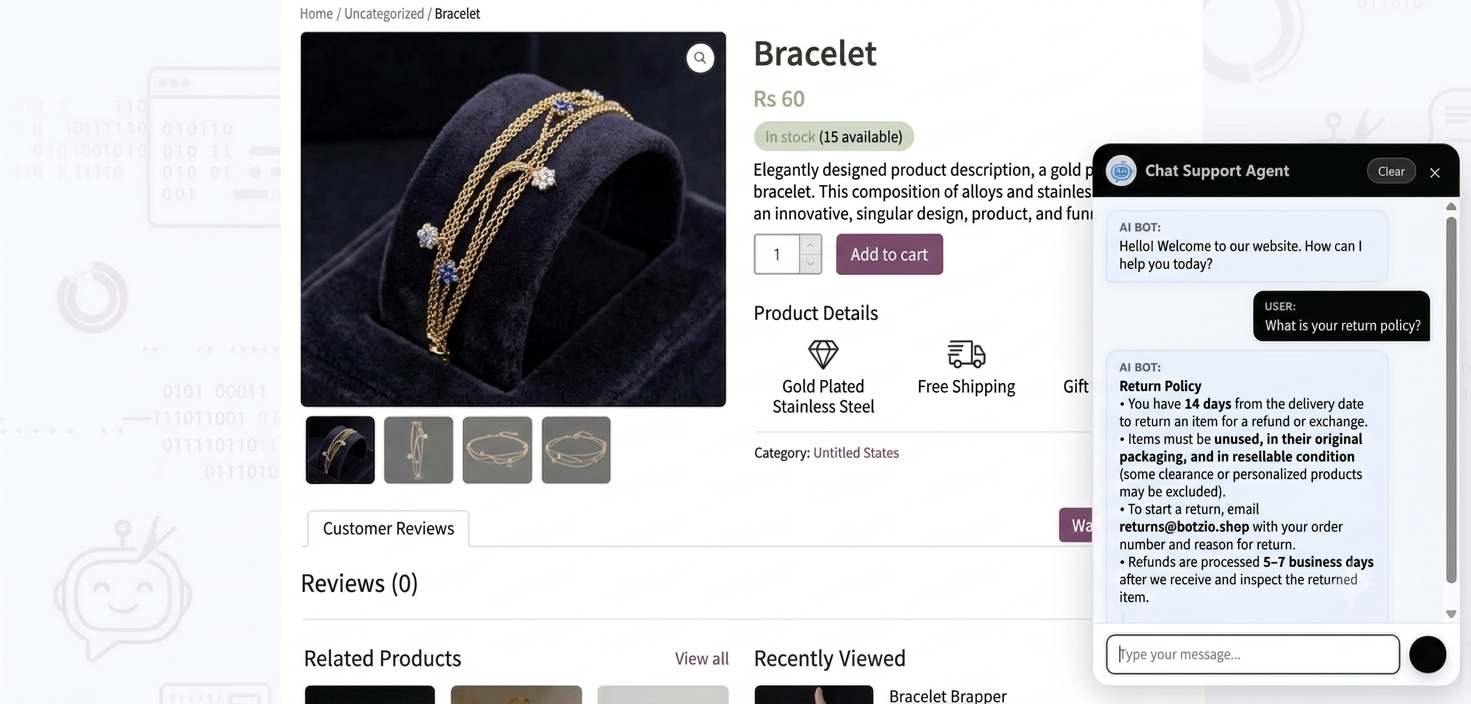
Botzio AI helps WordPress website owners add an AI-powered chatbot to their website for customer support, FAQ automation, and visitor engagement.
The plugin supports multiple AI providers including OpenAI, Gemini, and OpenRouter, allowing you to configure your preferred AI model and train responses using your own business information and website knowledge base.
Botzio AI is designed for businesses, agencies, online stores, service providers, and website owners who want to automate common support questions and improve visitor interaction.
Free Features
-
AI provider support:
- OpenAI
- Gemini
- OpenRouter
-
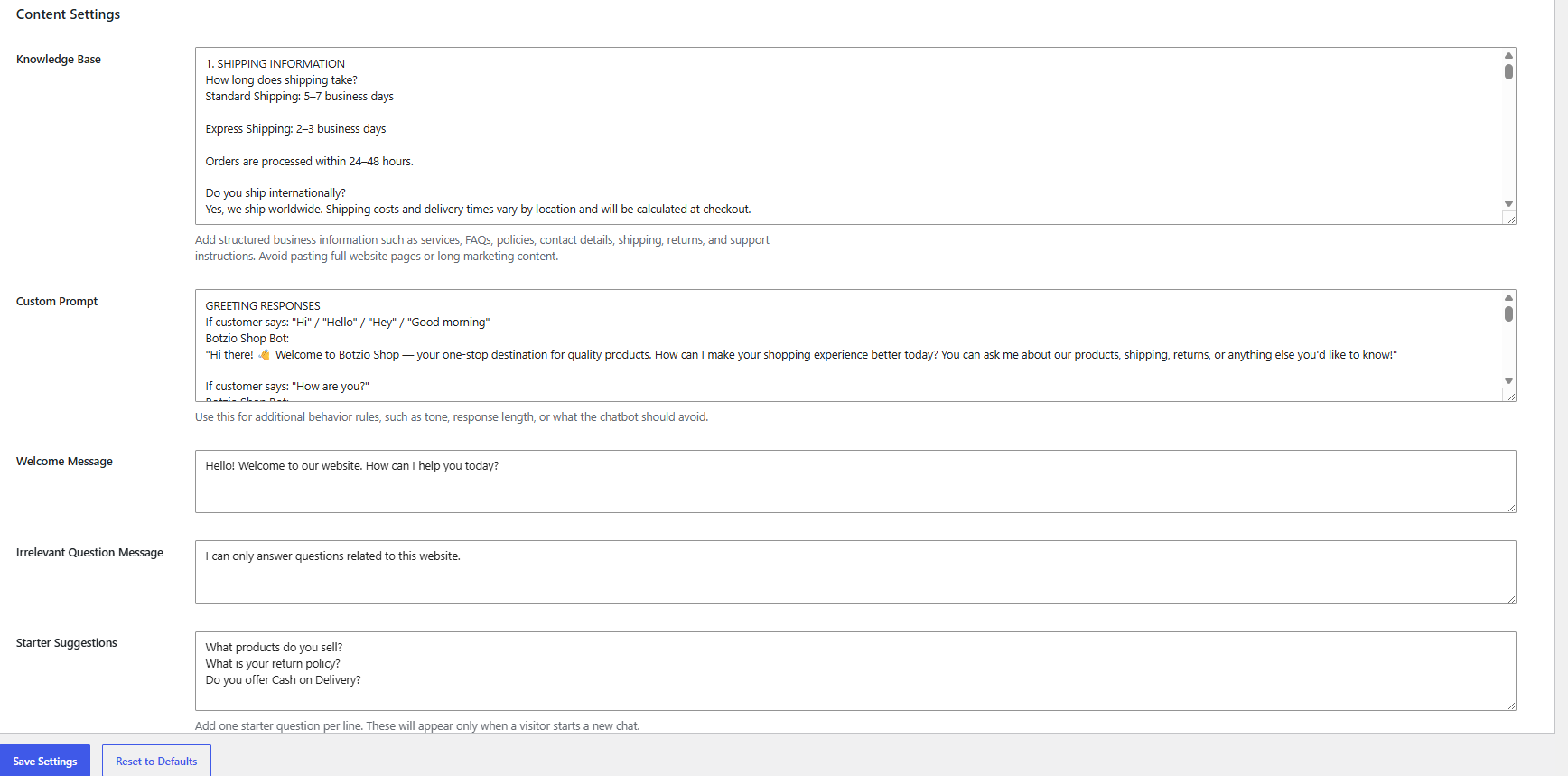
Custom knowledge base support
- Website-specific AI responses
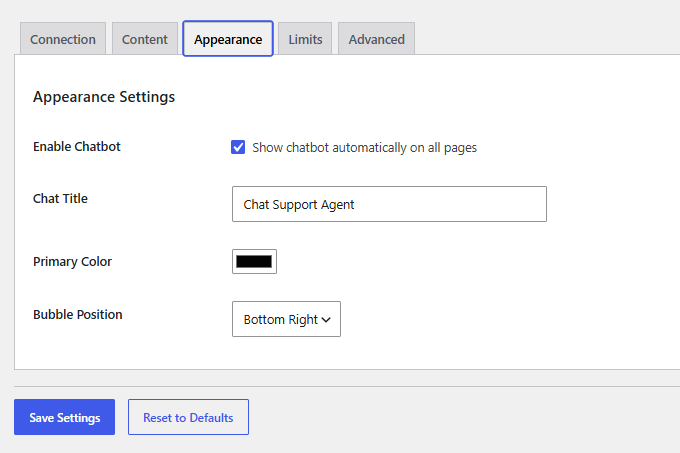
- Chat bubble customization
- Custom welcome message
- Starter question suggestions
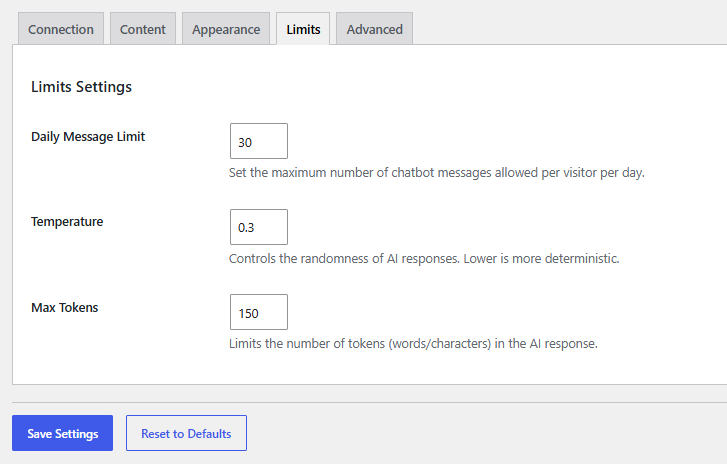
- Daily visitor message limits
- Adjustable AI temperature and response length
- Floating chatbot interface
- Multiple AI model support
External services
Botzio AI connects to third-party AI services selected by the website administrator to generate chatbot responses and retrieve available AI models.
OpenRouter
OpenRouter is used to generate AI responses and retrieve available AI models.
Data sent:
* Administrator API key.
* Visitor chat messages.
* Custom system prompt.
* Manual website knowledge base configured by the administrator.
* Selected AI model.
Data is sent:
* When a visitor sends a chatbot message.
* When the administrator tests the API connection.
* When the administrator refreshes the available model list.
Terms of Service:
https://openrouter.ai/terms
Privacy Policy:
https://openrouter.ai/privacy
OpenAI
OpenAI is used to generate AI responses and retrieve available AI models.
Data sent:
* Administrator API key.
* Visitor chat messages.
* Custom system prompt.
* Manual website knowledge base configured by the administrator.
* Selected AI model.
Data is sent:
* When a visitor sends a chatbot message.
* When the administrator tests the API connection.
* When the administrator refreshes the available model list.
Terms of Use:
https://openai.com/policies/terms-of-use
Privacy Policy:
https://openai.com/policies/privacy-policy
Google Gemini
Google Gemini (Generative Language API) is used to generate AI responses and retrieve available AI models.
Data sent:
* Administrator API key.
* Visitor chat messages.
* Custom system prompt.
* Manual website knowledge base configured by the administrator.
* Selected AI model.
Data is sent:
* When a visitor sends a chatbot message.
* When the administrator tests the API connection.
* When the administrator refreshes the available model list.
Gemini API Terms:
https://ai.google.dev/gemini-api/terms
Google Privacy Policy:
https://policies.google.com/privacy
License
This plugin is licensed under GPLv2 or later.
Ảnh màn hình
Cài đặt
- Upload the
botzio-aifolder to the/wp-content/plugins/directory. - Activate the plugin through the ‘Plugins’ menu in WordPress.
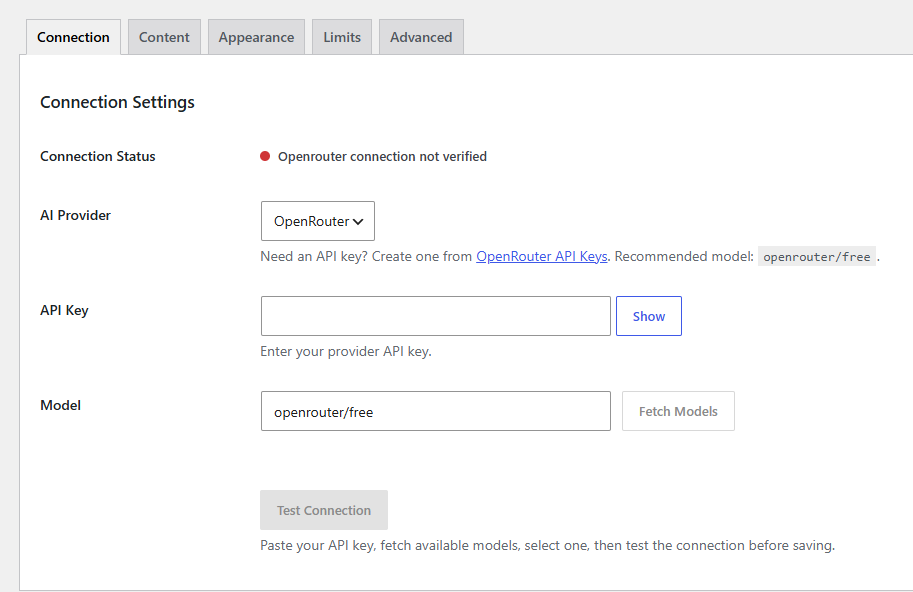
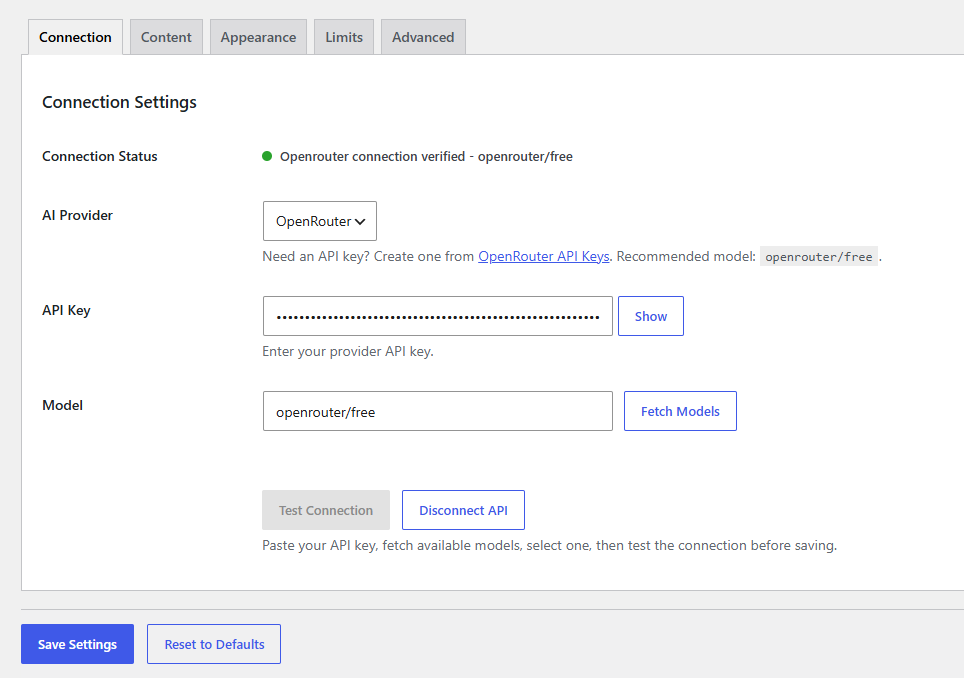
- Open the Botzio AI settings page from the WordPress admin menu.
- Select your preferred AI provider.
- Enter your API key and select a model.
- Configure your chatbot appearance and knowledge base settings.
Hỏi đáp
-
Which AI providers are supported?
-
The plugin currently supports:
– OpenAI
– Gemini
– OpenRouter -
Can I train the chatbot using my own business information?
-
Yes. You can add custom business information, FAQs, policies, and support details through the built-in knowledge base settings.
-
Can I customize the chatbot appearance?
-
Yes. You can customize:
– Chat title
– Primary color
– Bubble position
– Welcome message -
Does the free version include message limits?
-
Yes. The free version includes a daily message limit per visitor.
Đánh giá
Không có đánh giá nào cho plugin này.
Người đóng góp & Lập trình viên
“Botzio AI – Smart Chatbot & Website Assistant” là mã nguồn mở. Những người sau đã đóng góp vào plugin này.
Những người đóng góp
Dịch “Botzio AI – Smart Chatbot & Website Assistant” sang ngôn ngữ của bạn.
Muốn tham gia phát triển?
Duyệt code, check out SVN repository, hoặc theo dõi nhật ký phát triển qua RSS.
Nhật ký thay đổi
1.0.2
- Redesigned the admin settings interface with a wider layout, hero summary, status cards, and icon tabs.
- Improved model selection workflow with cached provider models and connection retesting before saving model changes.
- Expanded large text fields and helper descriptions for better readability on full-width settings screens.
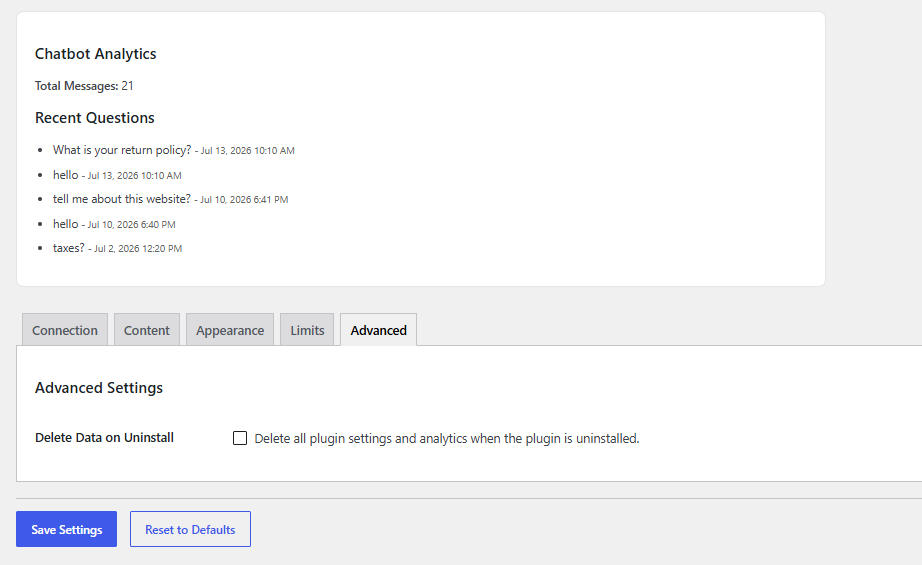
- Added cached model cleanup during uninstall/reset flows.
1.0.1
- Fixed uninstall cleanup logic.
- Fixed admin provider help script initialization.
- Fixed duplicated frontend chat bubble click handling.
- Fixed API connection verification status handling.
- Updated plugin headers and readme version consistency.
- Clarified external service data disclosure for the free version.
- Added custom chatbot launcher icon and subtle attention animation.
- Removed unused internal code before deployment.
1.0.0
- Initial release.
- Added OpenAI, Gemini, and OpenRouter support.
- Added chatbot appearance customization.
- Added knowledge base functionality.
- Added daily message limits.
- Added starter suggestions support.