

Mô tả
Adding any web form to your blog page is now very easy with the FormDesigner plugin, with no special knowledge or skills required.
It is a feature-rich real-time web form builder of any complexity. After installing the plugin, the FormDesigner icon will be added to your editor.
To add a form to the page, simply click on this icon and select the desired form. In addition, a new section “FormDesigner” will be added to the menu which will allow you to manage your forms, create new forms, edit existing forms, and view statistics.
The plugin also supports integration with e-mail services, CRM systems, google tables, Telegram and payment systems.
Ảnh màn hình

Home page of the web form builder 
List of forms 
the icon for adding a form in the editor 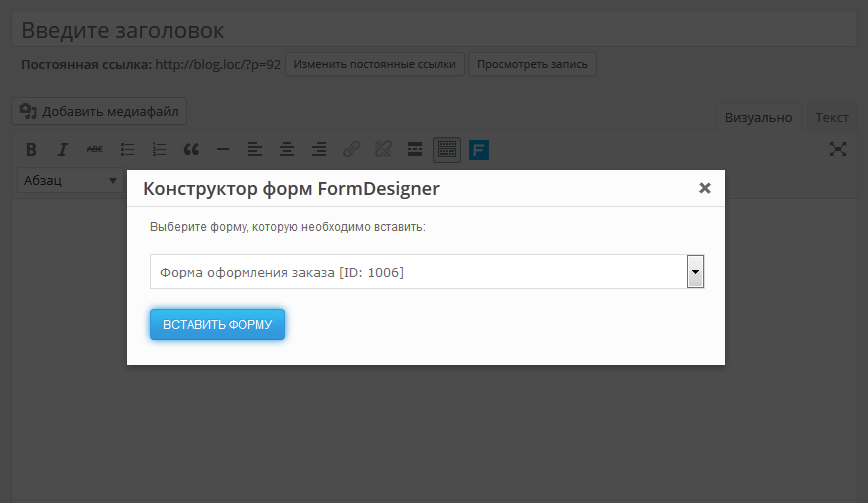
Popup form selection window 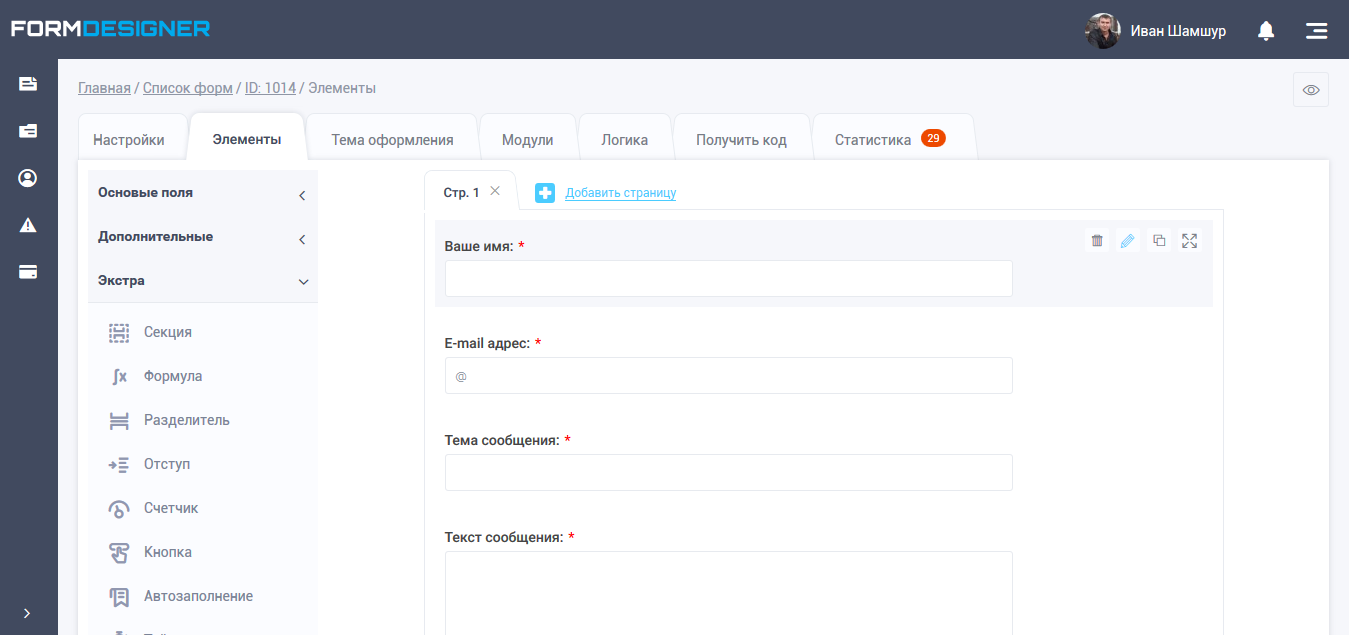
Interface of web form builder 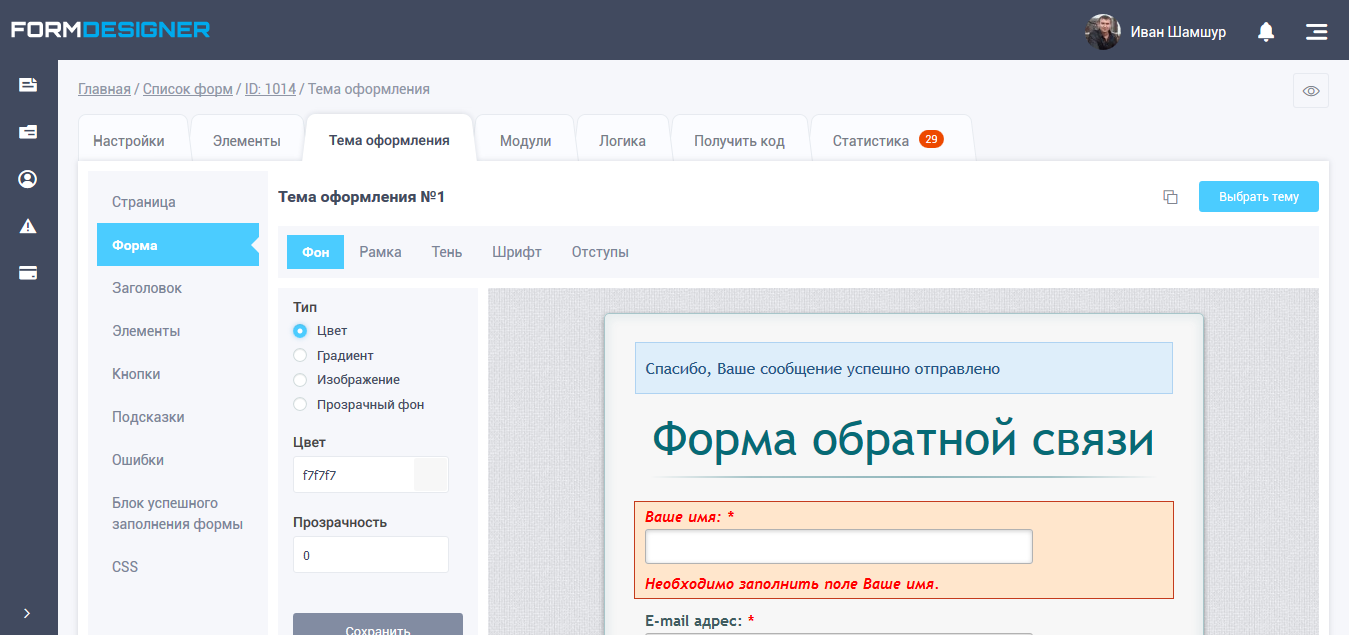
Design theme editor 
Module list 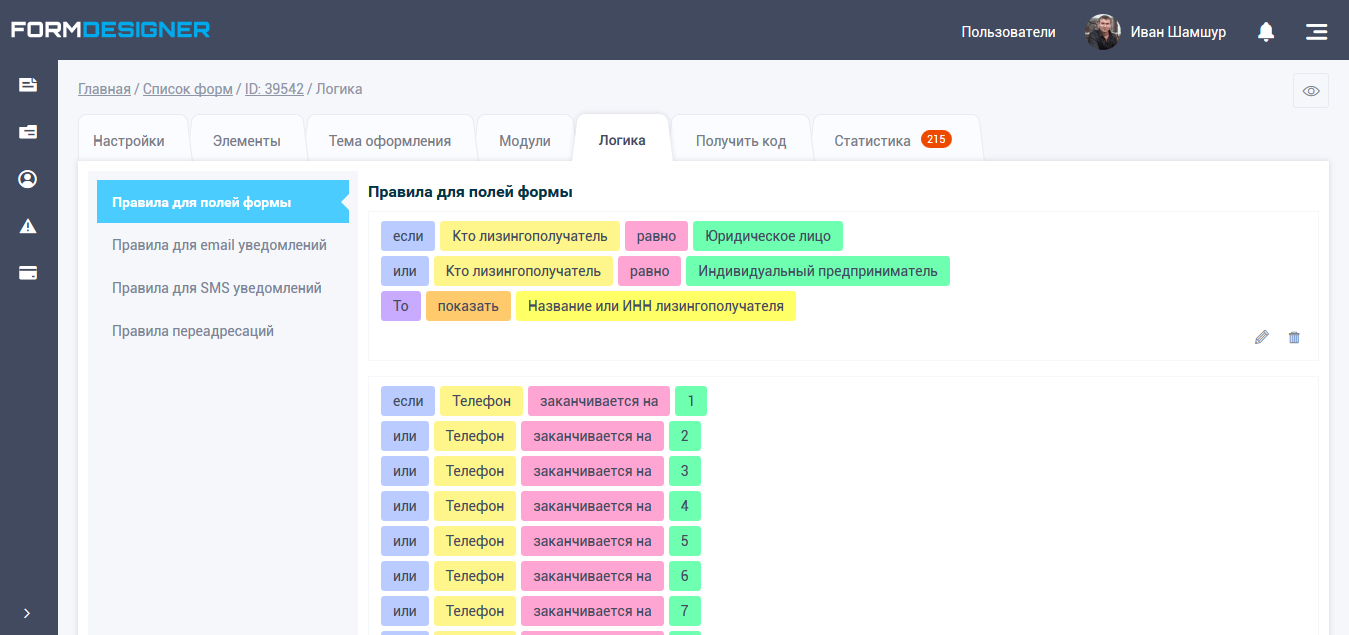
Logical rules and branching 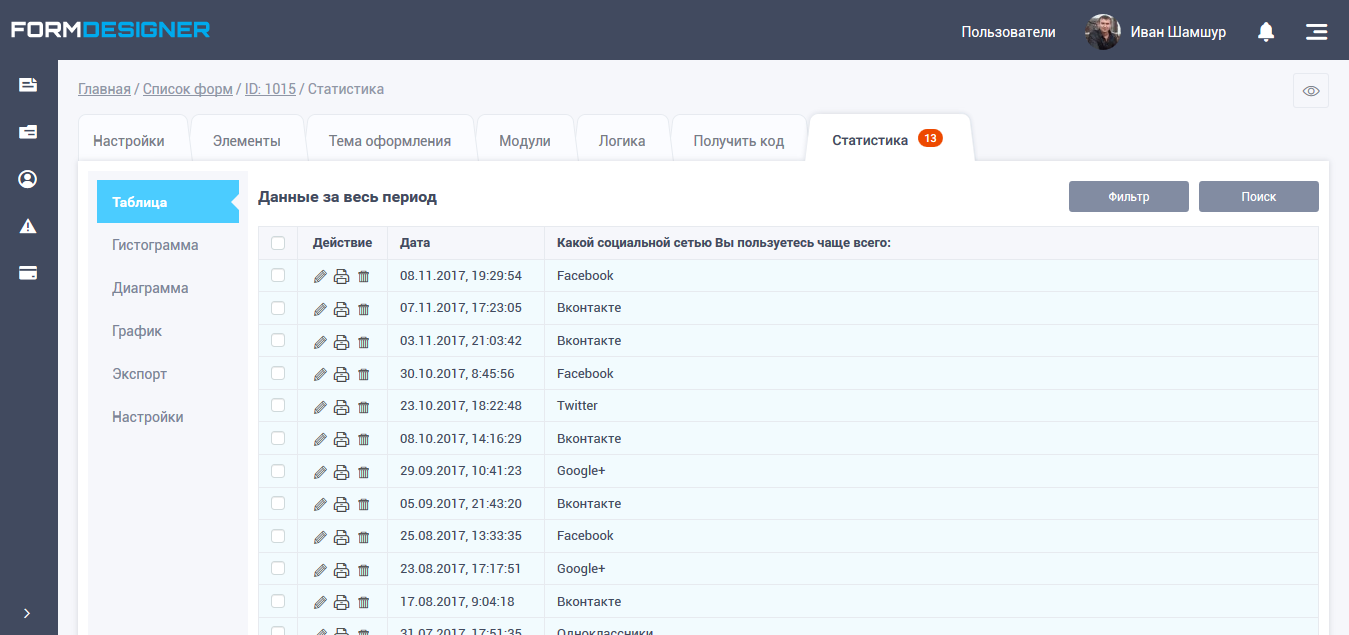
Statistics 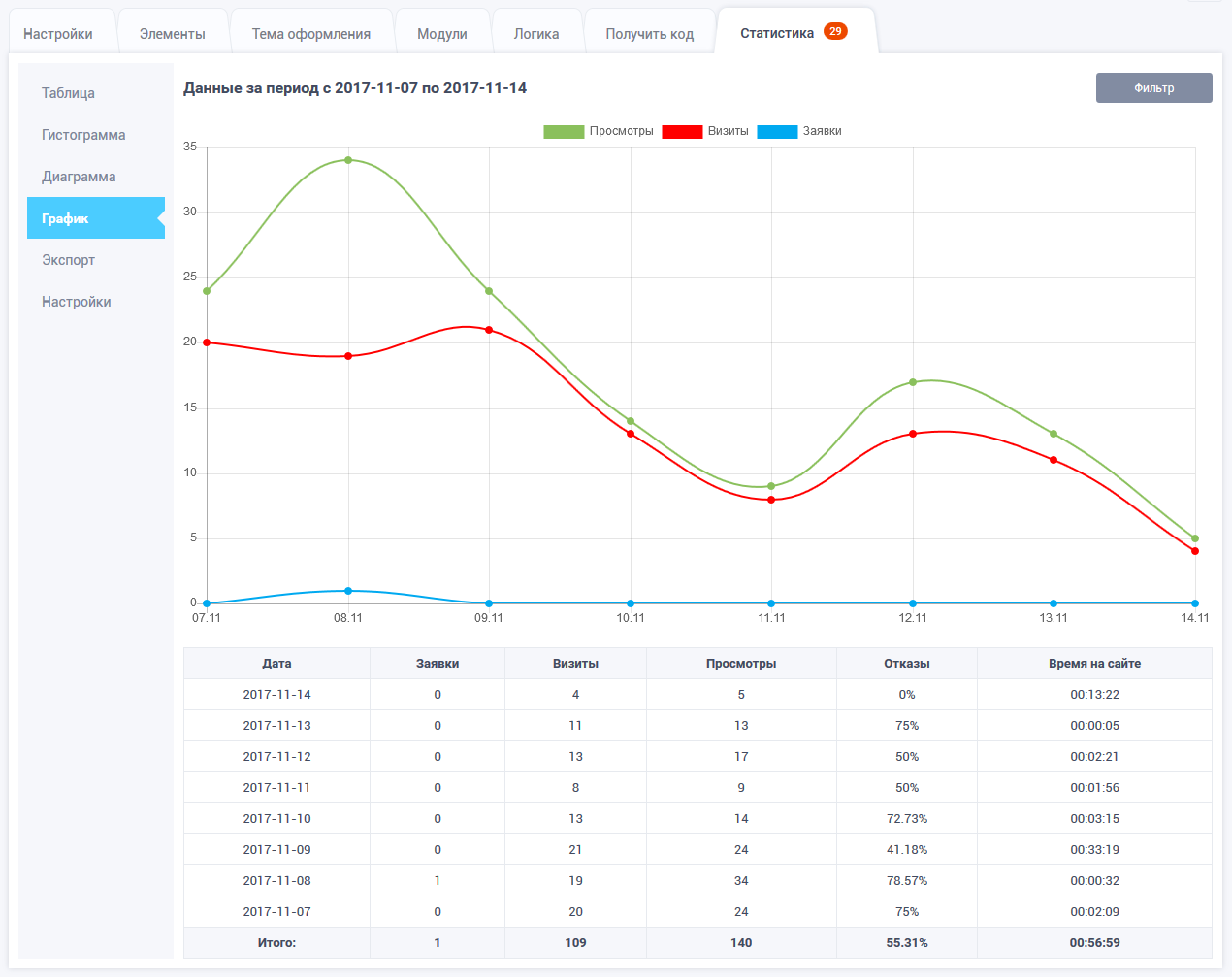
Graph 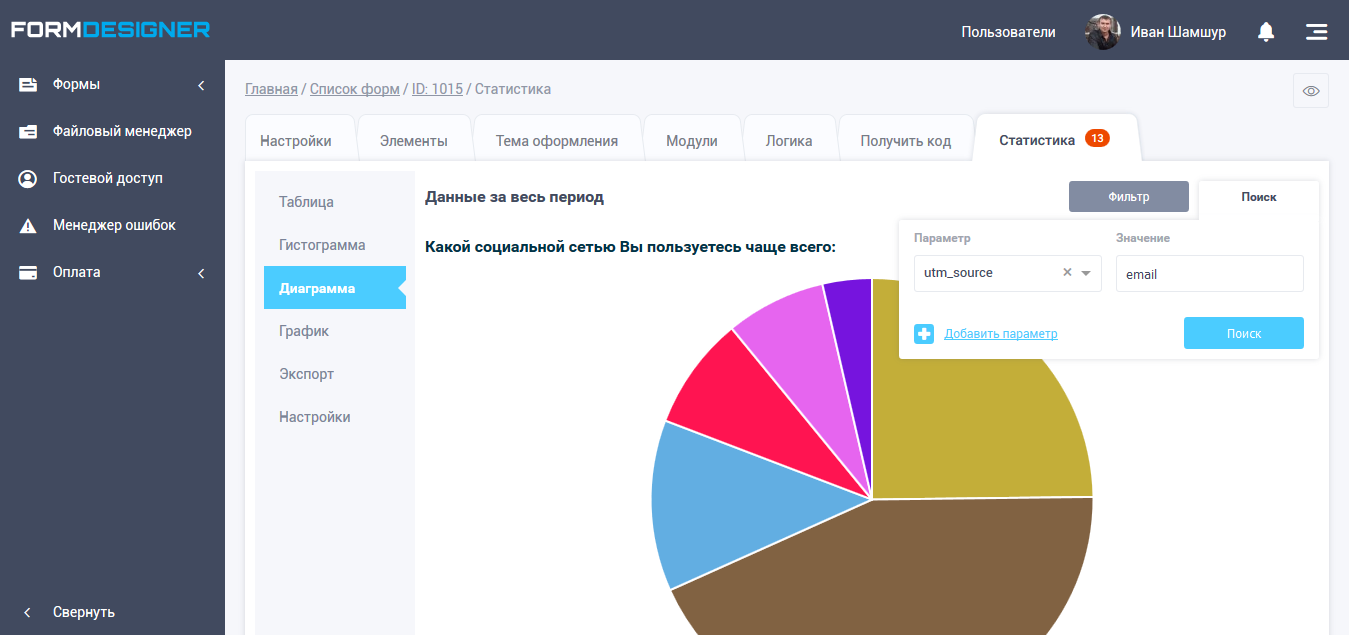
Diagram
Khối
Plugin này cung cấp 1 khối.
- FormDesigner
Cài đặt
- Copy the plug-in folder to /wp-content/plugins/.
2 Activate the plugin via the Plugins menu. - Go to the “FormDesigner” menu section and set up your account.
- That’s it, the “FormDesigner” icon will now appear in your editor, clicking on it will open a window with a list of your forms.
Đánh giá
Không có đánh giá nào cho plugin này.
Người đóng góp & Lập trình viên
“FormDesigner – online web form builder” là mã nguồn mở. Những người sau đã đóng góp vào plugin này.
Những người đóng góp
Dịch “FormDesigner – online web form builder” sang ngôn ngữ của bạn.
Muốn tham gia phát triển?
Duyệt code, check out SVN repository, hoặc theo dõi nhật ký phát triển qua RSS.
Nhật ký thay đổi
1.0.0
- first plugin version
1.0.1
- refinement of the plugin code
1.0.2
- added an icon to the menu
1.0.3
- revised shortcode handling
2.0.0
- added support for Gutenberg editor
2.0.2
- added support for wordpress 5.5
2.1.0
- added support for wordpress 5.5.3
2.2.0
- added support for wordpress 5.9.2
- added english version