

Mô tả
Consenteer is a cookie consent management platform (CMP). This official plugin
adds the Consenteer banner to your WordPress site without touching your theme:
- 2-minute setup: create an account on my.consenteer.com, add your site,
paste the Site ID in the plugin settings. - GDPR / CNIL compliance: Refuse / Customize / Accept-all buttons with equal
weight, consent records, permanent re-access to the choice. - Google Consent Mode v2 built in (ad_storage, analytics_storage… signals).
- Global Privacy Control honored, auto-blocking of third-party scripts,
refused cookies cleanup. - Full customization from your dashboard — formats, colors, light/dark
theme, multi-language — with no redeploy of your site. - “Manage my cookies” block and
[consenteer_preferences]shortcode for the
re-consent link of your footer or privacy policy. - Site Health checks: WordPress tells you if the banner is active and if a
tracking tag manages to load before the consent default.
The built-in connection check detects the usual mistakes (unknown Site ID,
undeclared domain) right from the WordPress admin, and the plugin warns you if
a second cookie consent plugin is active (two banners on the same page).
The interface ships in English and French.
External services
This plugin relies on the Consenteer platform (a third-party service):
- The banner script is loaded from
https://cdn.consenteer.comon the public
pages of your site. - The visitor’s browser talks to
https://saas.consenteer.comto load the
banner configuration and record consent choices (purpose: GDPR Art. 7 proof
of consent). IP addresses are never stored in clear text (salted hash,
server side). - From the WordPress admin only, the plugin calls
https://saas.consenteer.com to verify your Site ID.
Provider: Consenteer — https://www.consenteer.com
Terms of service: https://consenteer.com/cgu/
Privacy policy: https://consenteer.com/confidentialite/
A Consenteer account is required (a free plan is available).
Ảnh màn hình

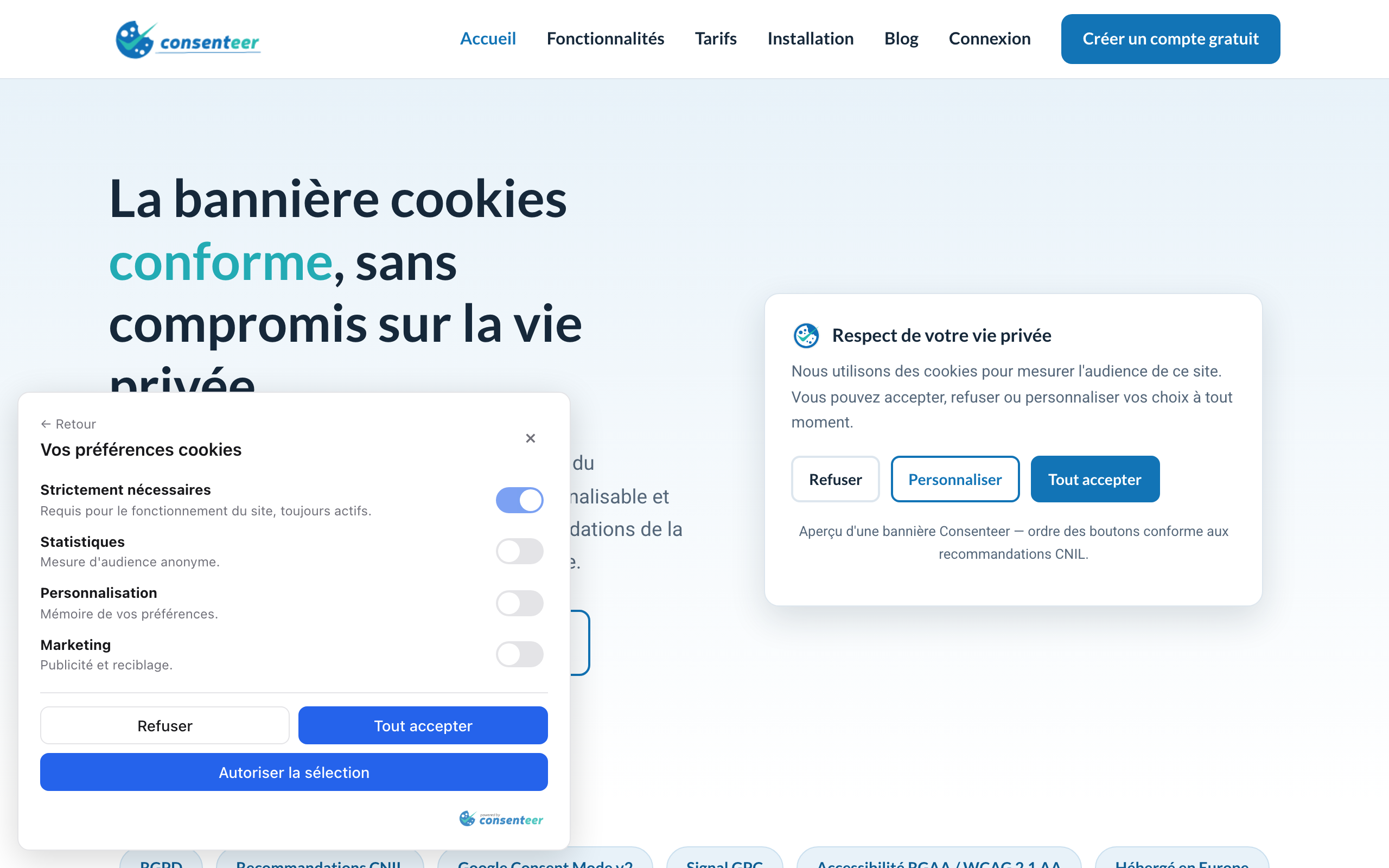
Khối
Plugin này cung cấp 1 khối.
- Manage my cookies A link that reopens the Consenteer cookie banner, so visitors can change their consent at any time.
Cài đặt
- Install and activate the plugin.
- Create an account on https://my.consenteer.com/signup and add your site (the declared domain must be your WordPress domain).
- Copy the Site ID from the Installation page of the dashboard.
- Paste it in the Consenteer menu of your WordPress admin, tick “Show the consent banner”, save. The connection status is displayed immediately.
Hỏi đáp
-
Check the status in the Consenteer menu of your admin. The most frequent cause: your
WordPress domain is not the one declared for this site in your Consenteer
dashboard (banners are domain-locked). -
How can visitors change their choice later?
-
The Consenteer floating icon allows it by default. You can also add the
“Manage my cookies” block to your footer, use the[consenteer_preferences]
shortcode, or give any link the CSS classconsenteer-open-prefs. -
Go to Tools Site Health. Two checks are added by the plugin: one for the
connection to your Consenteer account, one that reads your home page and
verifies that the Google Consent Mode default is pushed before every tracking
tag. -
Does the plugin slow my site down?
-
No: a single ~50 KB script loaded with
deferfrom a CDN, and no server-side
request on public pages.
Đánh giá
Không có đánh giá nào cho plugin này.
Người đóng góp & Lập trình viên
“Consenteer — Cookie Consent (GDPR & Google Consent Mode v2)” là mã nguồn mở. Những người sau đã đóng góp vào plugin này.
Những người đóng góp
Dịch “Consenteer — Cookie Consent (GDPR & Google Consent Mode v2)” sang ngôn ngữ của bạn.
Muốn tham gia phát triển?
Duyệt code, check out SVN repository, hoặc theo dõi nhật ký phát triển qua RSS.
Nhật ký thay đổi
1.1.0
- New: “Manage my cookies” block for the block editor (no shortcode needed).
- New: two Site Health checks — connection status, and a home page analysis
verifying that no tracking tag loads before the Consent Mode default. - New: warning when another cookie consent plugin is active, and a note when a
Google tag plugin is detected (nothing to change, Consent Mode covers it). - New: option to hide the banner from logged-in administrators.
- Improved: redesigned admin screen with its own top-level menu, connection
status badge and a guided first-run setup.
1.0.0
- Initial release: snippet injection, settings screen with connection check,
“Manage my cookies” shortcode, French translation.