
Mô tả
ZOOMIT Content Layouts for Elementor is a feature-rich Elementor addon plugin designed for bloggers, content writers, marketers, and website creators who want to present their articles in a visually attractive way.
The plugin includes 10 unique content designs that help you organize and style your content beautifully inside Elementor without writing any code.
Whether you are creating blog posts, tutorials, affiliate articles, reviews, or landing page content, this plugin helps you improve readability and user engagement.
🎥 Watch Demo Video:
Features
- 10 unique content layouts
- Fully responsive design
- Easy drag & drop Elementor widgets
- Typography customization
- Color customization
- Icon support
- Lightweight and fast
- Clean and modern UI
- Beginner friendly
- No coding required
Perfect For
- Blog articles
- Product reviews
- Tutorials
- Affiliate marketing posts
- Landing pages
- News websites
- Magazine websites
Ảnh màn hình
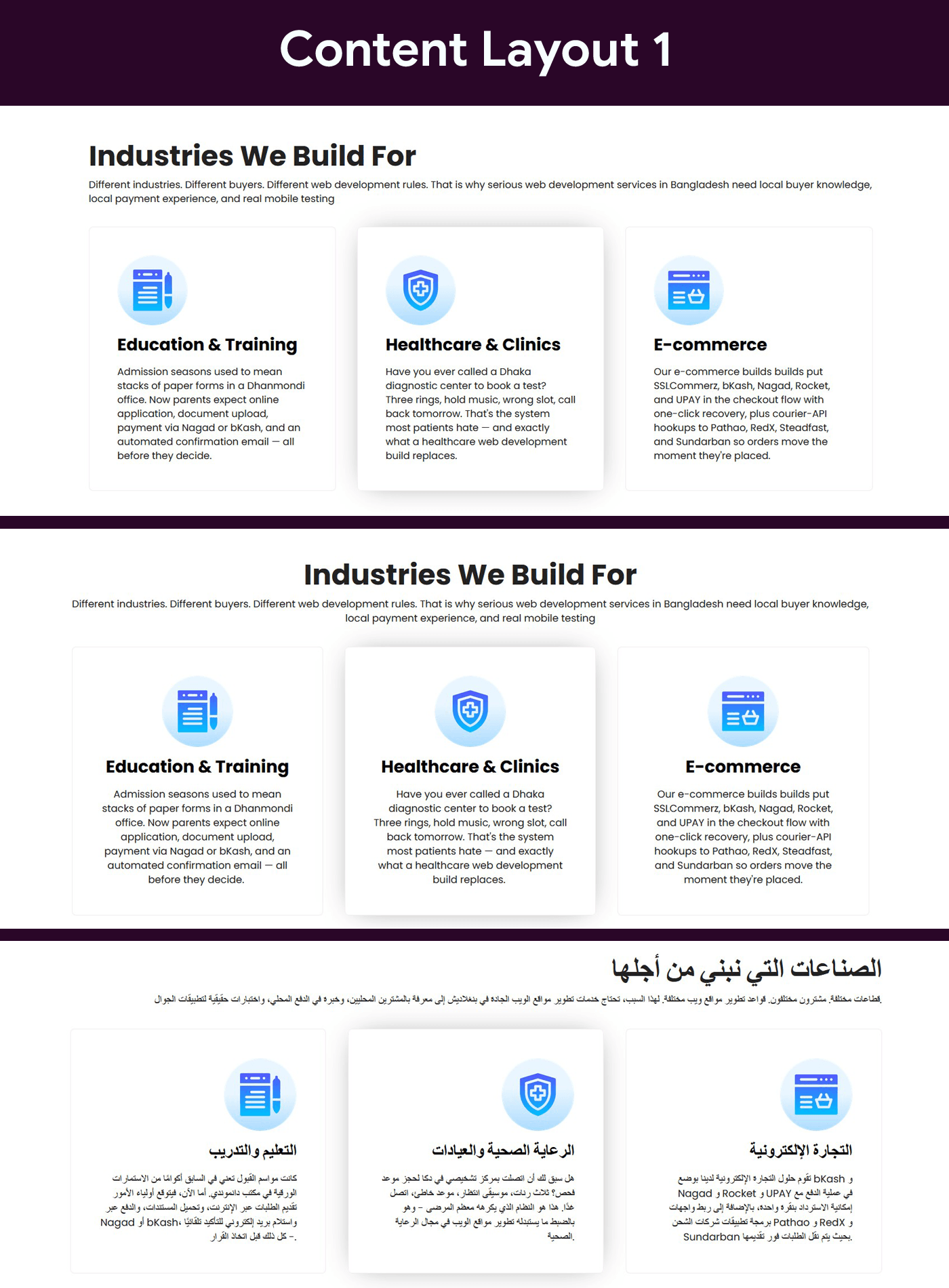
Content Layout One 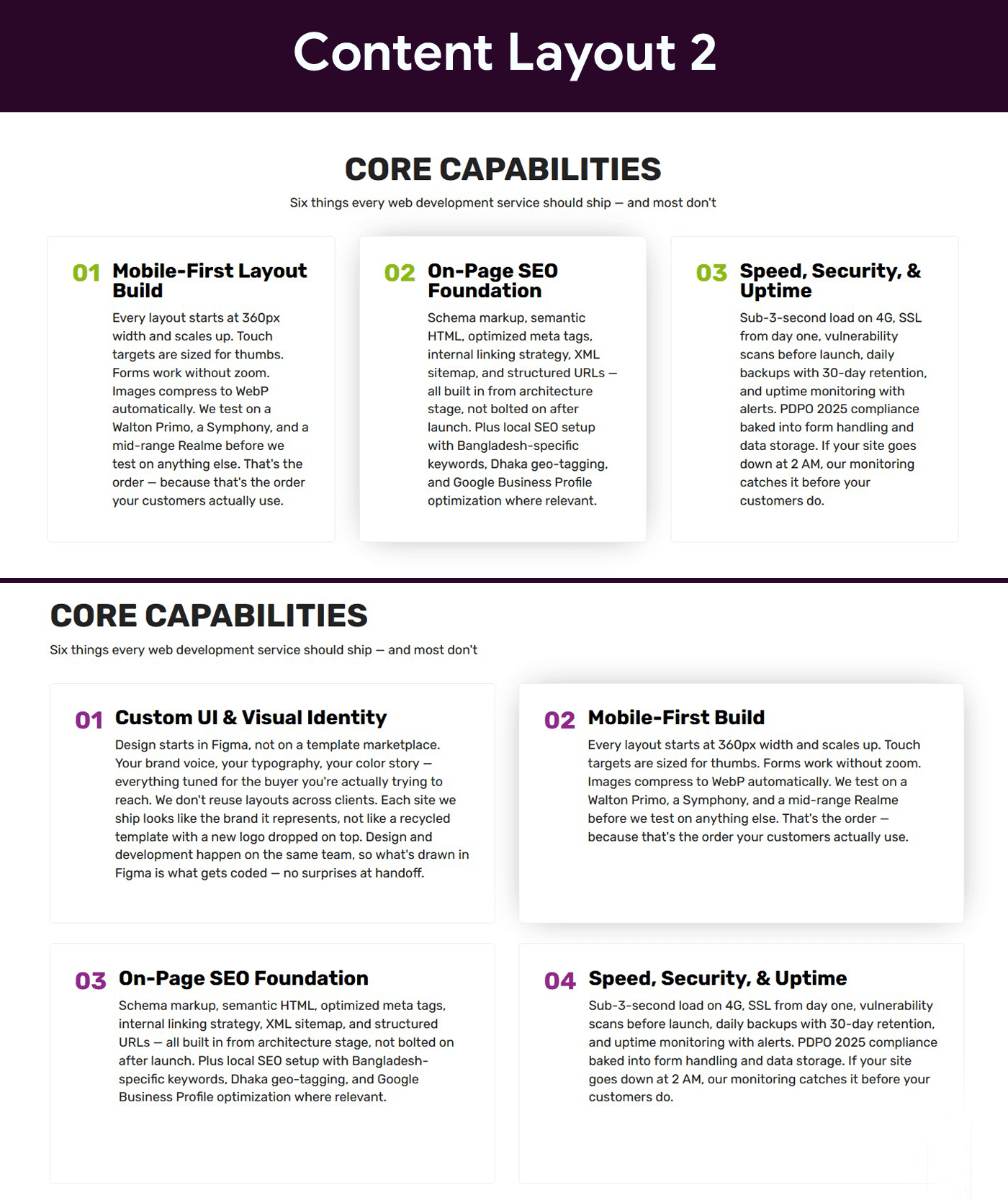
Content Layout Two 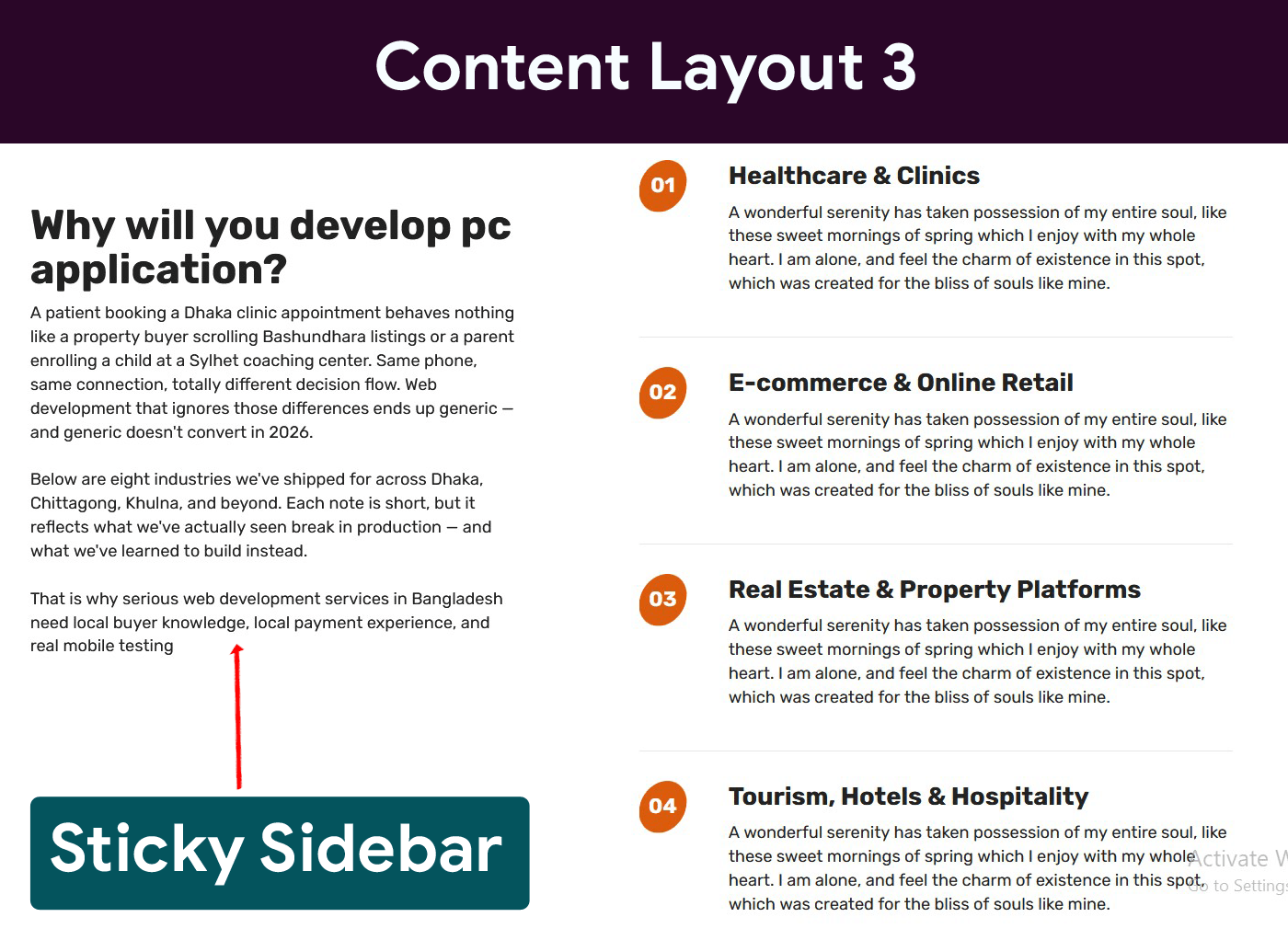
Content Layout Three 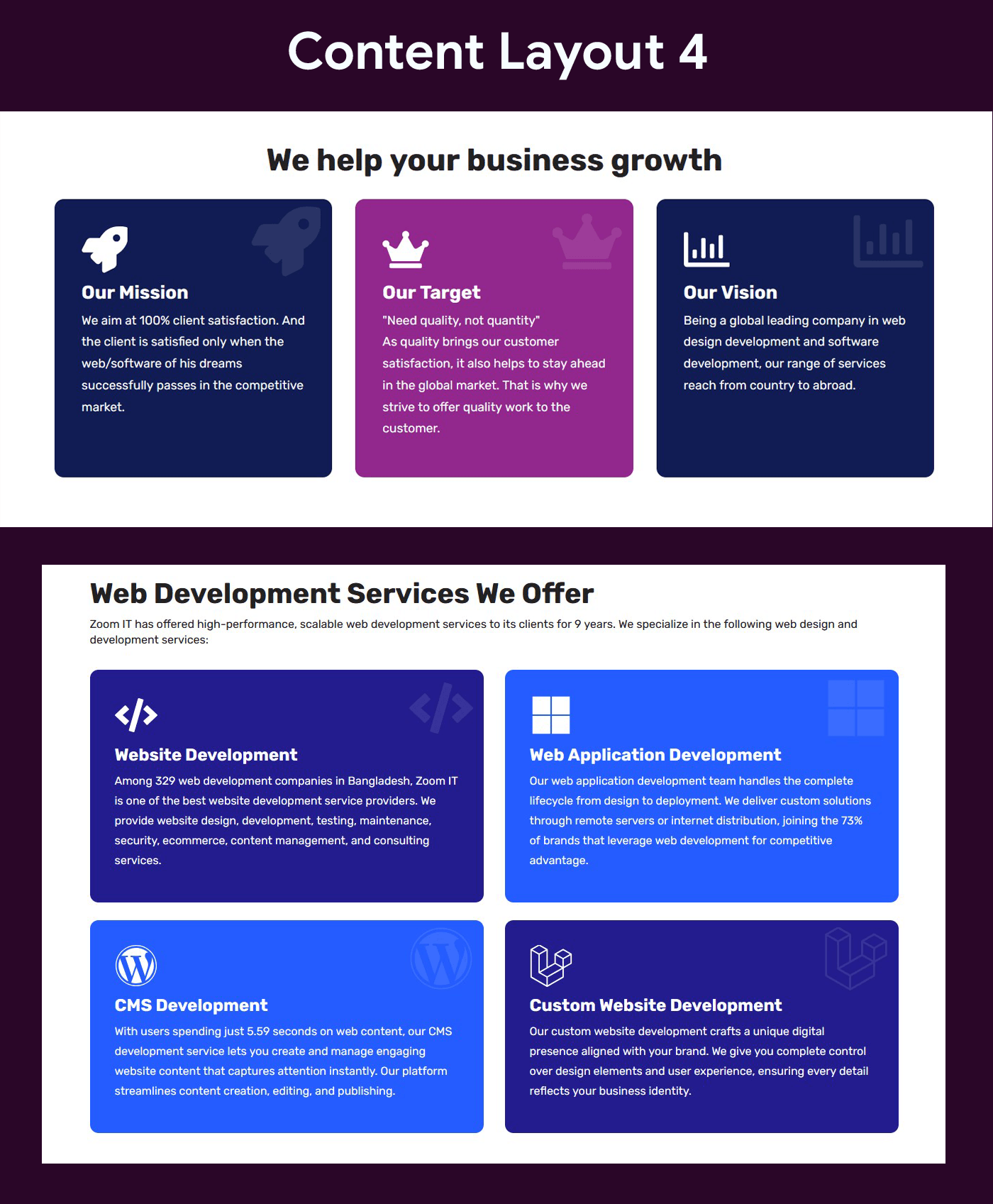
Content Layout Four 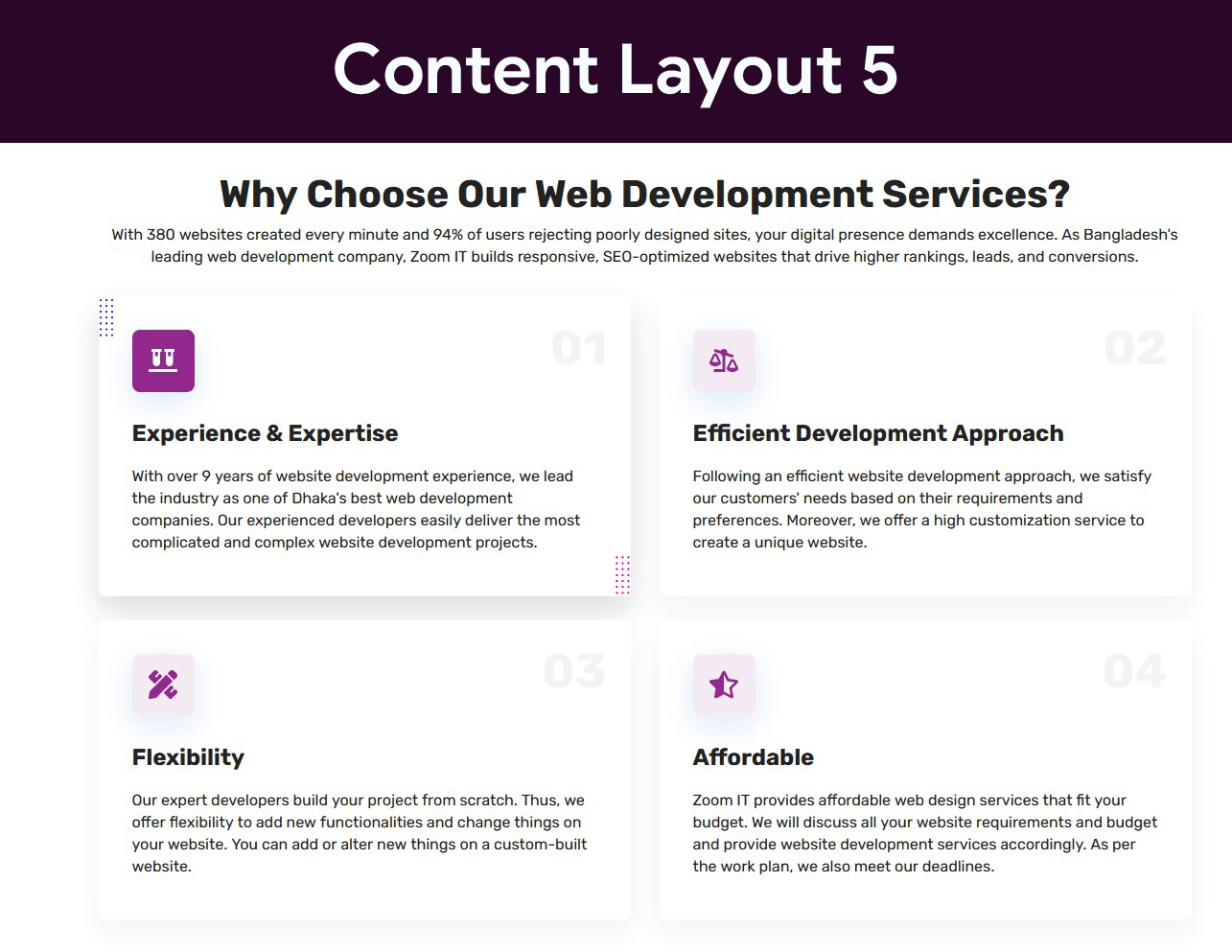
Content Layout Five 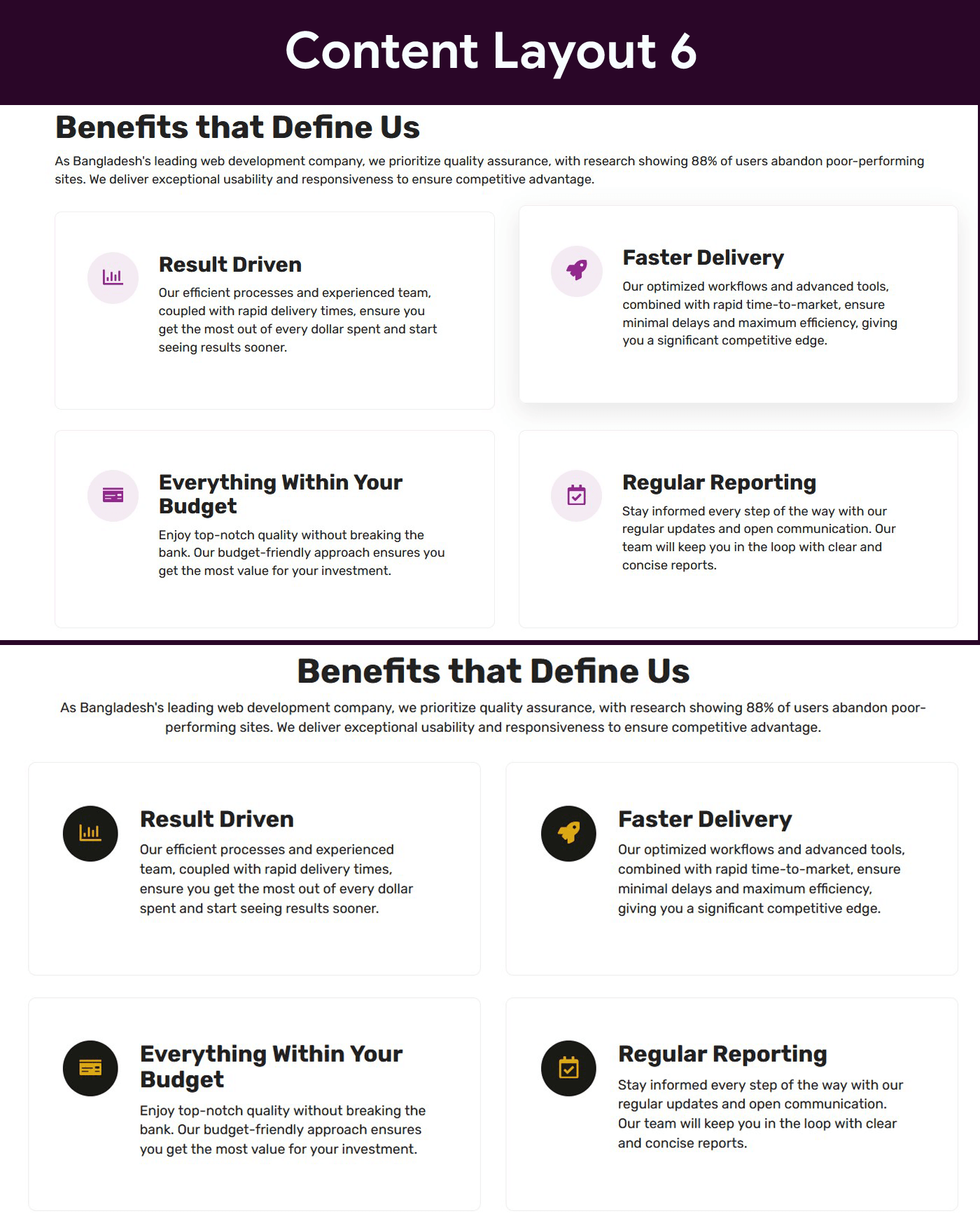
Content Layout Six 
Content Layout Seven 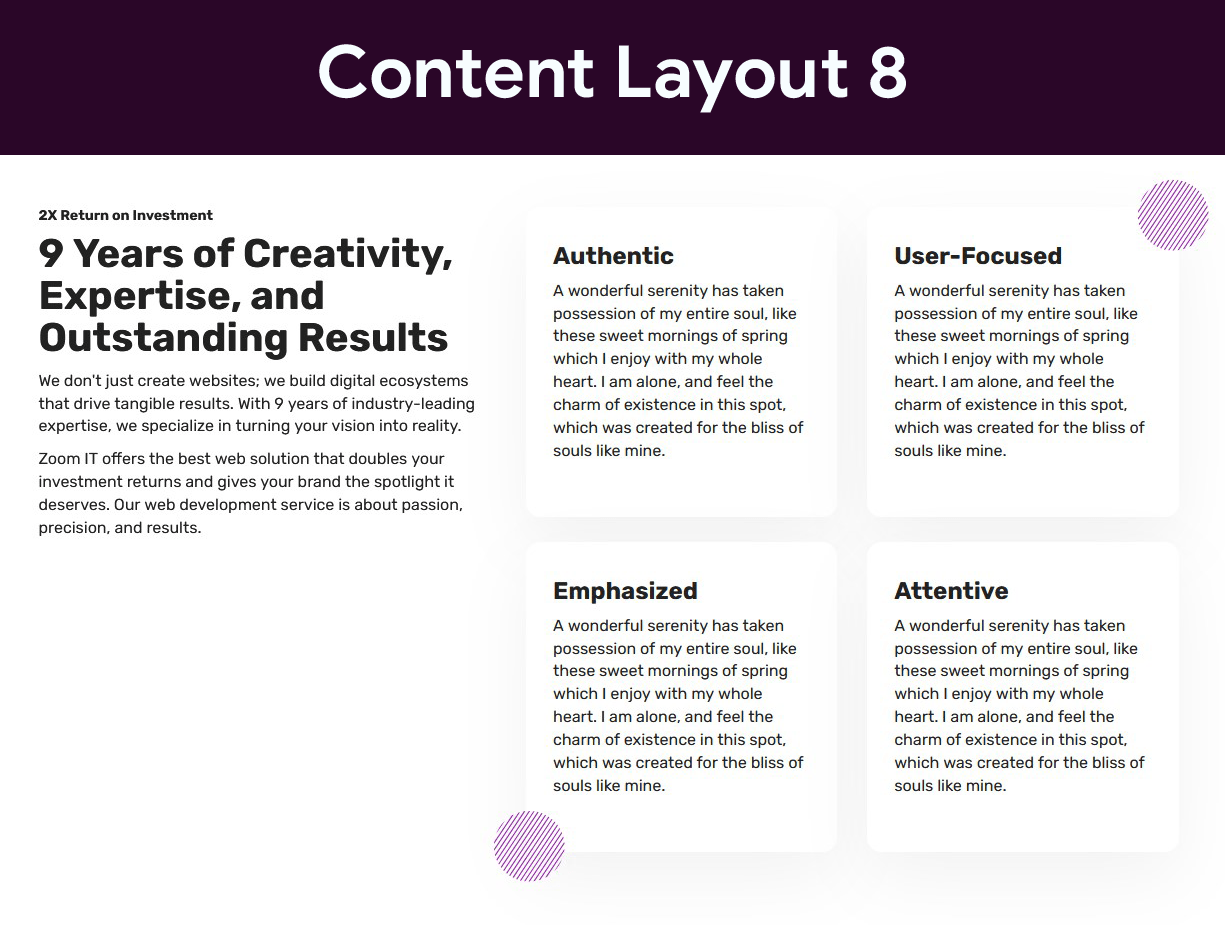
Content Layout Eight 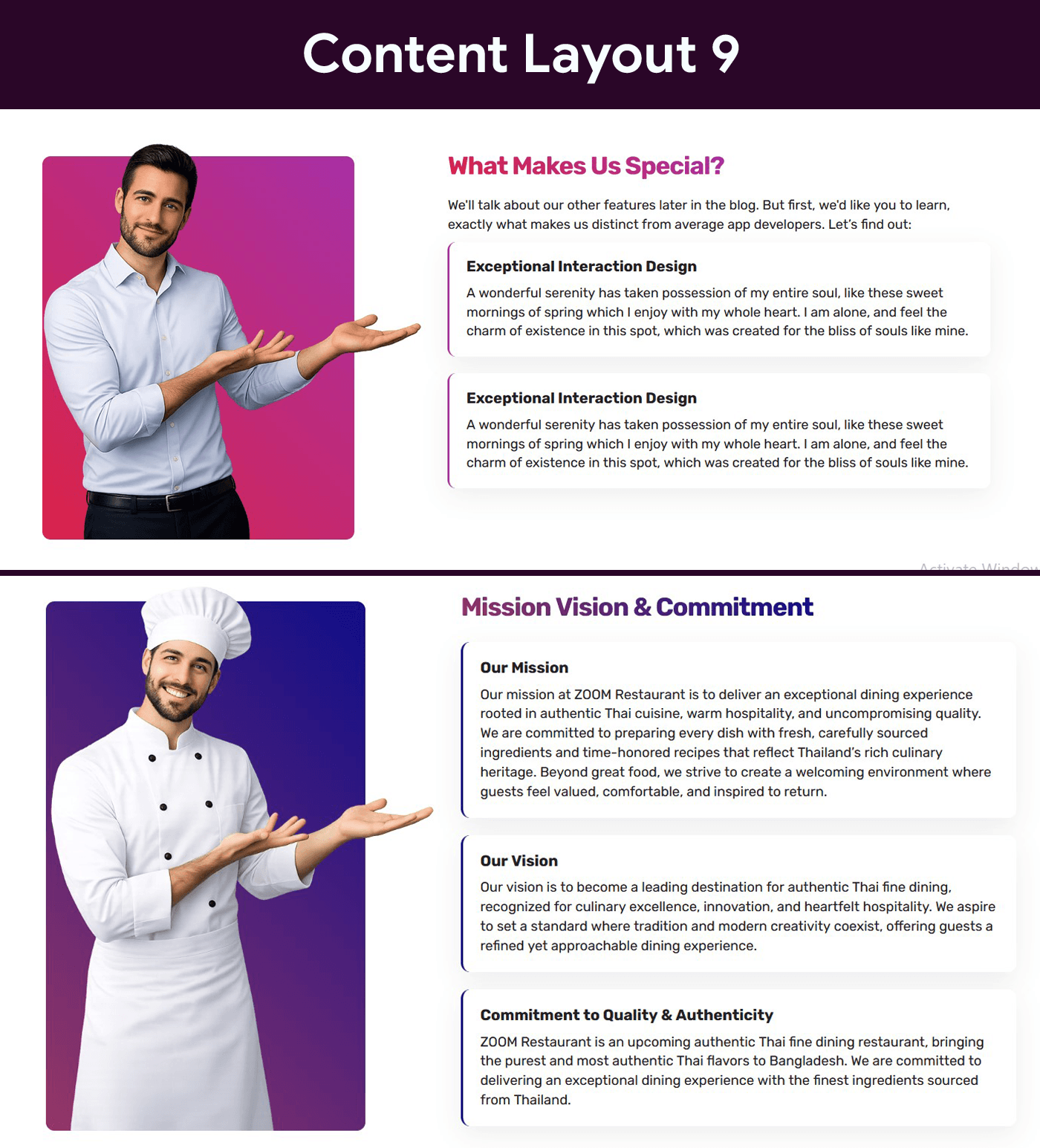
Content Layout Nine 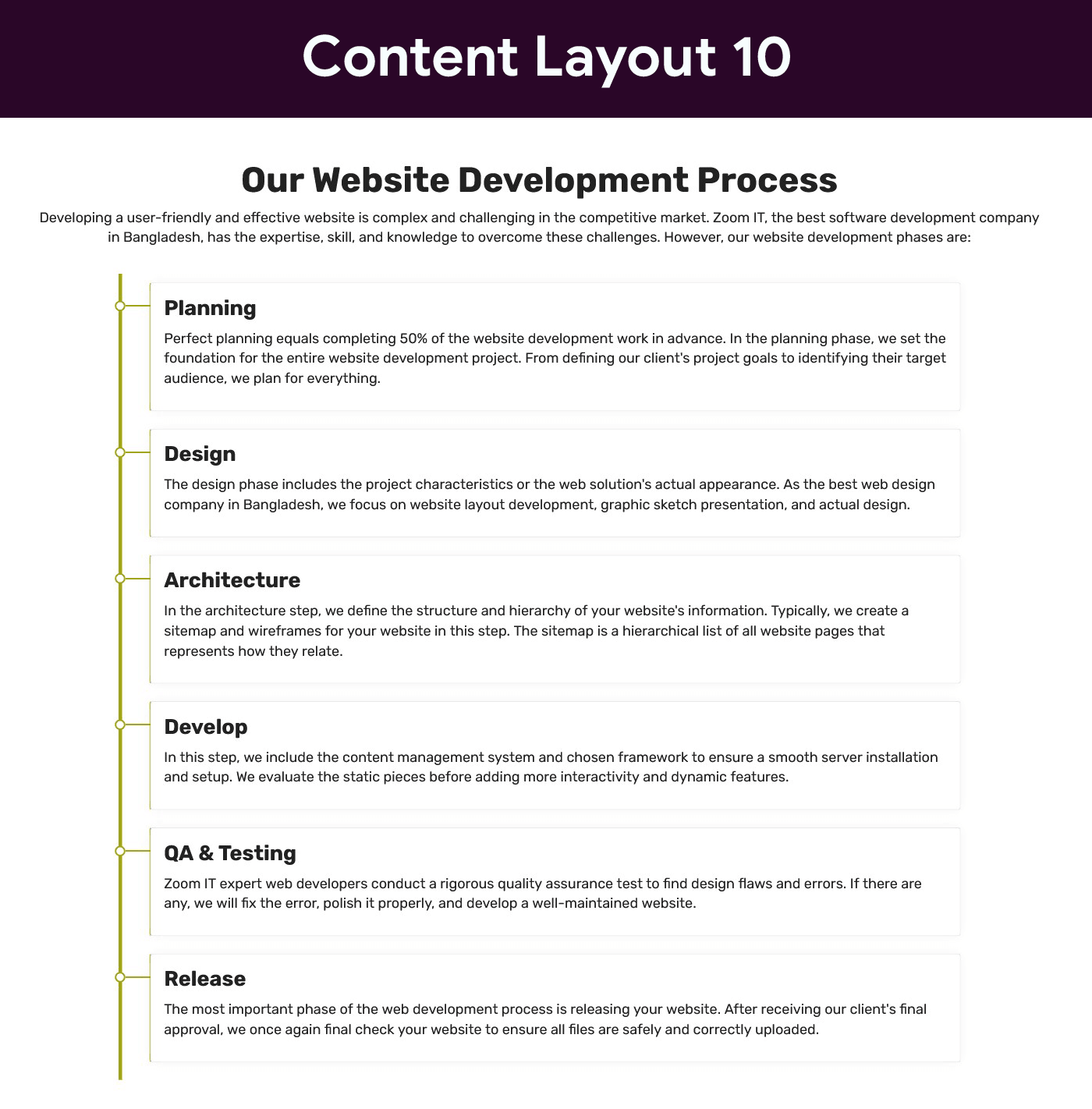
Content Layout Ten
Cài đặt
- Upload the plugin files to the
/wp-content/plugins/zoomit-content-layouts-for-elementordirectory, or install the plugin through the WordPress plugins screen directly. - Activate the plugin through the ‘Plugins’ screen in WordPress.
- Make sure Elementor plugin is installed and activated.
- Open Elementor editor.
- Search for “Content Layout” widgets.
- Drag and drop your preferred design into the page.
Hỏi đáp
-
Does this plugin require Elementor Pro?
-
No. The plugin works with the free version of Elementor.
-
Is the plugin responsive?
-
Yes, all designs are fully responsive.
-
Can I customize colors and typography?
-
Yes. You can fully customize colors, typography, spacing, and more from Elementor controls.
-
How many content styles are included?
-
Currently, the plugin includes 10 unique content styles.
Đánh giá
Không có đánh giá nào cho plugin này.
Người đóng góp & Lập trình viên
“ZOOMIT Content Layouts for Elementor” là mã nguồn mở. Những người sau đã đóng góp vào plugin này.
Những người đóng góp
Dịch “ZOOMIT Content Layouts for Elementor” sang ngôn ngữ của bạn.
Muốn tham gia phát triển?
Duyệt code, check out SVN repository, hoặc theo dõi nhật ký phát triển qua RSS.
Nhật ký thay đổi
1.0
- Initial release