

Mô tả
DashClean is a lightweight and powerful tool designed for WordPress developers, agencies, and site owners who want a cleaner, faster, and more professional admin experience.
Unlike other heavy “branding” plugins, DashClean is built with a performance-first mindset—modules are only loaded when enabled, and your database remains clean.
Key Features:
- Modular Architecture: Enable only what you need (Dashboard Widgets, Menu Cleaner, Admin Bar, etc.).
- Performance Engine: Remove Emojis, jQuery Migrate, and Header junk with a single toggle.
- Role Manager: Force specific dashboard rules for Editors or Clients while keeping your Admin account full-access.
- One-Click Presets: Instant configurations for “Client Mode”, “Developer Mode”, and “Blogger Mode”.
- Secure Data Handling: Import and Export your settings between sites easily.
- White-Label Friendly: Declutter the WordPress UI to give your clients a focused experience.
Ảnh màn hình
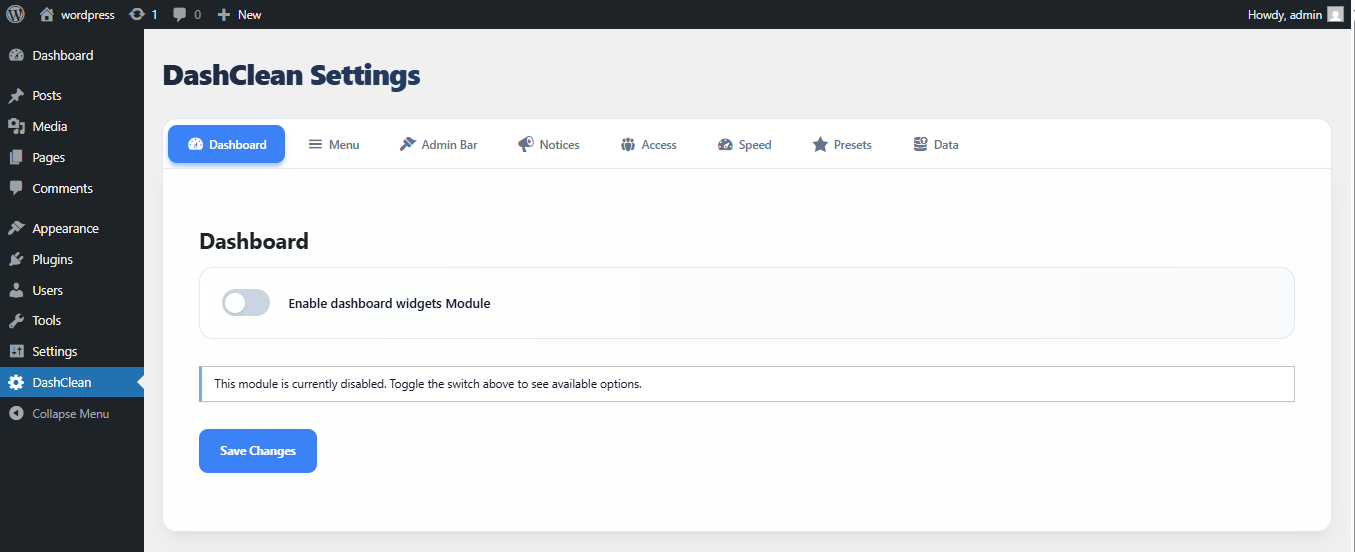
The Dashboard Widgets cleaner. 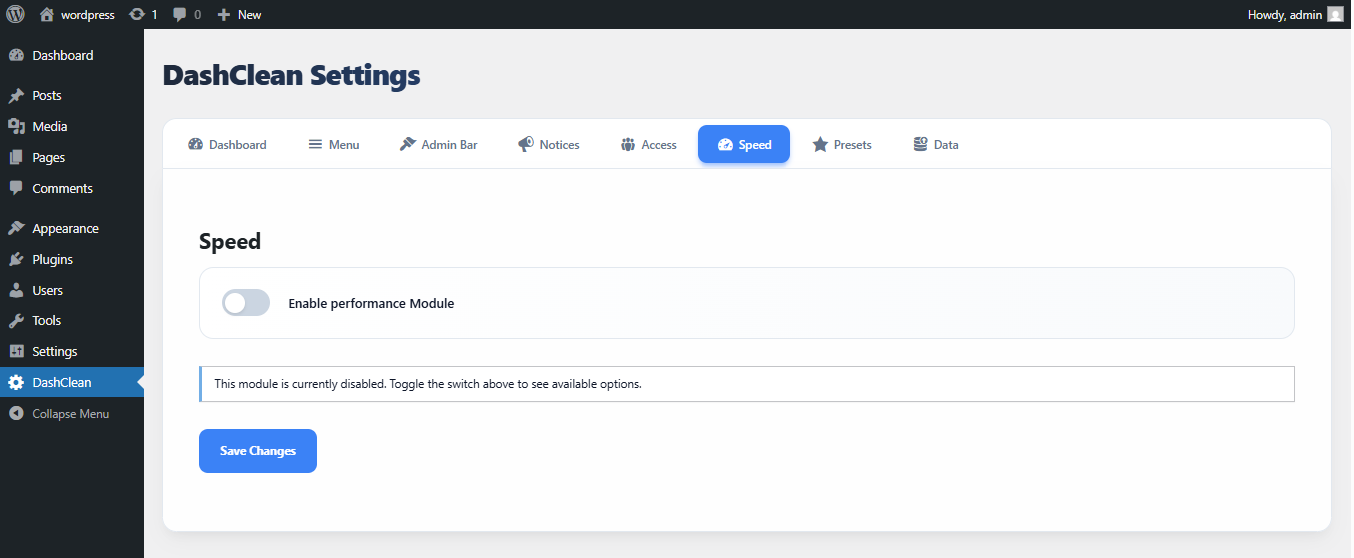
Performance optimization settings. 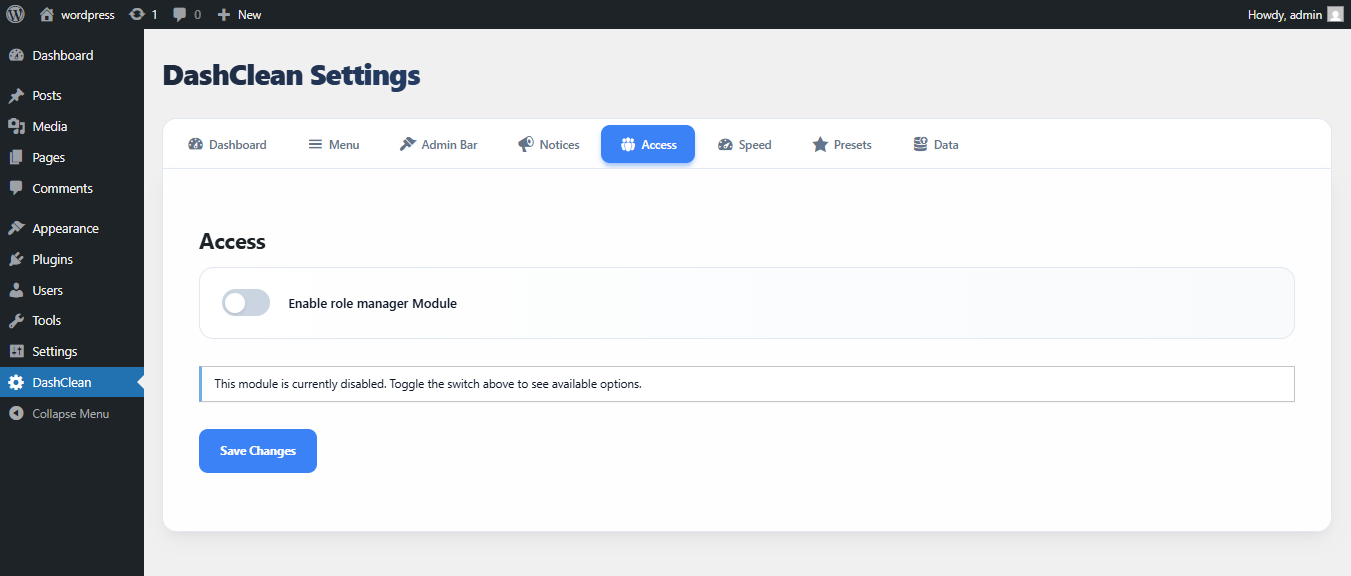
Role-based visibility controls.
Cài đặt
- Upload the
dashcleanfolder to the/wp-content/plugins/directory. - Activate the plugin through the ‘Plugins’ menu in WordPress.
- Go to the ‘DashClean’ menu in the sidebar to configure your settings.
Hỏi đáp
-
Is DashClean free?
-
Yes, DashClean is 100% open-source and free to use.
-
Will this slow down my site?
-
No. DashClean is optimized to use minimal resources. Modules that are not enabled do not load any code.
-
Can I hide the plugin settings from my clients?
-
Yes, use the “Role Manager” to ensure only Administrators can see the DashClean menu.
Đánh giá
Không có đánh giá nào cho plugin này.
Người đóng góp & Lập trình viên
“DashClean” là mã nguồn mở. Những người sau đã đóng góp vào plugin này.
Những người đóng góp
Dịch “DashClean” sang ngôn ngữ của bạn.
Muốn tham gia phát triển?
Duyệt code, check out SVN repository, hoặc theo dõi nhật ký phát triển qua RSS.
Nhật ký thay đổi
1.0.1
- Corrected invalid Author URI
- Improved plugin header metadata
- Security and coding standards improvements
- Internal refactoring and cleanup
1.0.0
- Initial release.
- Modular cleaners for Dashboard, Menu, and Admin Bar.
- Performance optimizations.
- Presets and Data Portability.