

Mô tả
This block has the function of editing Markdown documents using SimpleMDE, and by parsing Markdown documents using marked, it can assign specific blocks to the converted HTML elements.
This function allows users to customize Markdown documents using the styling functions of the corresponding blocks, allowing for a wide range of styling.
The following are the blocks that are applied when Markdown documents are parsed into HTML elements.
- H element: itmar/design-title
- P element: core/paragraph
- PRE element: itmar/code-highlight
- IMG element: core/image
- BLOCKQUOTE element: core/quote
- LI element: core/list
- TABLE element: core/table
The H element is also generated as a table of contents, and has the function of displaying nested items according to level.
This plugin does not require any external resources (all scripts and styles are included locally)
Related Links
- markdown-block:Github
- block-class-package:GitHub
- block-class-package:Packagist
- itmar-block-packages:npm
- itmar-block-packages:GitHub
Arbitrary section
-
PHP class management is now done using Composer.
GitHub
Packagist -
I decided to make functions and components common to other plugins into npm packages, and install and use them from npm.
npm
GitHub
External services
- This plugin uses EasyMDE to implement the editing function of Markdown documents. This is an open source JavaScript library provided under the MIT license.
EasyMDE LICENSE
EasyMDE comes with a spell check feature.
When using this feature, it will try to load an external file (en_US.aff / en_US.dic) from a CDN. To avoid this, this plugin sets spellChecker: false, when instantiating EasyMDE, so that the external file will not be loaded. - This plugin uses marked to parse Markdown documents and convert them to HTML elements. This is an open source JavaScript library provided under the MIT license.
marked LICENSE
Ảnh màn hình
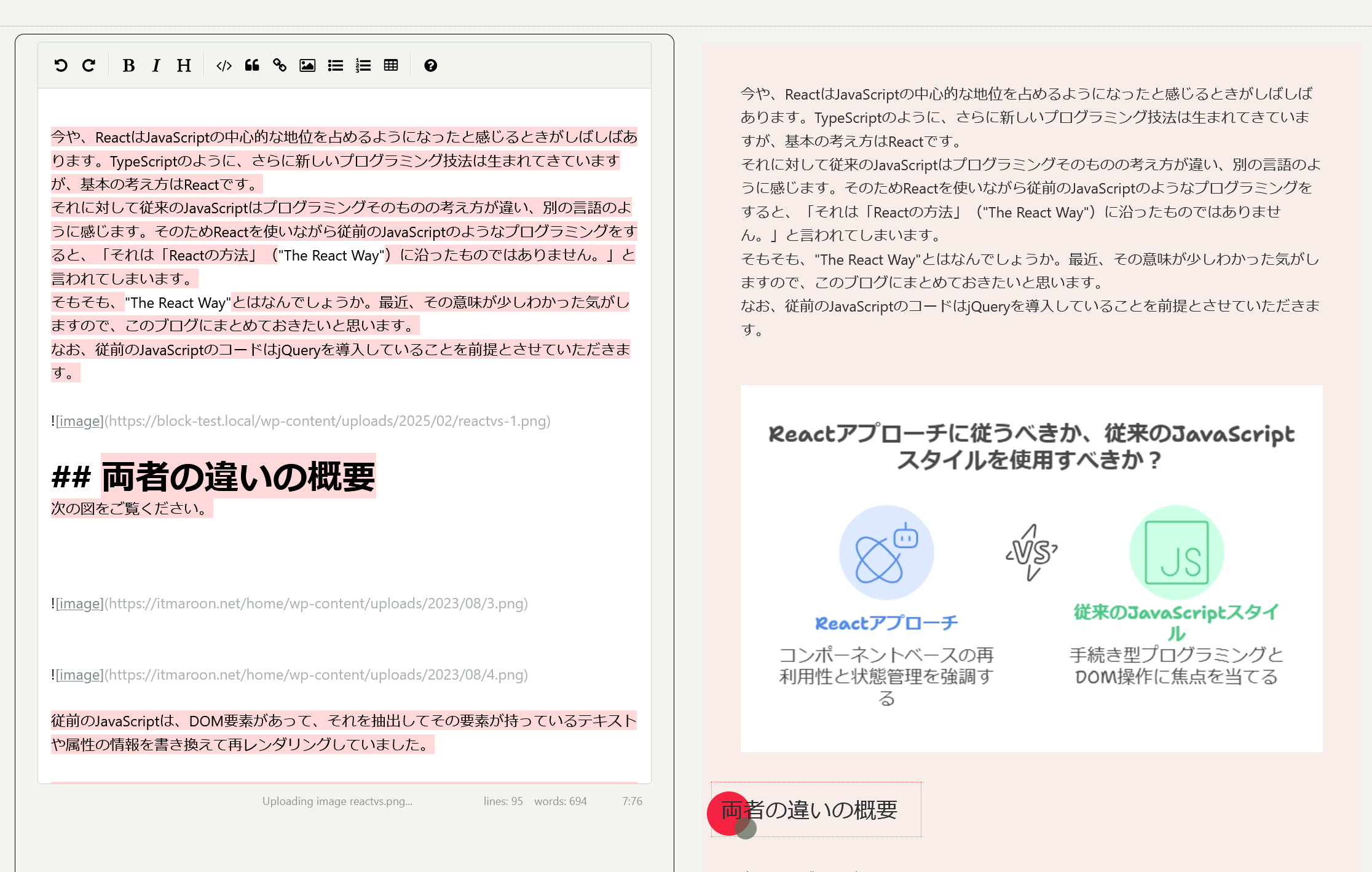
On the left is the Markdown document editing area, and on the right is the preview after styling and the block editing area. 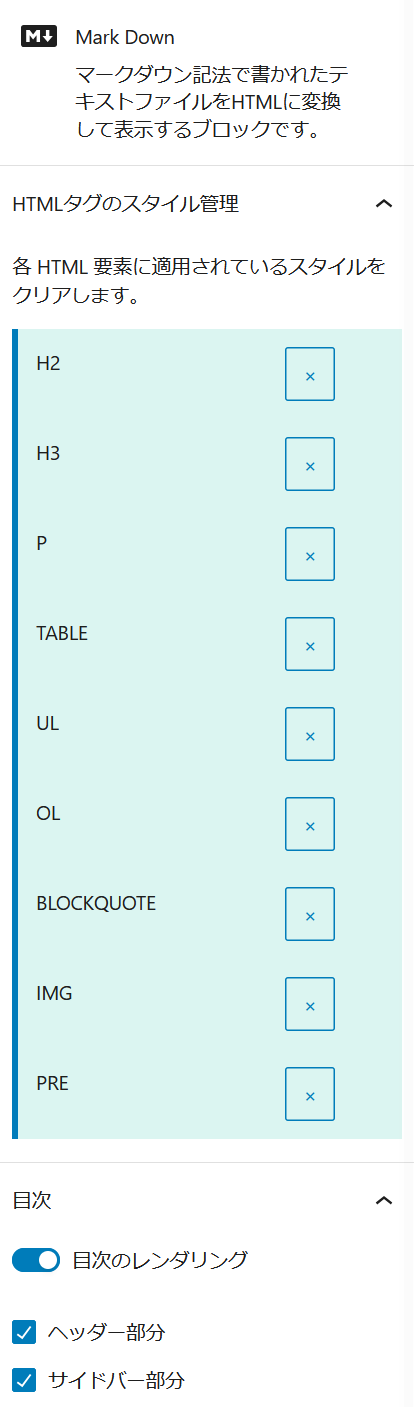
HTML element style management and table of contents settings screen 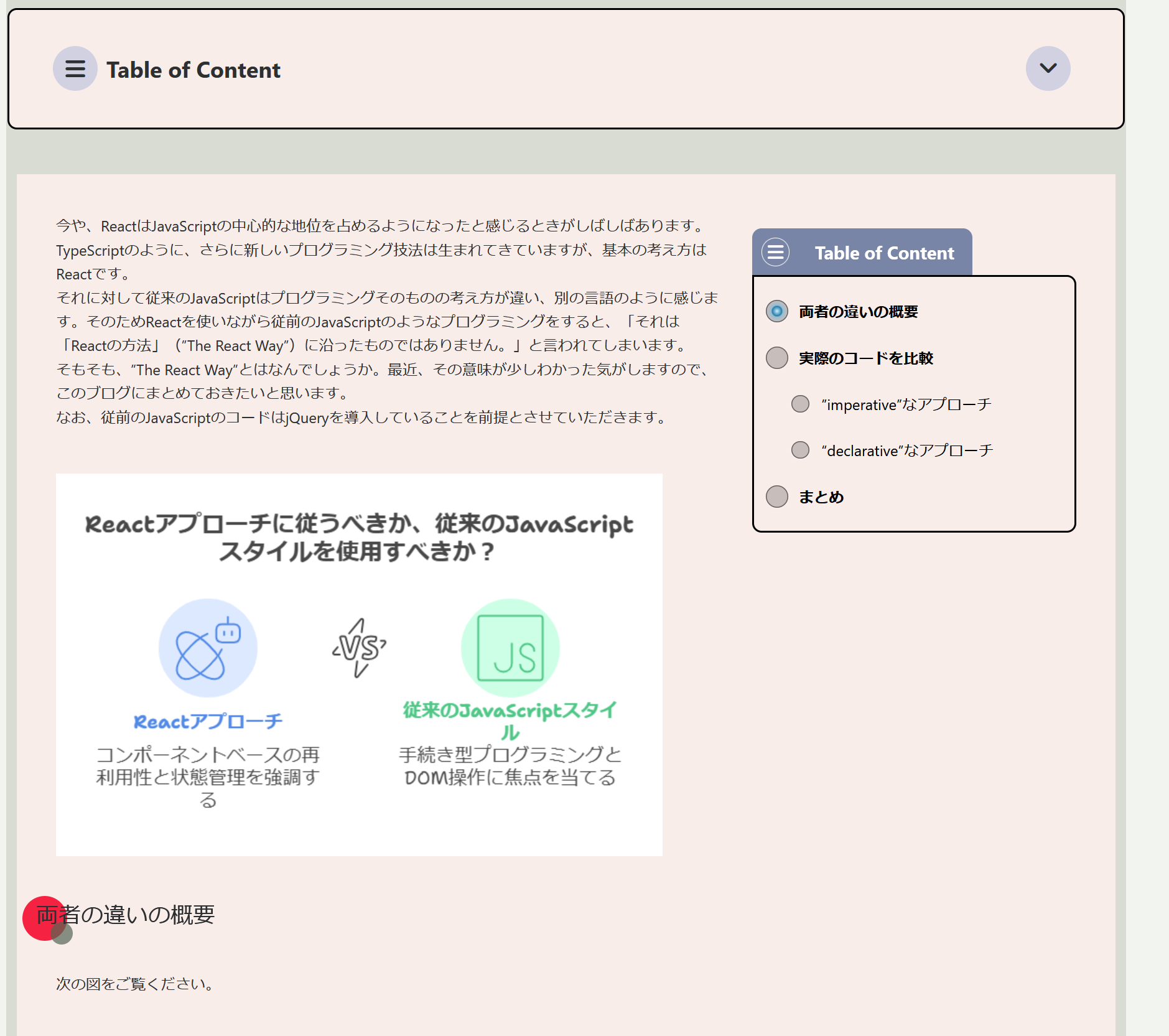
Front-end display including table of contents 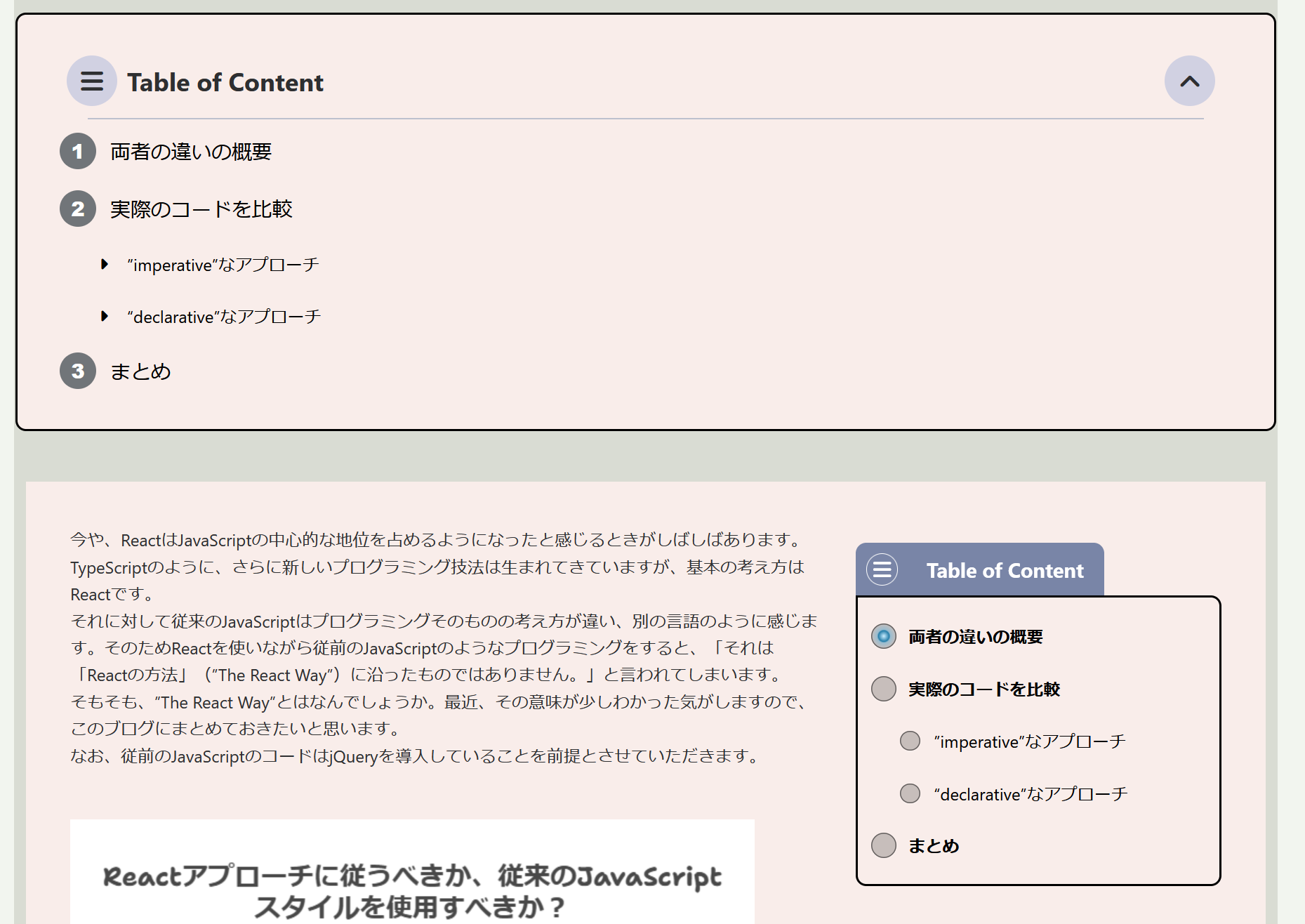
Front-end display with top table of contents open 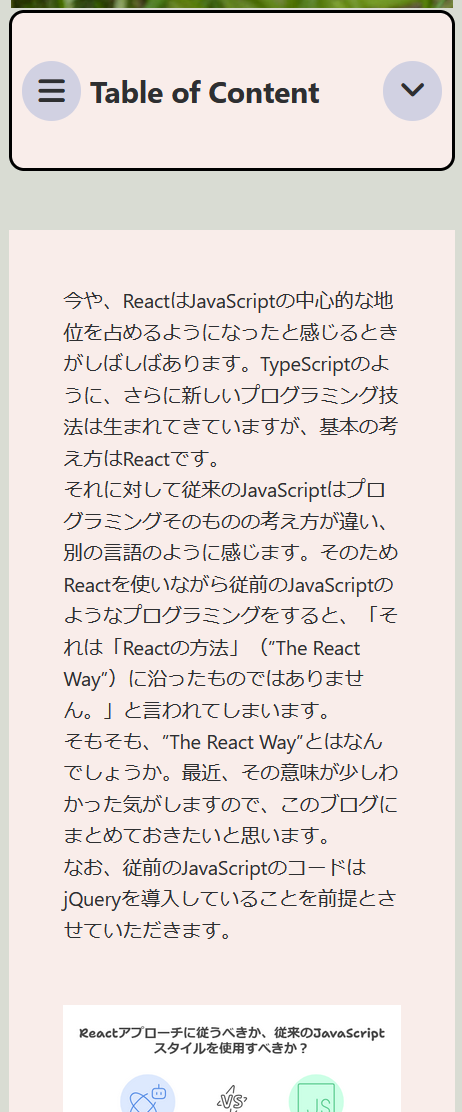
Responsive design 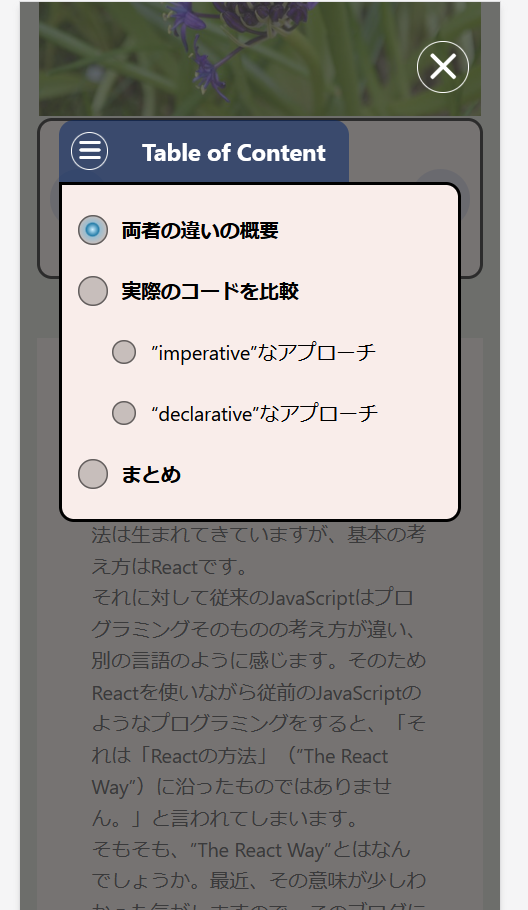
Responsive design with table of contents open
Khối
Plugin này cung cấp 1 khối.
- Mark Down
Cài đặt
- From the WP admin panel, click “Plugins” -> “Add new”.
- In the browser input box, type “Markdown Block”.
- Select the “Markdown Block” plugin and click “Install”.
- Activate the plugin.
OR…
- Download the plugin from this page.
- Save the .zip file to a location on your computer.
- Open the WP admin panel, and click “Plugins” -> “Add new”.
- Click “upload”.. then browse to the .zip file downloaded from this page.
- Click “Install”.. and then “Activate plugin”.
Đánh giá
Không có đánh giá nào cho plugin này.
Người đóng góp & Lập trình viên
“MarkDown Block” là mã nguồn mở. Những người sau đã đóng góp vào plugin này.
Những người đóng góp
Dịch “MarkDown Block” sang ngôn ngữ của bạn.
Muốn tham gia phát triển?
Duyệt code, check out SVN repository, hoặc theo dõi nhật ký phát triển qua RSS.
Nhật ký thay đổi
1.1.0
- Regarding the method of loading composer components, a mechanism has been introduced that does not conflict with other plugins. Accordingly, the composer components have been updated.
- Operation check with WordPress 6.8
1.0.0
- Release