
Mô tả
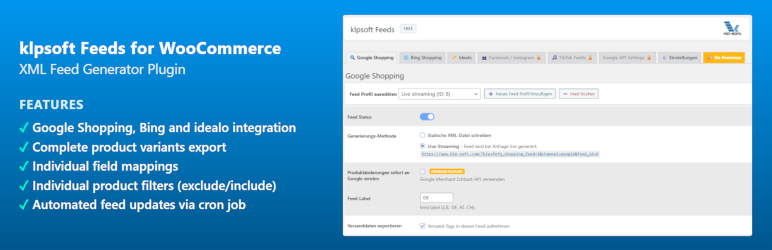
klpsoft Feeds for WooCommerce is a high-performance product feed export plugin designed to seamlessly sync your shop products with Google Shopping, the Google Merchant Center, Bing, and idealo.
Generate optimized product feeds in minutes to boost your visibility on major shopping networks.
Core Features for Google Shopping & Feed Management:
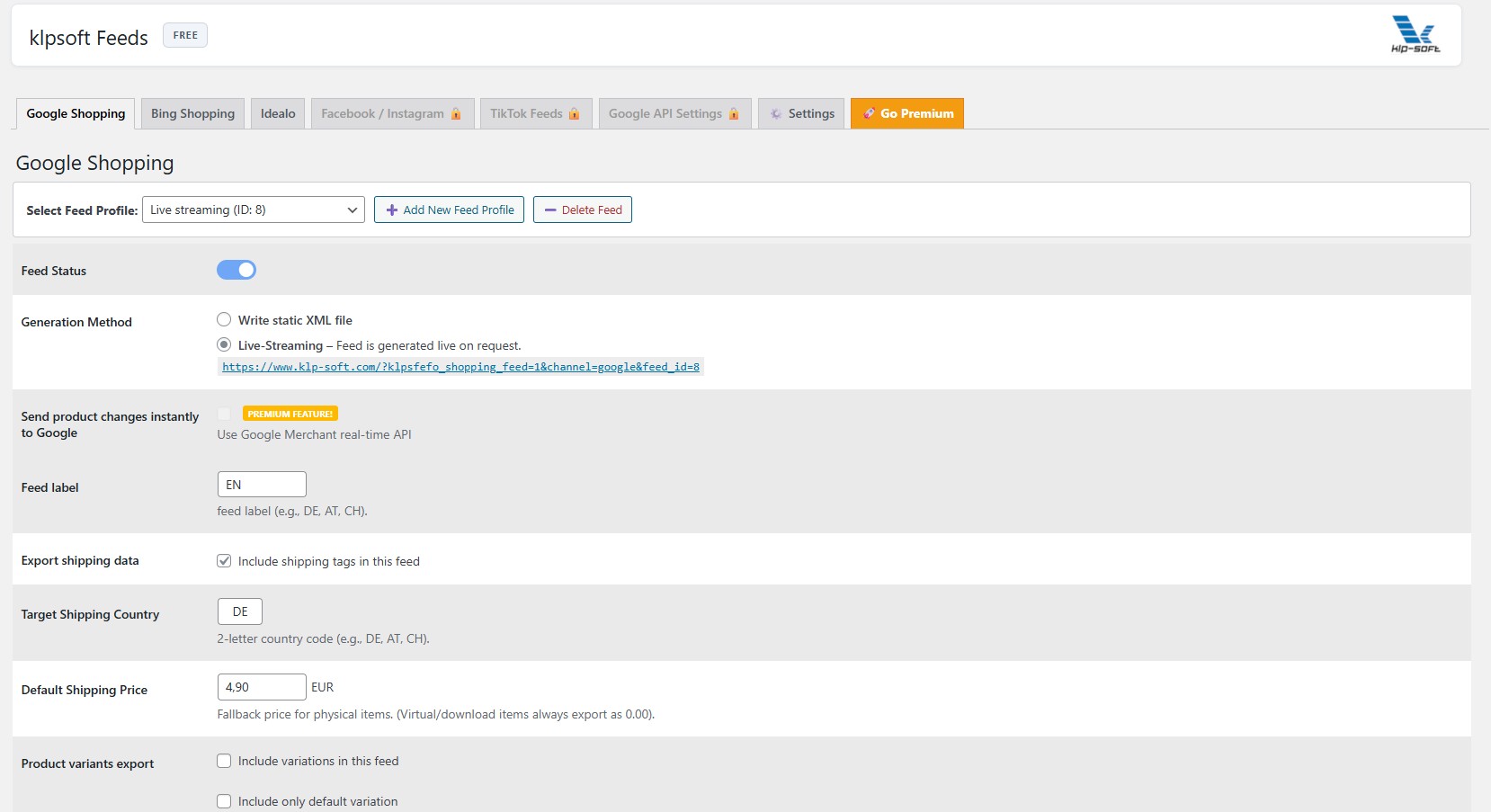
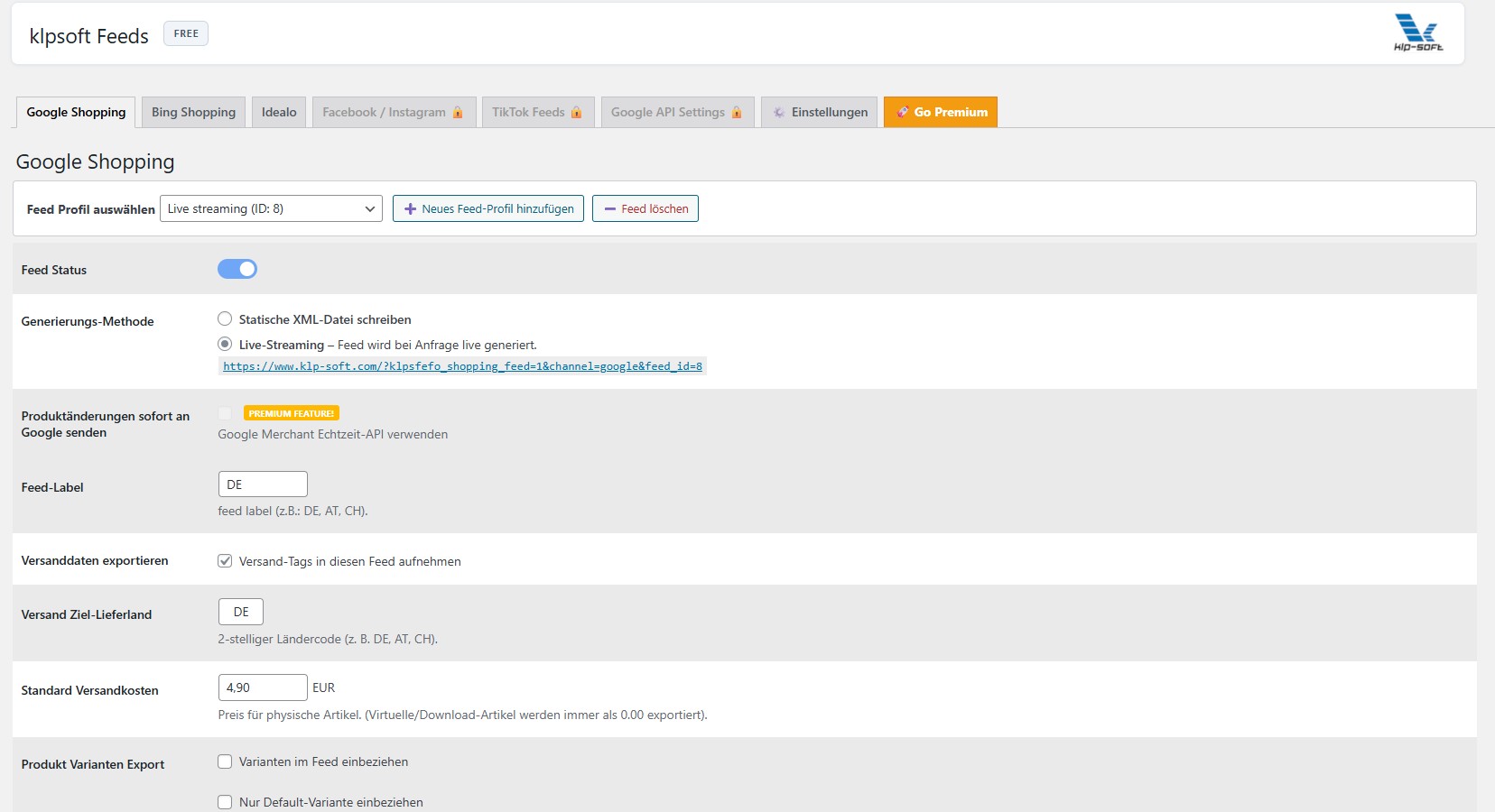
* Product Variants: Export all variations, or only default variants, optimized for Google Shopping and Bing.
* Static File Generation: Write a physical XML/CSV feed file directly to your webspace (stored in /wp-content/uploads/klp-feeds-xml/).
* Real-Time Streaming: Fetch your Google Shopping feed dynamically via a live URL endpoint.
* Flexible Field Mapping: Map all mandatory Google Shopping fields (ID, Title, Description, Price, Link, Image-URL) directly to your custom product sources.
* Custom Field Support: Easily bind individual database meta keys to custom Google Shopping attributes.
* Universal Product Filter: Add custom product filters (exclude/include) to clean up your Google Shopping feed.
Looking for advanced features like the real-time Google Merchant Center API, category mapping, Amazon, or TikTok feeds? Check out klpsoft Feeds Premium.
Ảnh màn hình
Cài đặt
- Upload the
klpsoft-feedsfolder to your/wp-content/plugins/directory. - Activate the plugin through the ‘Plugins’ menu in WordPress.
- Go to klpsoft Feeds in your admin sidebar to configure your Google Shopping feeds.
Hỏi đáp
-
How can I assign custom values in the field mapping?
-
You can assign static custom values or meta fields to export channels like Google Shopping via the premium dashboard’s attribute mapping system.
-
How can I include individual prices using a math formula in the mapping?
-
Select “Custom Field (Meta-key)” to apply real-time math formulas (such as
_regular_price * 1.0084, supporting multiplication and division) to price fields before exporting. -
What do I need to connect the Realtime Google Merchant API?
-
You need a Google Merchant Center account, a Google Cloud Console project with the Content API for Shopping enabled, and an OAuth Client ID with Client Secret for the secure connection.
-
How do I create product filters (include only / exclude) for the feed?
-
Use the feed settings to define “Include” or “Exclude” rules (e.g., for specific categories or out-of-stock items) which apply automatically during updates.
Đánh giá

Người đóng góp & Lập trình viên
“klpsoft Feeds for WooCommerce” là mã nguồn mở. Những người sau đã đóng góp vào plugin này.
Những người đóng góp
“klpsoft Feeds for WooCommerce” đã được dịch qua 1 ngôn ngữ. Cảm ơn những người tham gia dịch vì đóng góp của họ.
Dịch “klpsoft Feeds for WooCommerce” sang ngôn ngữ của bạn.
Muốn tham gia phát triển?
Duyệt code, check out SVN repository, hoặc theo dõi nhật ký phát triển qua RSS.
Nhật ký thay đổi
1.0.1
- Initial Release.
1.0.2
- Bugfixes.
1.0.3
- Bugfixes, Namespaces, Amazon.
1.0.4
- create 1st feed changed, cron bugfixes
1.0.5
- Bugfixes, Design
1.0.6
- Design fix
1.0.7
- Responsive admin
1.0.8
- Bugfixes, Design
1.0.9
- readme.txt, Design
1.1.0
- Bugfix field mapping defaults